The data center turnover package, exported as one organized file
On most data center builds, the data center turnover package gets assembled by hand in the final days - test records pulled from one system, checklists from another, photos and sign-offs chased down separately.
CxPlanner exports the entire project as a single file, sorted into the folder structure your team already uses. Avoid wasting time and resources in the scramble to meet the deadline. Prepare, plan and execute the export when you are ready.
Book a demo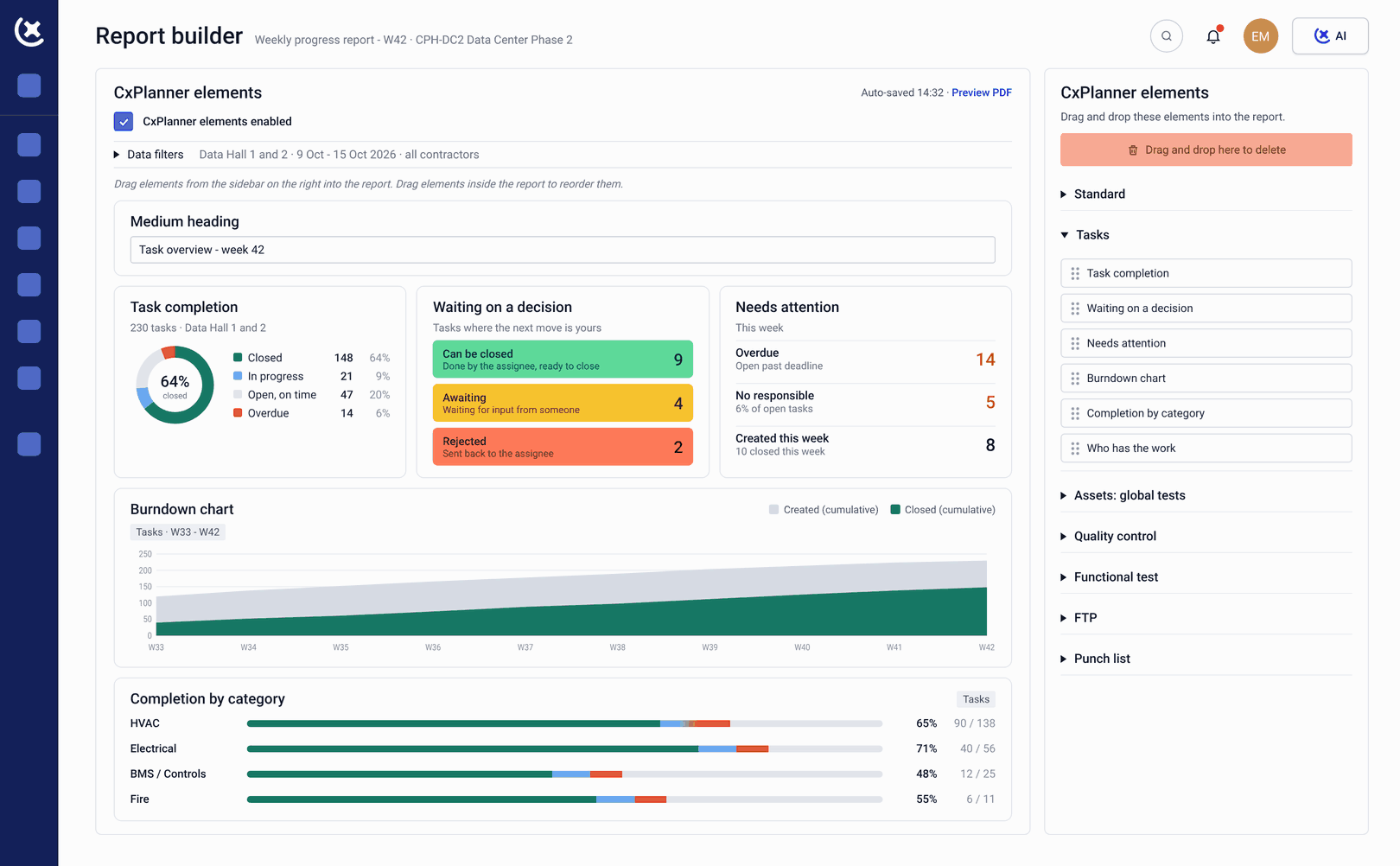
Assembling the data center turnover package by hand is where things go missing
On a live data center project, someone has to hand over every test, checklist, photo, and sign-off to the people who will run the facility. Without connected commissioning management software, building the data center turnover package means going into the platform, pulling records out by hand, and organizing them into folders the operations team can navigate.
Turnover documentation lives in separate places
Test results, checklists, deficiency history, and photos sit across the commissioning system, plus whatever local folders and email threads picked up the slack. Pulling it together into one package means someone manually finds, exports, and sorts each type of record.
Manual compilation takes days or weeks
On a large data center project, assembling the turnover package by hand involves several people and takes days or weeks - time that competes directly with closing out the last open items before handover.
Deadline pressure is exactly when files get missed
This compilation work usually happens under the same deadline pressure as the rest of project closeout. That is exactly when a signed checklist gets left out of the package, or a photo ends up attached to the wrong asset.
Every test, every sign-off, every file exported as one organized package, when you need it
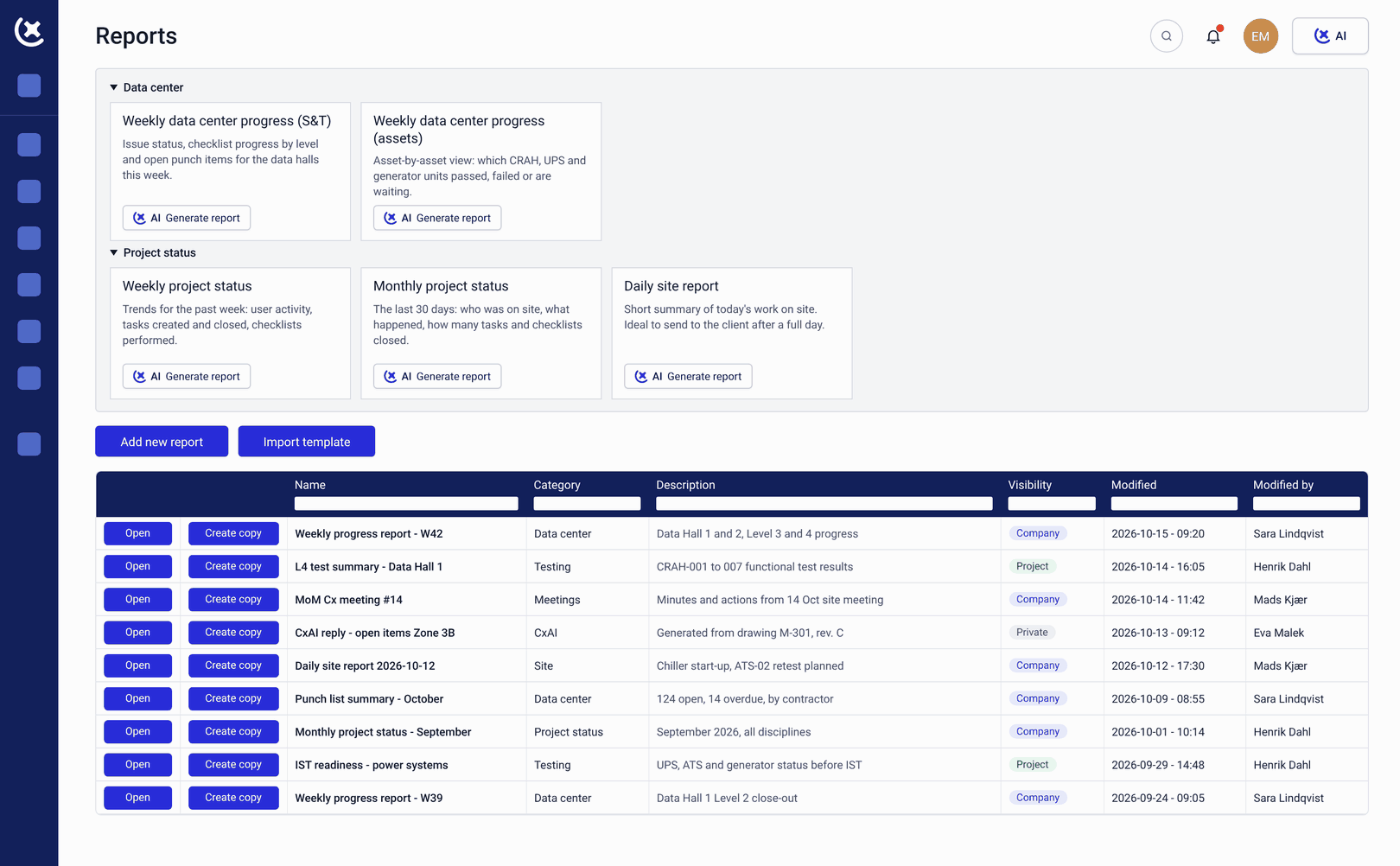
CxPlanner lets a project admin or manager export the entire data center turnover package as a single file, at any time - not only at project close. Every relevant record is included: test results, checklists, photos, deficiency history, sign-offs, and uploaded documents.
Here's how it works:
Trigger the export any time
Project admins and managers can generate a full turnover package export at any point in the project, not only at close.
Every record is pulled into one file
Test results, checklists, photos, deficiency history, sign-offs, and uploaded documents are gathered into a single file automatically.
Define the folder structure once
Before exporting, the user sets the structure the files should be organized into - by system, then by asset, then by test level, for example.
Save the structure and reuse it
The same folder structure - your turnover document template - can be applied to future exports or future projects, so it only has to be built once.
The export reflects live data
Because the underlying data already lives in CxPlanner throughout the project, the export is a live pull from the platform's records, not a static template filled in by hand.
What's included in CxPlanner's turnover package export
A complete data center turnover package export covers the full project record, organized however your team works.
Test scripts and results across all testing levels
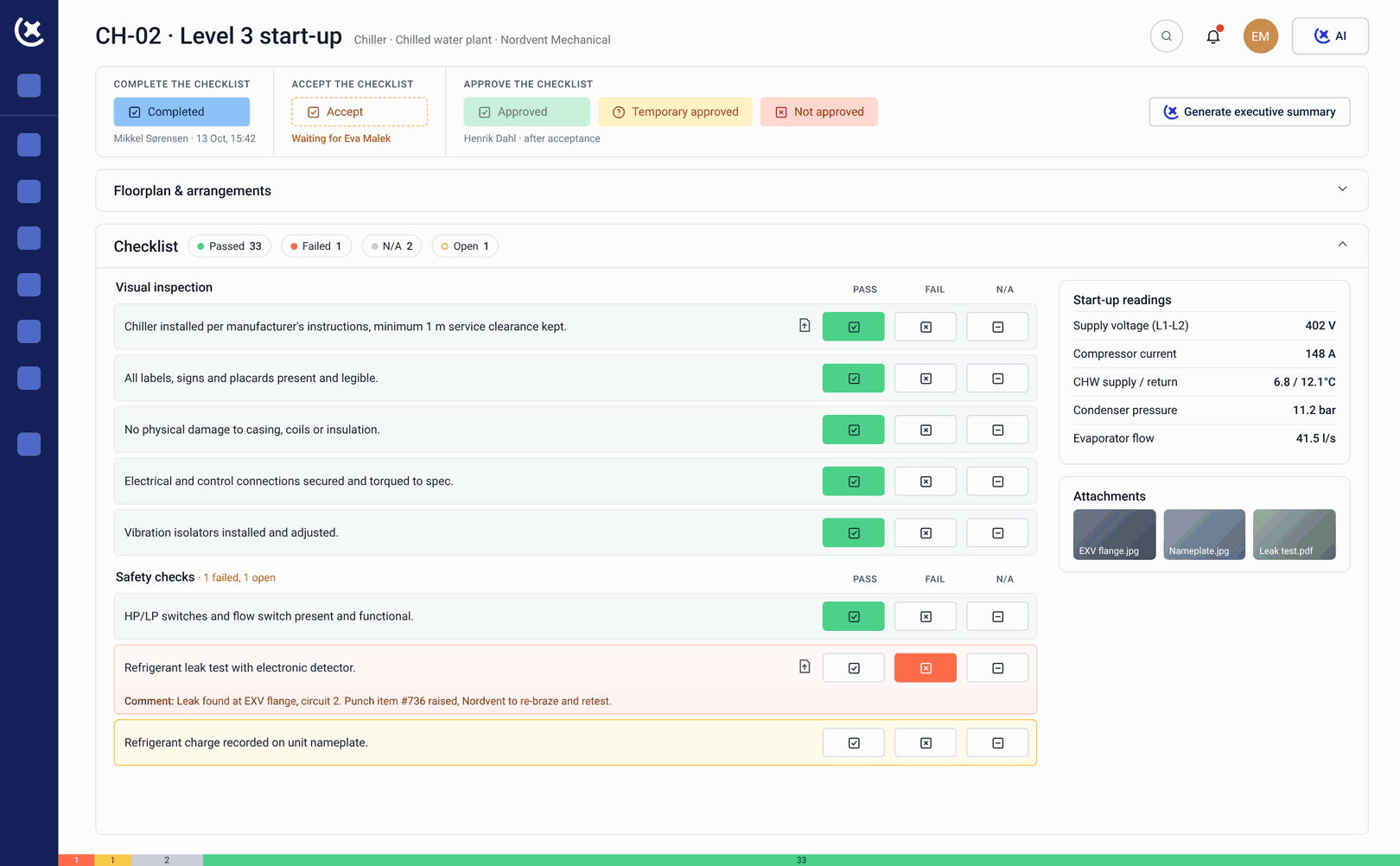
Every test result completed and verified in CxPlanner is included in the export, tied to the asset and system it covers.
Completed checklists and sign-offs
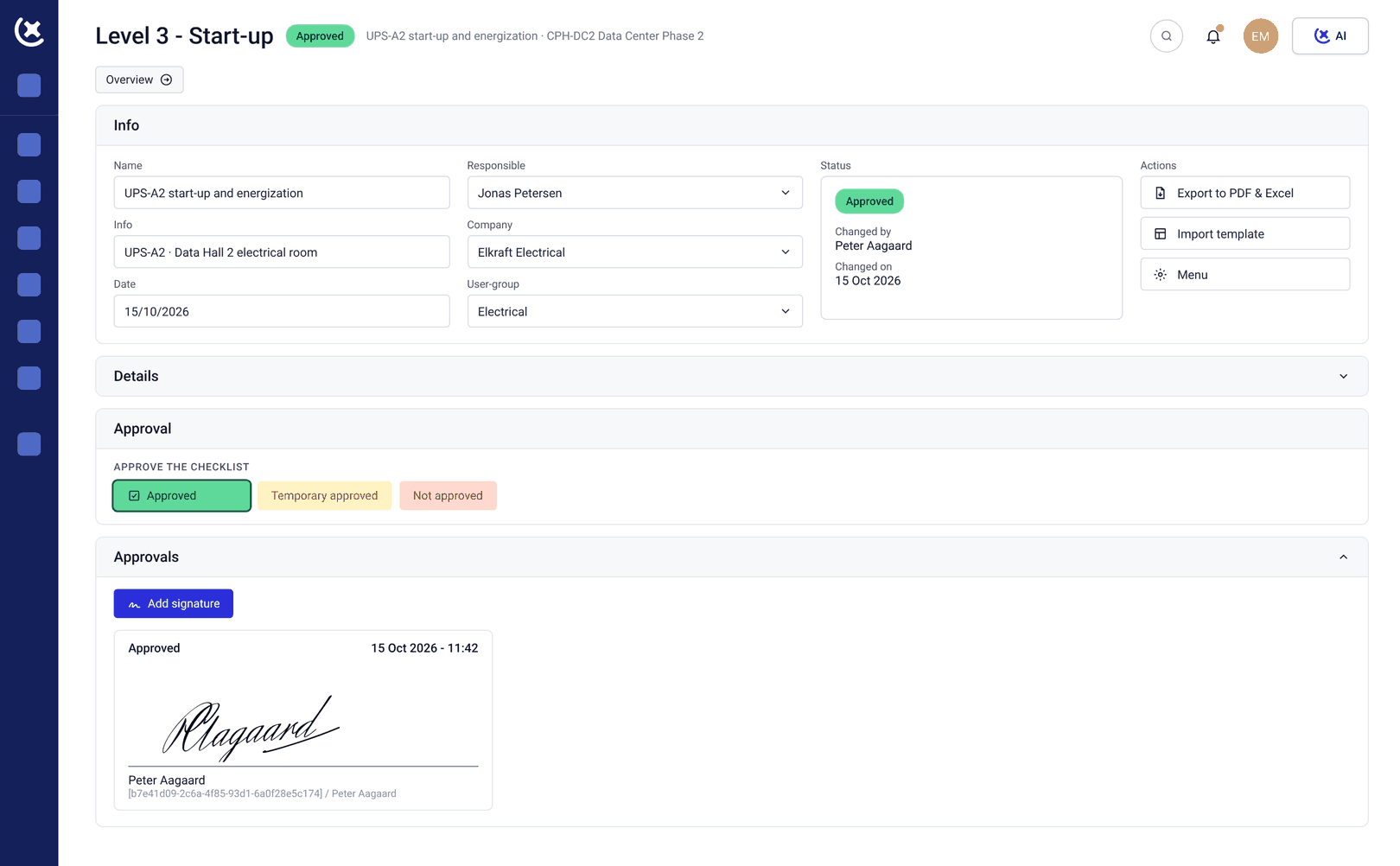
Every signed checklist is part of the package, sorted into the folder structure the export is built around.
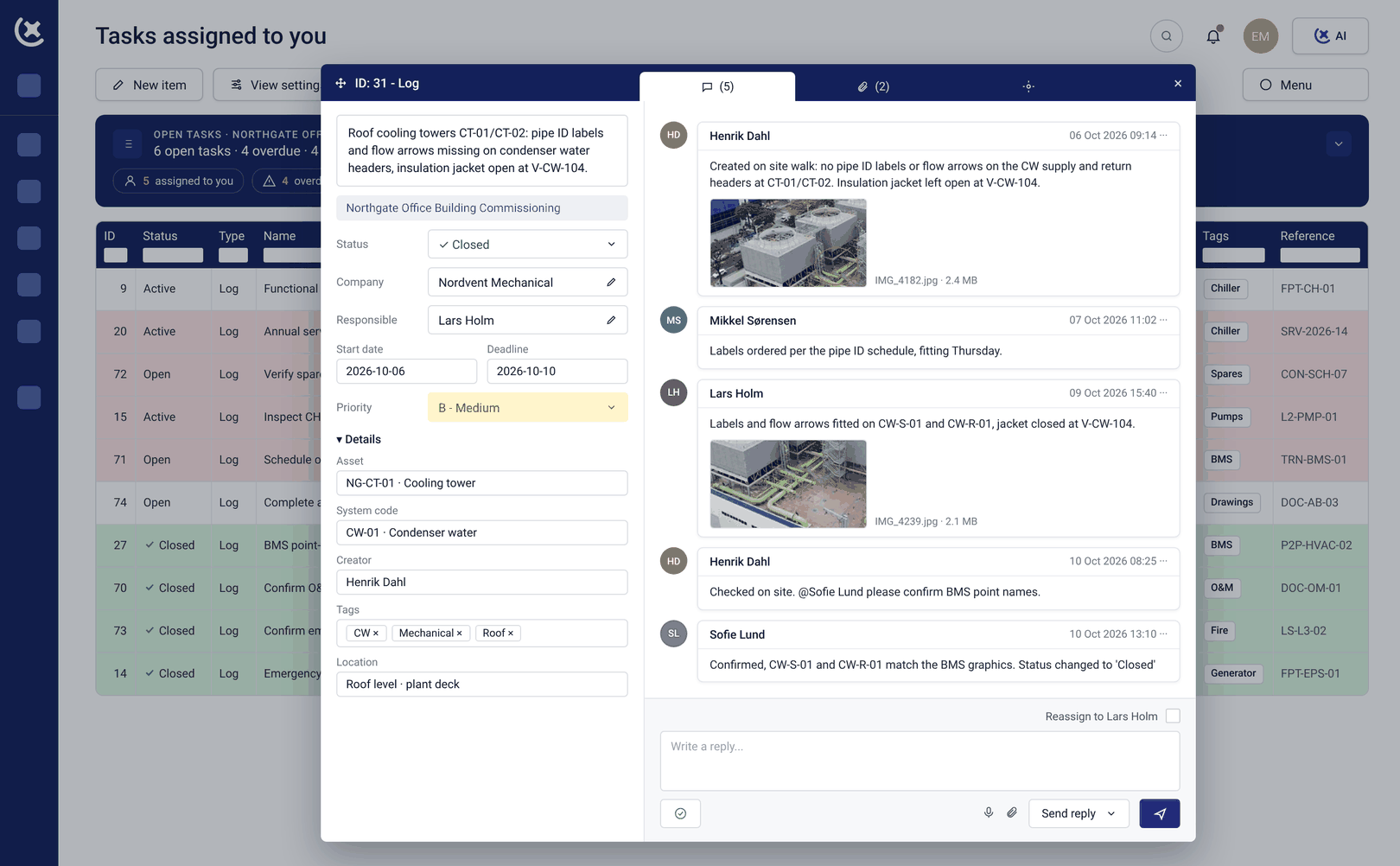
Deficiency and issue history
Every issue is included from first report to verified fix, so the operations team receives the full history, not just the closed-out result.
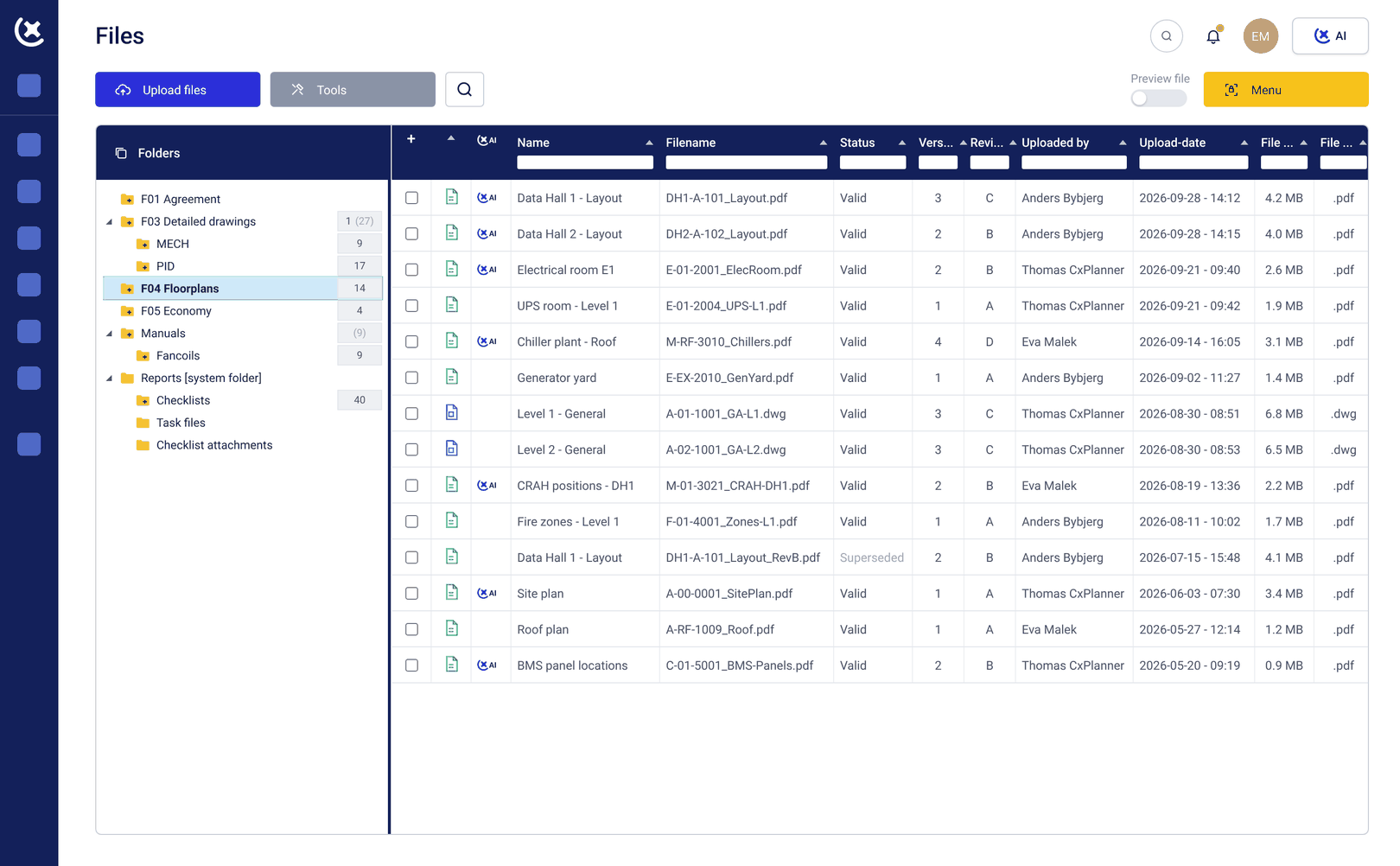
As-built documentation, warranties, and the systems manual
As-built drawings, equipment documentation, warranty information, and maintenance procedures are included, along with the systems manual - how the facility operates and is maintained as a whole, distinct from the individual operation and maintenance (O&M) manuals that cover one piece of equipment at a time.
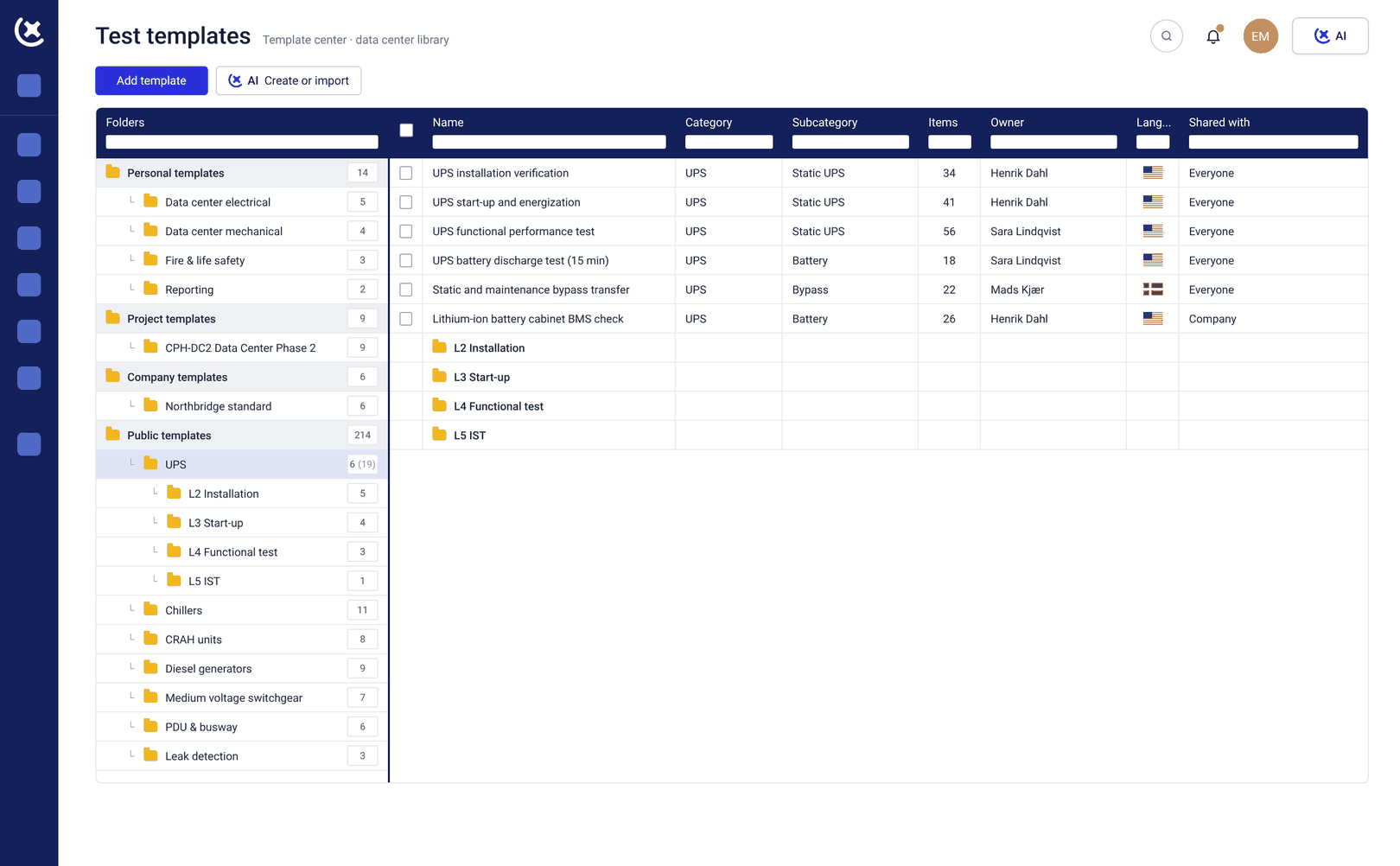
A reusable turnover document template
The folder structure you define becomes your turnover document template - build it once, save it, and reuse it on the next export or the next project.
Key benefits of exporting the turnover package directly from CxPlanner
The final weeks of the project reflect a commissioning program closing out - not a team assembling the data center turnover package by hand.
No manual sorting
The project admin or manager triggers the export and CxPlanner sorts every record into the folder structure already defined - no one spends days moving files by hand.
No missing files
Because the export pulls directly from CxPlanner's live records, nothing gets left out because it was stored somewhere else or forgotten under deadline pressure.
No last-minute scramble
The export can be generated at any point in the project, not only at close, so the Commissioning Authority or Commissioning Manager is never assembling the package for the first time in the final week.
Stop assembling your turnover package by hand
If your team is pulling test records, checklists, and photos out of separate systems in the final weeks of every data center build, book a demo or a walkthrough. We'll show you how CxPlanner exports the full data center turnover package as one organized file, any time you need it.
Book a demoRequest a walkthroughCommon questions about the data center turnover package export
What does the data center turnover package export include?
The export includes test scripts and results across all testing levels, completed checklists and sign-offs, deficiency and issue history from first report to verified fix, photos attached to assets, tests, and issues, as-built documentation, warranty information, maintenance procedures, and the systems manual.
Can we choose our own folder structure for the export?
Yes. Before exporting, you define the folder structure - for example, by system, then by asset, then by test level. CxPlanner sorts every record into that structure automatically, and the structure - your turnover document template - can be saved and reused on future exports or future projects.
Can the export be generated before the project closes?
Yes. Project admins and managers can trigger a full export at any time, not only at project close. Each export reflects the project exactly as it stands at that moment - a live pull from the platform's records, not a static template filled in by hand.
What's the difference between the systems manual and an O&M manual?
The systems manual covers how the facility operates and is maintained as a whole. Individual operation and maintenance (O&M) manuals cover one piece of equipment at a time. Both are included in the data center turnover package export.