Procore integration with CxPlanner - commissioning data in the GC's own system
The GC lives in Procore. The Cx team lives in CxPlanner. On most data center builds, these are two teams running in parallel with no live connection between the records they are both updating.
CxPlanner's Procore integration connects the two: deficiencies raised in CxPlanner sync to Procore as punch list items, and updates the GC makes in Procore flow back to CxPlanner immediately.
Book a demo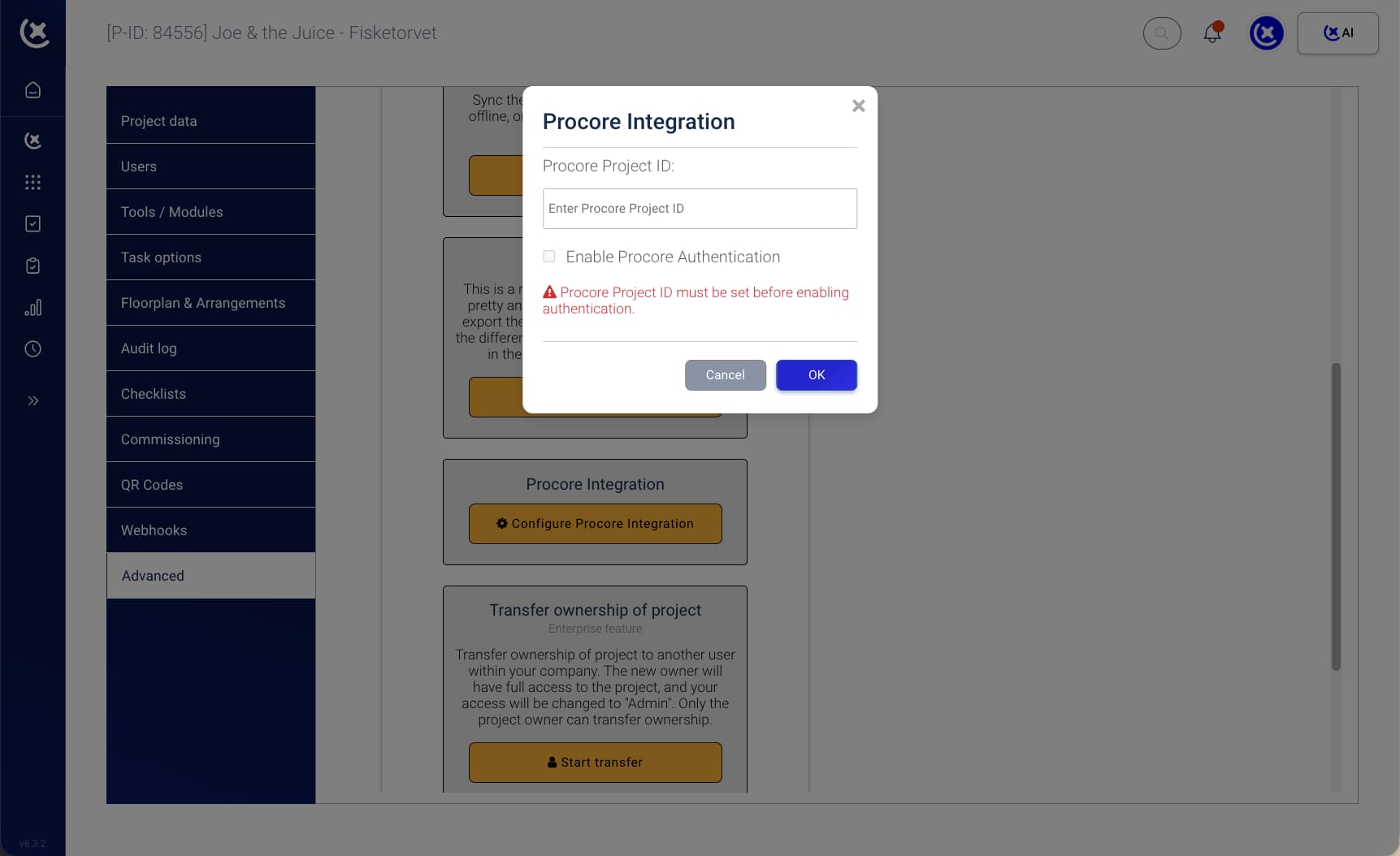
Two teams updating the same items in two systems, with no connection between them
The GC's Procore punch list and the Cx team's IRL are substantively the same items. They are entered, updated, and tracked in two separate tools by two separate teams.
Cx deficiencies never reach the GC's system automatically.
When the Cx team raises a deficiency in CxPlanner, the GC only knows about it if someone tells them or gives them direct access. The Procore punch list stays out of sync until a manual update is made - which happens inconsistently, and always too late.
Procore updates don't reach CxPlanner.
When the GC closes a punch item in Procore, the Cx team's record in CxPlanner is unaffected until someone manually updates it. Before every gate review, someone reconciles the two systems. That reconciliation produces version control failures and accountability gaps.
Phase-gate handover requires both systems to align, and alignment is always manual.
On a hyperscale build, the GC's punch list and the Cx team's IRL can each hold hundreds of concurrent open items across dozens of trade scopes. Before the Owner accepts a phase, both systems must reflect the same state. Without the Procore integration>, alignment is a recurring manual task that fails under time pressure.
Procore integration that syncs both systems in real time, giving teams one source of truth
CxPlanner's Procore integration connects the Cx team's deficiency log to the GC's punch list without requiring either team to change how they work. Tasks and issues created in CxPlanner appear in Procore automatically. Updates made in Procore flow back to CxPlanner in real time.
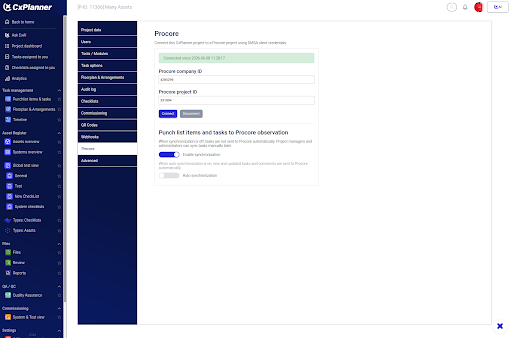
Here's how it works:
Cx team raises a deficiency in CxPlanner
It appears automatically in Procore as a punch list item in the GC's workflow. No separate entry required.
GC updates or closes the item in Procore
The CxPlanner record updates immediately. The Cx team sees the change without logging into Procore.
Both teams work in their own system
The GC's Procore workflow is unchanged. The Cx team's CxPlanner workflow is unchanged.
Phase-gate handover aligns automatically
Before each phase sign-off, both systems reflect the same record. No pre-meeting reconciliation required.
CxAI flags discrepancies
If items are resolved in one system but still open in the other, CxAI surfaces the gap before it becomes a gate blocker.
The capabilities that support each step of the Procore integration workflow are below.
What a two-way-sync covers in your everyday commissioning
Two systems, one live record - across every deficiency and punch list item on the build.
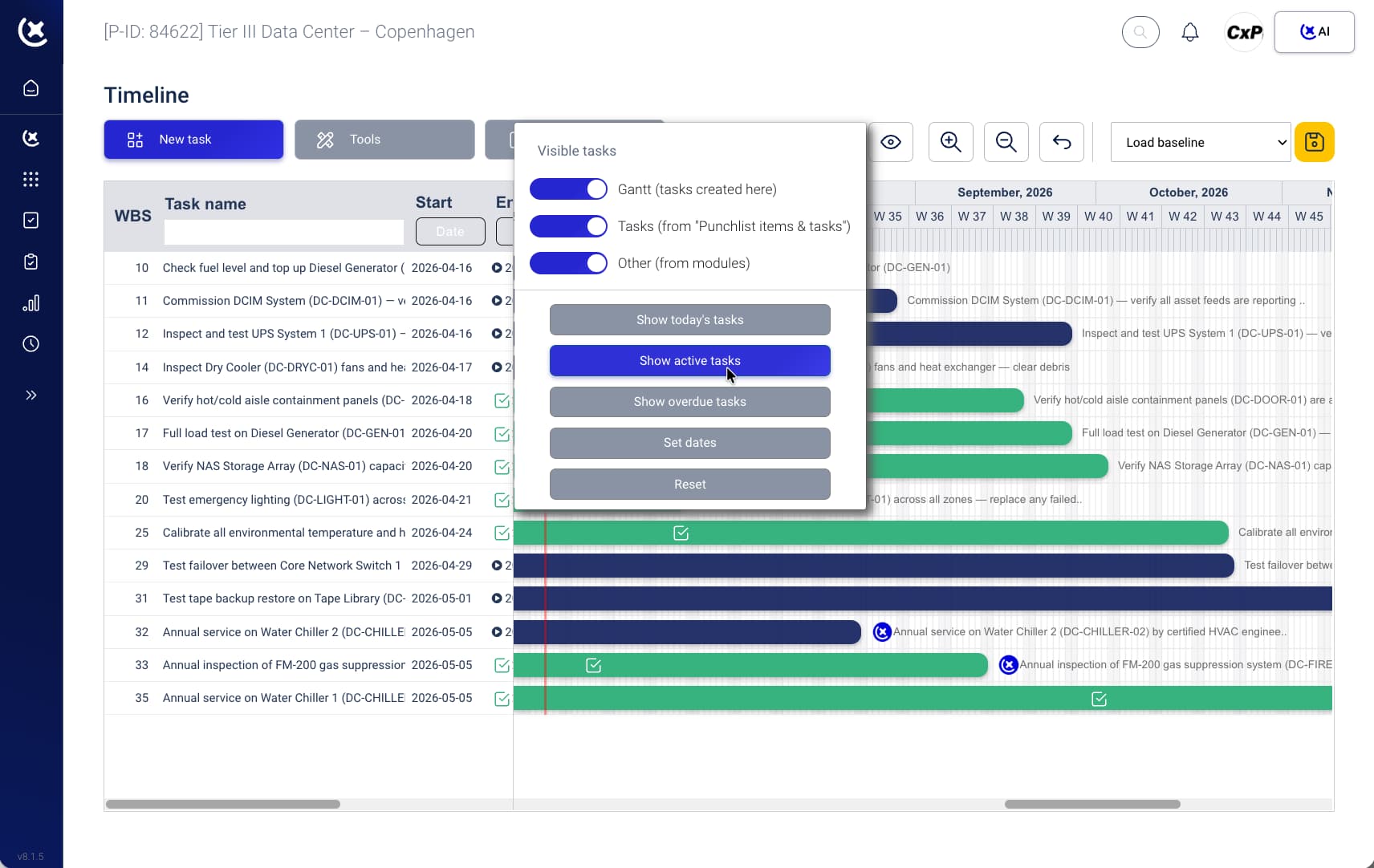
Bidirectional deficiency and punch list sync
Deficiencies raised in CxPlanner sync to Procore as punch list items the moment they are logged. Items closed in Procore update CxPlanner automatically. The sync runs in real time, not on a scheduled cycle.
Trade scope filtering and GC visibility
The GC sees commissioning-raised items filtered to their Procore workflow without accessing CxPlanner. Each trade scope is visible separately or as a full program view - matching how the GC already works.
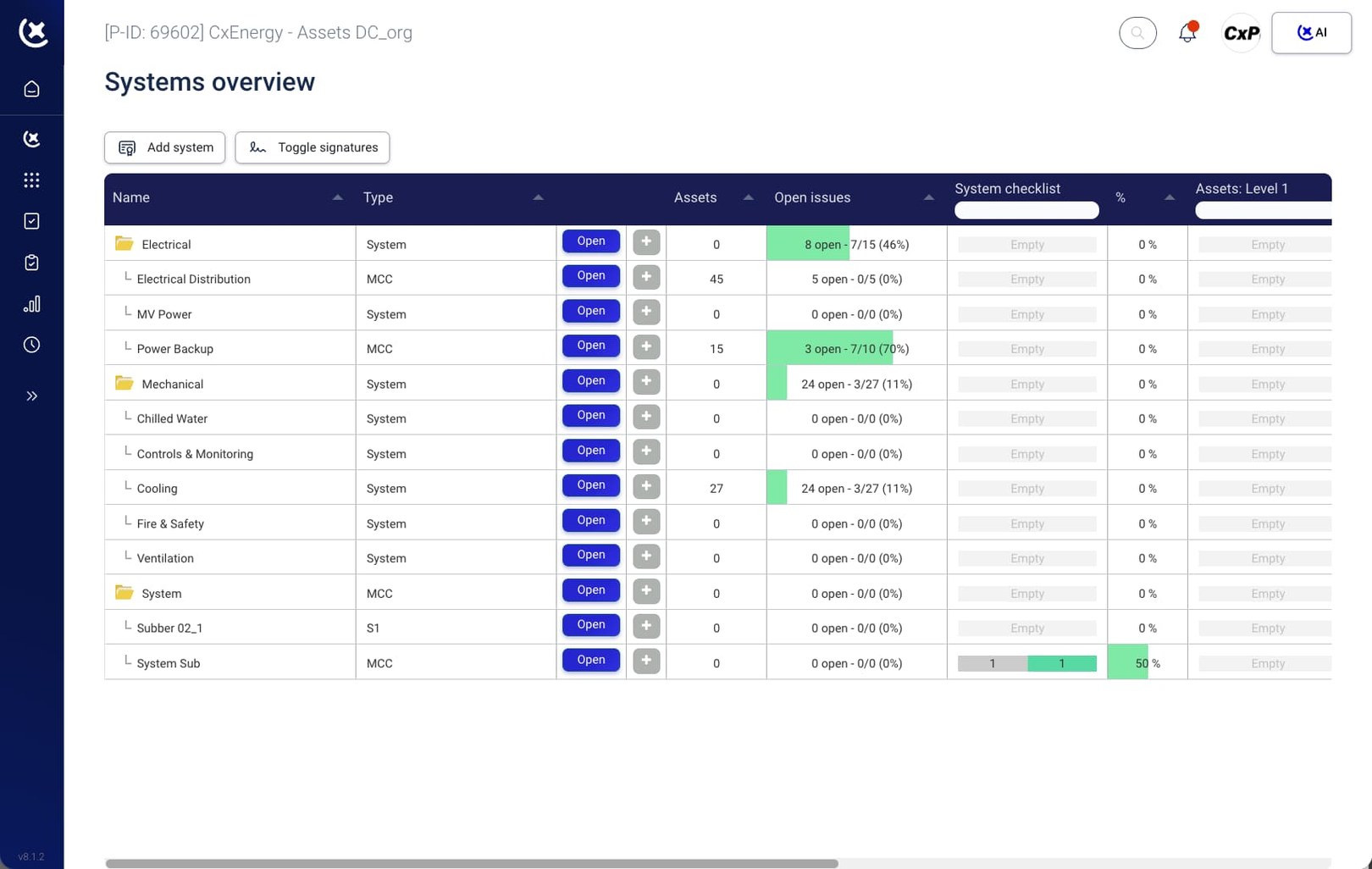
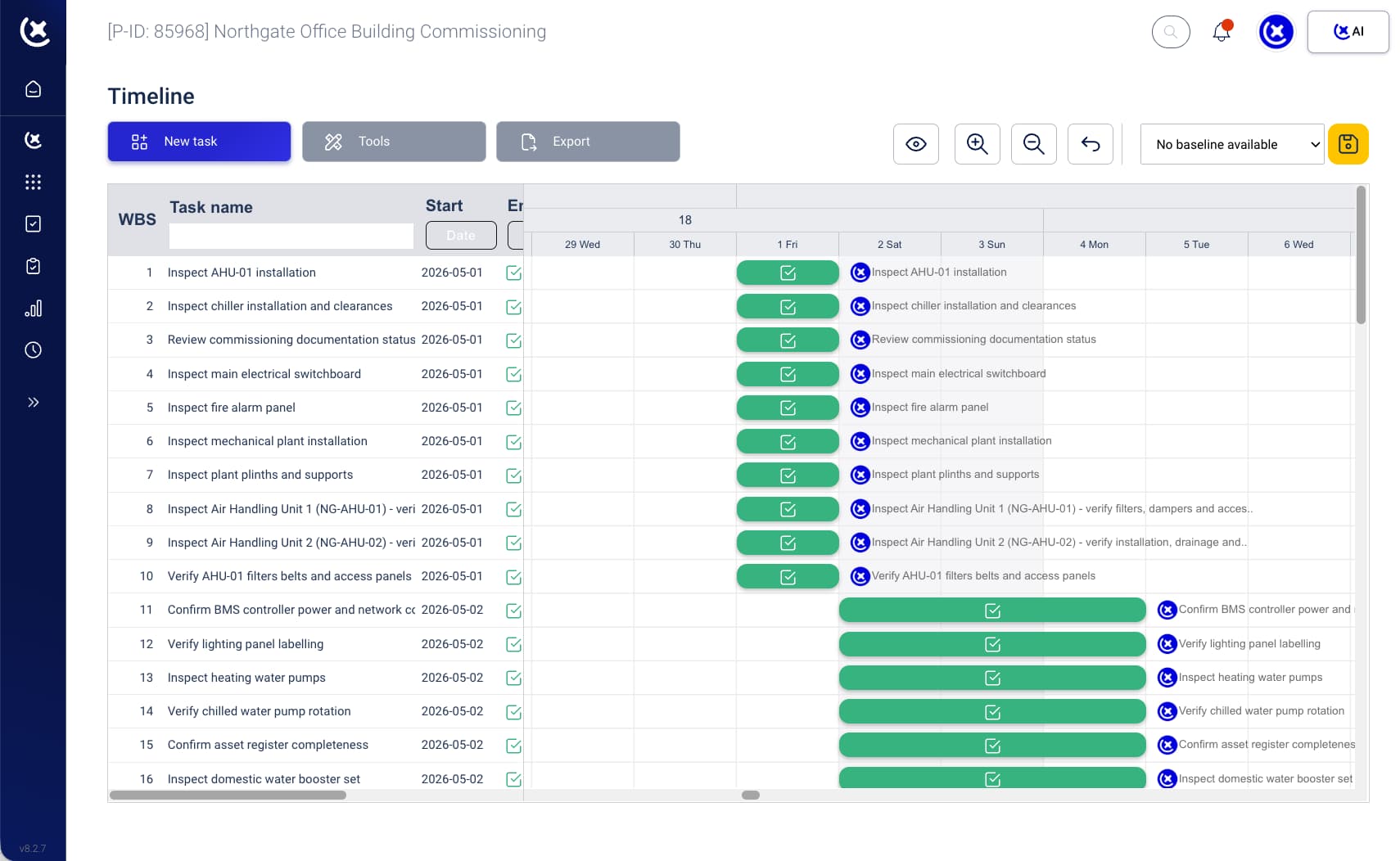
Phase gate alignment
Outstanding items are aligned across both systems before each phase handover. The Owner accepts a phase when both systems agree it is closed, not when one of them does.
Procore document management integration
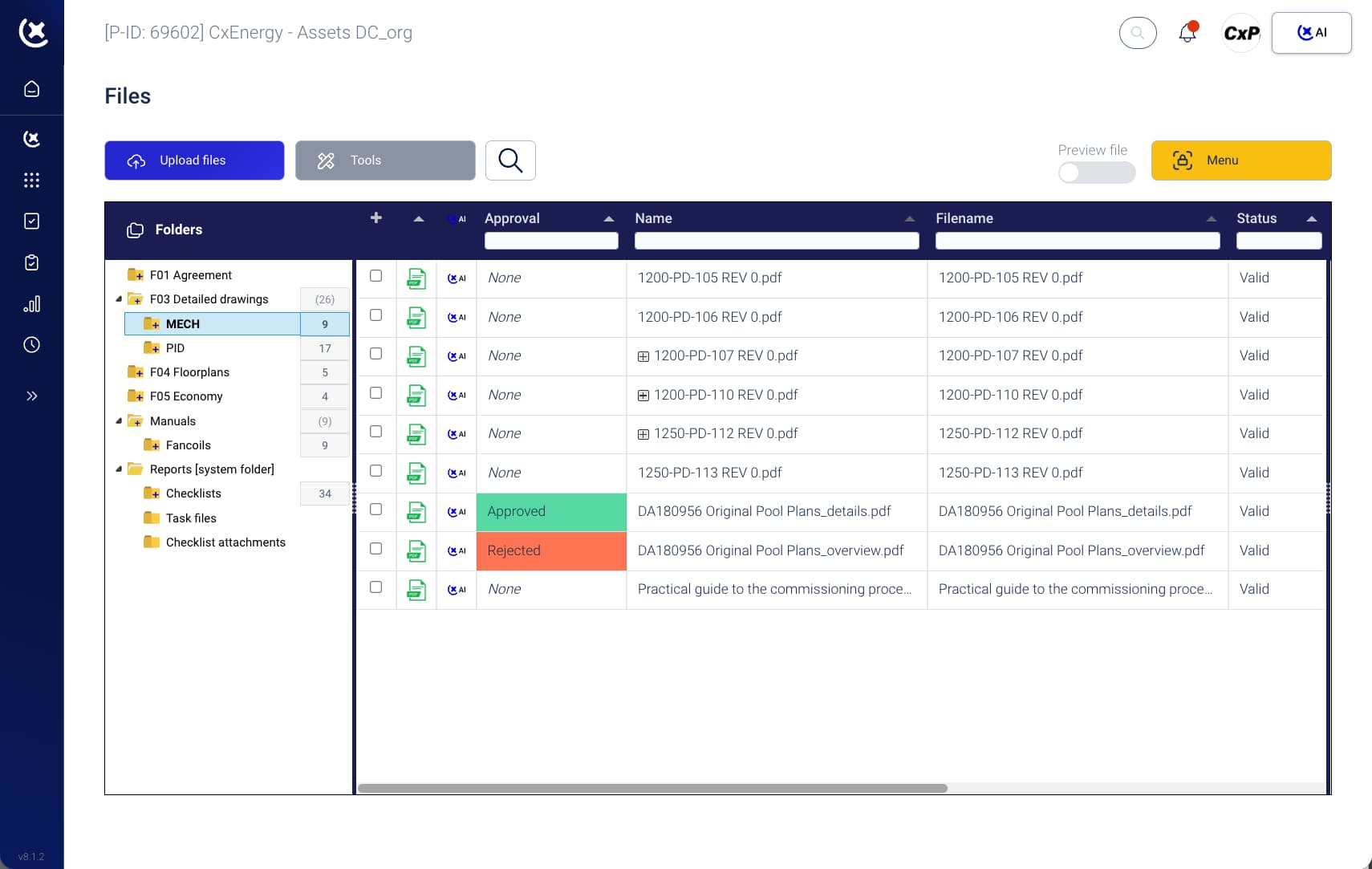
Documents attached in CxPlanner - test records, check-sheets, photos - are accessible via the Procore record without duplication or manual transfer.
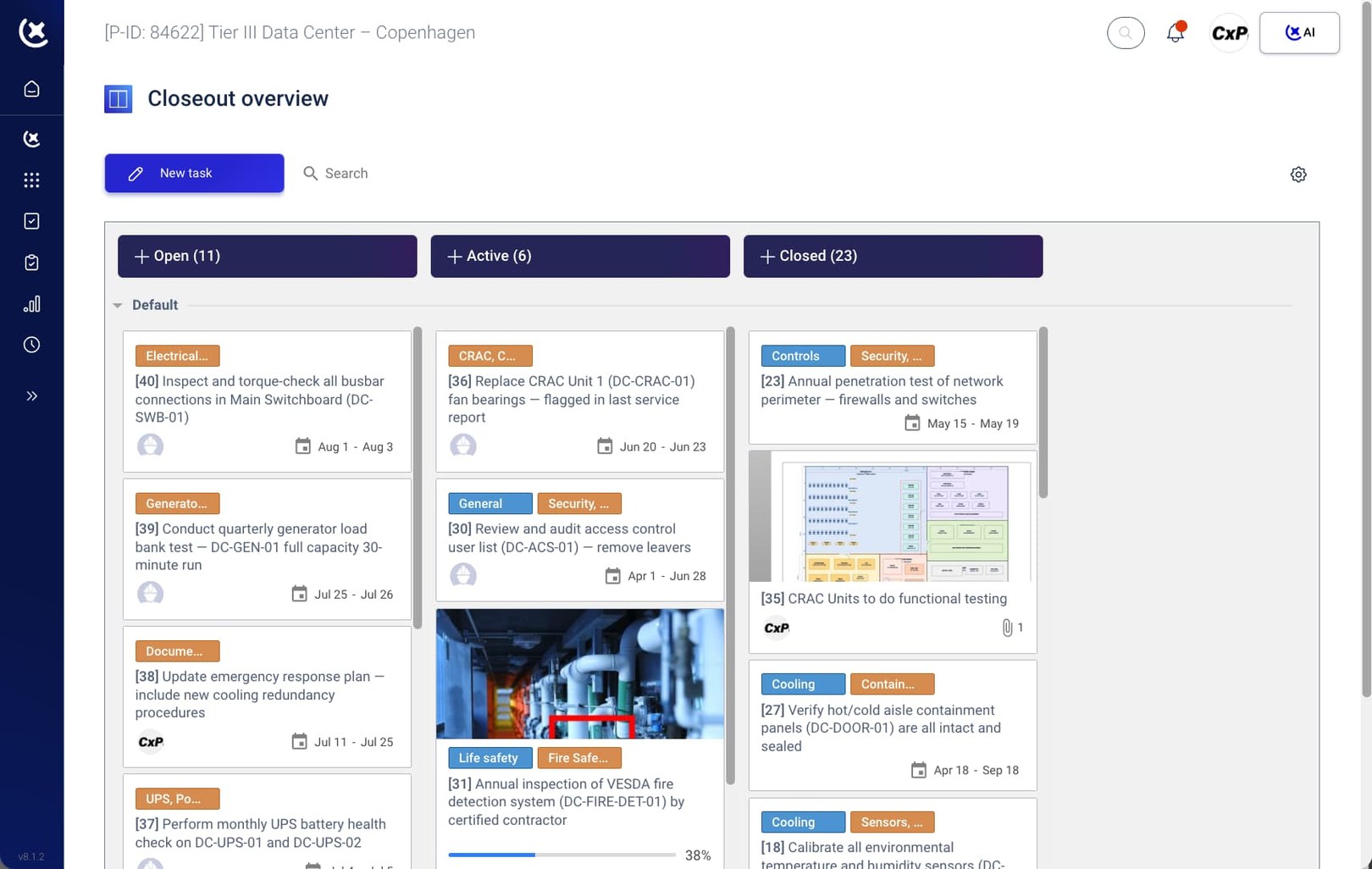
Automatic audit trail
Every change to every synced item is recorded in both systems. The full history is available at handover, no manual compilation required.
Key benefits from a live Procore integration on data center builds
With a Procore integration the reconciliation overhead disappears. Both teams work in their own system, and the record is always consistent.
The GC sees commissioning status without accessing CxPlanner.
Deficiencies raised by the Cx team appear in the GC's Procore workflow the moment they are logged. No separate access request, no weekly status report to request.
The Cx team stops chasing the GC for Procore updates.
When the GC resolves a punch item, CxPlanner reflects it immediately. Status is always current on both sides, without anyone making a manual update.
Phase handover alignment is automatic.
Before the Owner accepts a phase, both systems show the same state. The pre-gate reconciliation step, and the version control failures it produces, is no longer necessary.
Connect CxPlanner to Procore on your next data center build
If your team is reconciling CxPlanner and Procore before every gate review, that overhead is already in your program. Book a demo or a walkthrough - we will show you how the Procore integration works on a live project.
Book a demoRequest a walkthroughCommon questions about CxPlanner's Procore integration
How does CxPlanner's Procore integration work?
CxPlanner and Procore connect via a bidirectional sync. Deficiencies raised in CxPlanner appear in Procore as punch list items the moment they are logged. Updates made in Procore flow back to CxPlanner immediately, no manual step, no scheduled cycle.
Can the GC manage their Procore workflow without changing anything?
Yes. The GC continues to work in Procore exactly as they do today. Commissioning-raised items appear in their existing workflow without requiring a separate CxPlanner login or a change to how they manage punch lists.
Does the integration handle all deficiency types, including failed test records?
Yes. All deficiencies and issues from CxPlanner - including test failures, outstanding check-sheets, and punch items - sync to Procore. The Procore document management integration ensures associated documentation (photos, test records, check-sheets) is accessible via the Procore record.
Does the Procore integration support phased handover on hyperscale builds?
Yes. On hyperscale builds where data halls are handed over phase by phase, the Procore integration tracks commissioning items by phase and location. Before each phase acceptance, both systems reflect the same record, so the Owner's acceptance process is not held up by a reconciliation gap.