Management software for vendors and service providers in data center commissioning
You supply the equipment or the specialist service. The commissioning team needs the documentation to match what they require - in the right format, at the right stage, with no missing fields.
CxPlanner is management software for vendors and service providers in data center projects that provides a clear interface into the commissioning program, so deliverables land correctly the first time and the rejection cycle stops.

The first rejection tends to be the first clear signal of what was actually required
The documentation requirement is non-negotiable. The process for meeting it is often unclear until something gets rejected.
Book a demoDocumentation requirements arrive late or not at all.
The commissioning team's documentation standard is clear to them. It is not always communicated to the vendor in time to affect how the deliverable is prepared. The first rejection is the first clear signal, and it comes after the work is already done.
Submission status is invisible without chasing.
After submitting a check-sheet or a test record, the vendor does not know whether it has been received, reviewed, or rejected until someone gets in touch.
Every project means a different format.
Different commissioning teams require different formats. Vendors delivering across multiple data center projects spend time adapting documentation to each Cx team's requirements, rather than working to a consistent process.
One system with a pre-set format. Visible status the moment something changes.
CxPlanner is commissioning software the Cx team uses to manage the full program, and the platform vendors work in directly to submit their deliverables.
The documentation format is set by the Cx team in the platform. Vendors complete and submit directly, to the required standard, without a separate translation step.
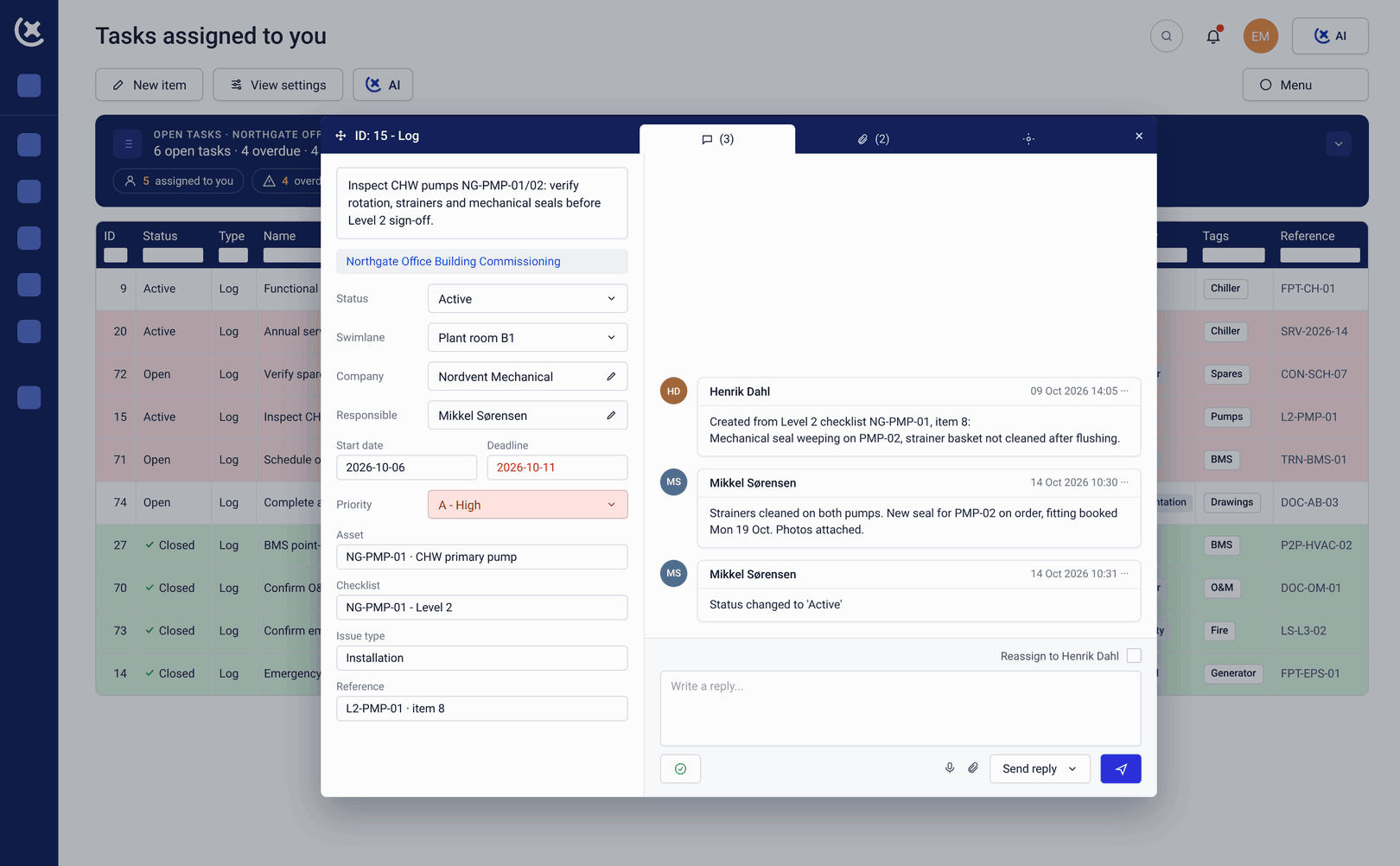
Submission status is visible at all times, and when a submission is rejected, the comments explain exactly what needs to change before resubmission.
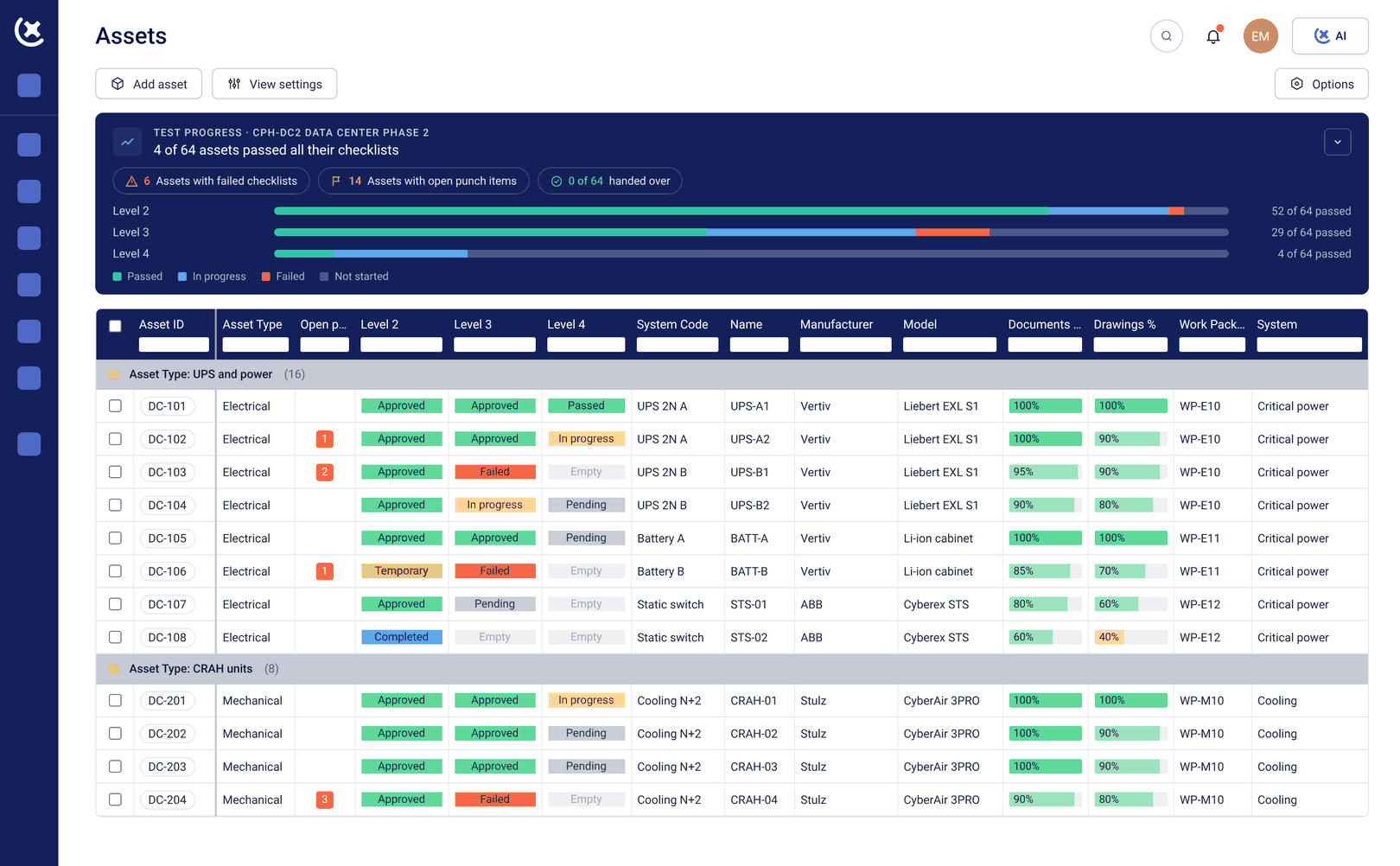
What the management software for vendors and service providers covers
A clear interface into the commissioning program, from FAT documentation through to closeout.
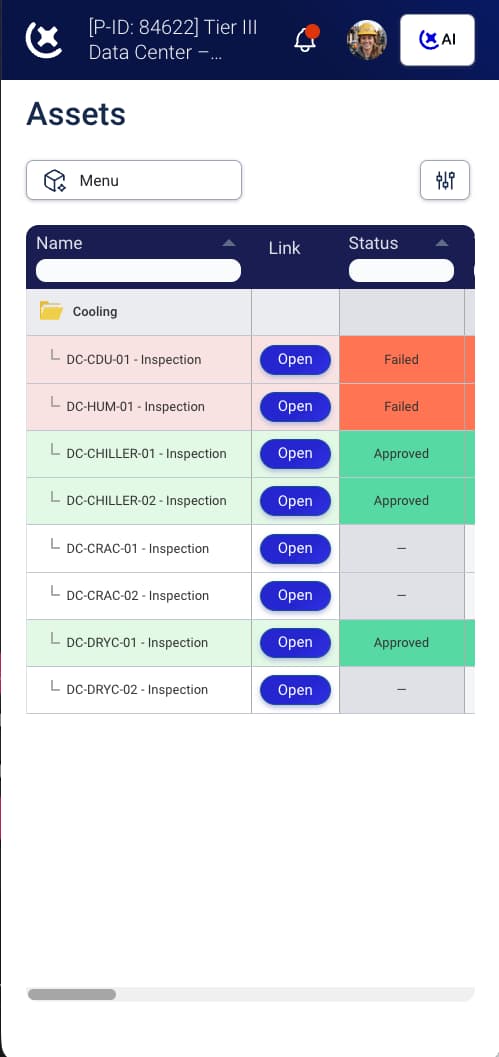
Direct submission into the commissioning program
Vendors submit documentation directly in CxPlanner, to the format and standard the Cx team requires. The vendor management software interface is accessible on mobile, tablet, or desktop without specialist training.
Live submission status
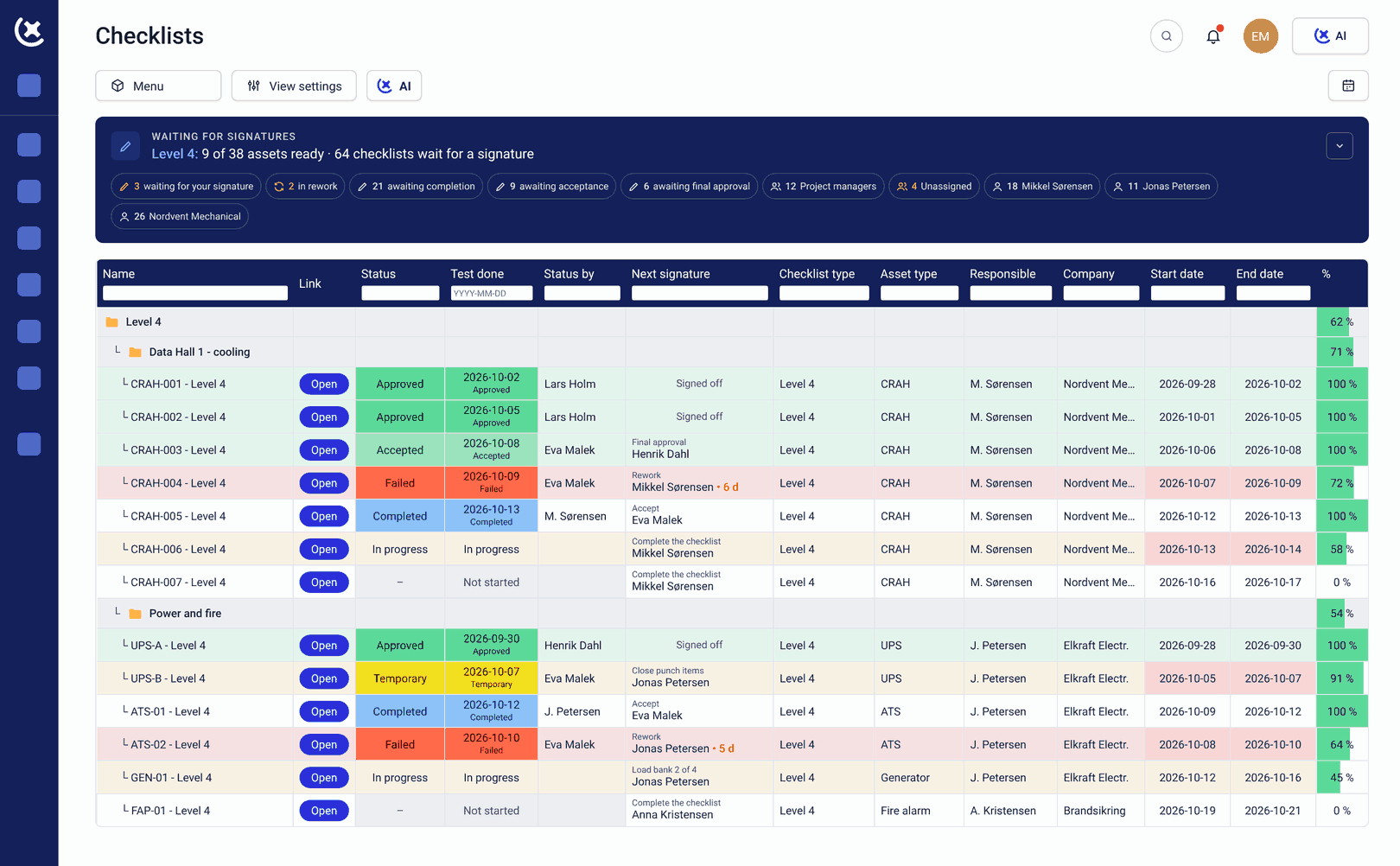
Every deliverable has a visible status at all times: submitted, under review, approved, or rejected with comments. The vendor does not need to follow up by email to find out where their submission stands.
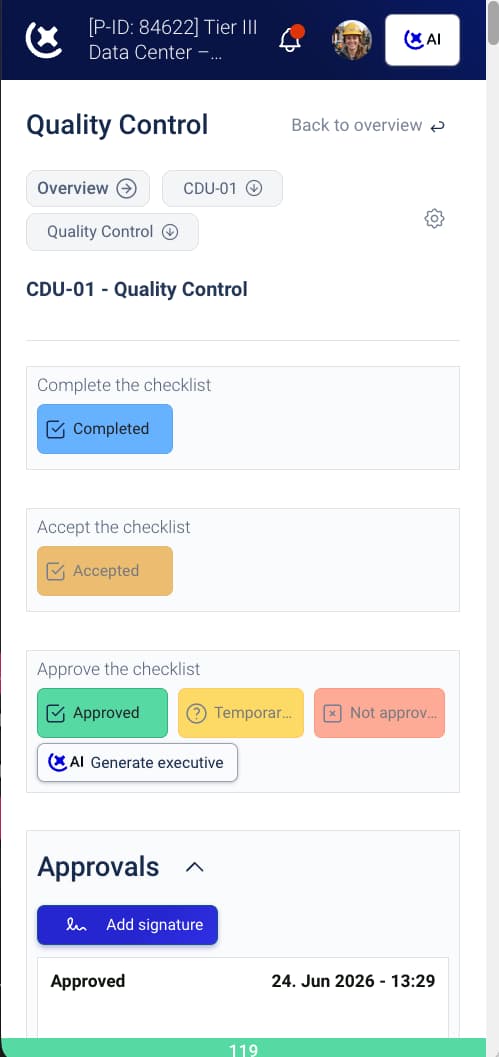
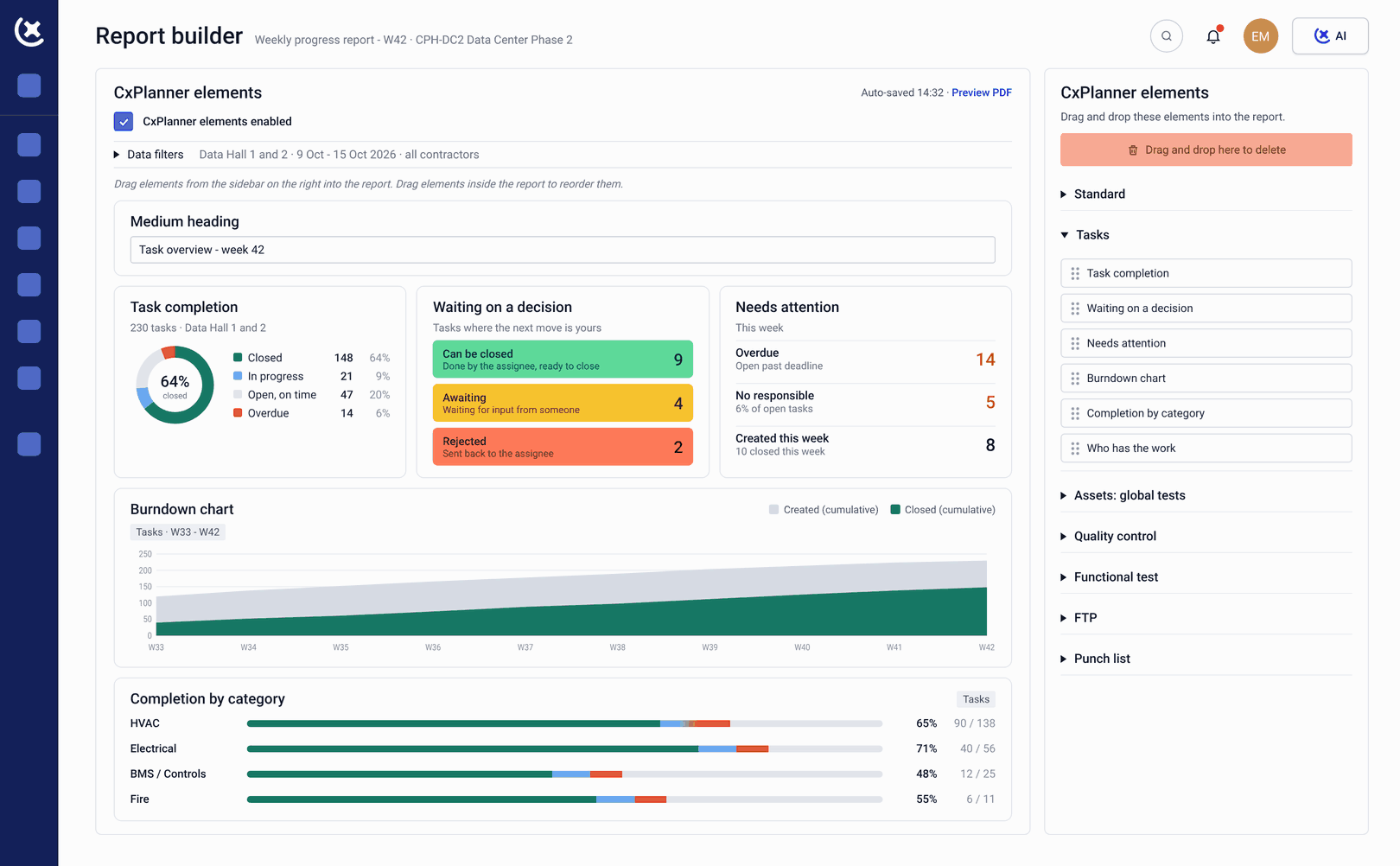
L1 FAT documentation support
Factory Acceptance Testing documentation submitted and tracked through CxPlanner from the point of manufacture. L1 records sit in the same system as L2 through L5, with no separate handoff when the equipment arrives on site.
Rejection with specific comments
When a submission does not meet the documentation standard, it comes back with comments that explain precisely what needs to change. The vendor fixes the right thing and resubmits, without a separate conversation.
Asset and equipment data directly into the register
Vendors can provide asset data - manufacturer, model, serial number, specifications - directly into CxPlanner's asset register. CxAI can also extract this data from uploaded equipment lists and specifications.
What changes for vendors when the documentation process is clear from the start
Less time on documentation back-and-forth, and more certainty about what is required and where every deliverable stands.
First-submission acceptance rates go up.
When the documentation format is clear before the vendor starts preparing the deliverable, the rejection and resubmission cycle that adds days to L2 and L3 gets shorter on both sides.
You always know where a deliverable stands.
The vendor management software view shows every deliverable at a glance. The vendor knows where everything stands without following up by email.
The same process across every project.
Vendors working across multiple data center projects with Cx teams using CxPlanner submit through the same interface every time. The process stays consistent, even when the project, the Cx team, and the requirements vary.
Skip the back-and-forth when submitting your deliverables
If your team is spending time reformatting documentation and following up on submission status for every data center project, book a walkthrough. We will show you how CxPlanner works for vendors delivering into a live commissioning program.
Request a walkthroughCommon questions from vendors and service providers about CxPlanner
Do we need to be invited into CxPlanner by the commissioning team?
Yes. The Cx team controls access to the project in CxPlanner. When you are added to the project, you receive access to the deliverables assigned to your scope, no more and no less.
Can we submit L1 FAT documentation through CxPlanner?
Yes. L1 Factory Acceptance Testing documentation is submitted and tracked through CxPlanner from the point of manufacture. The record sits in the same system as L2 through L5, with no separate handoff to the commissioning team at site arrival.
What happens when our submission is rejected?
Rejected submissions come back with specific comments explaining what needs to change. The vendor fixes the right thing and resubmits, without a phone call or email to find out what the Cx team requires.
Can CxPlanner work with the asset and equipment data we already have?
Yes. Asset data - manufacturer, model, serial number, specifications - can be submitted directly into CxPlanner's asset register. CxAI can also extract this data from uploaded equipment lists and specifications, reducing manual entry on both sides.