For the data center consultant running the commissioning program
You are brought in to run the commissioning program on someone else's project, to a standard the owner requires, with subcontractors you may not have worked with before.
As a data center consultant, you need a platform that starts from the Level testing model, not from a blank spreadsheet, and that gives you the structure to run the program without rebuilding it from scratch every time.

A new client, a new data center, and the same program rebuilt from zero
The commissioning work itself is familiar. The overhead around it is not.
Book a demoYou rebuild the program structure from scratch every time.
A new client, a new data center, a new set of subcontractors, and a blank commissioning program. Templates from the last project live in a folder somewhere. Getting them into the new project takes longer than it should.
Subcontractor documentation arrives in whatever format they prefer.
As a commissioning consultant, you set the documentation standard. Getting electrical and mechanical subcontractors to meet it - on time, in the right format, with no missing fields - is a significant part of every L2 and L3 cycle.
Reporting to the owner takes time away from the program.
Compiling weekly status reports, chasing subcontractors for updates, and presenting a coherent picture to the owner are all necessary, but none of them are commissioning.
Your program, your standard, your templates - connected in one shared platform
CxPlanner gives the data center consultant a structured platform built around the Level testing model. The program starts from L1-L5, not from a blank spreadsheet.
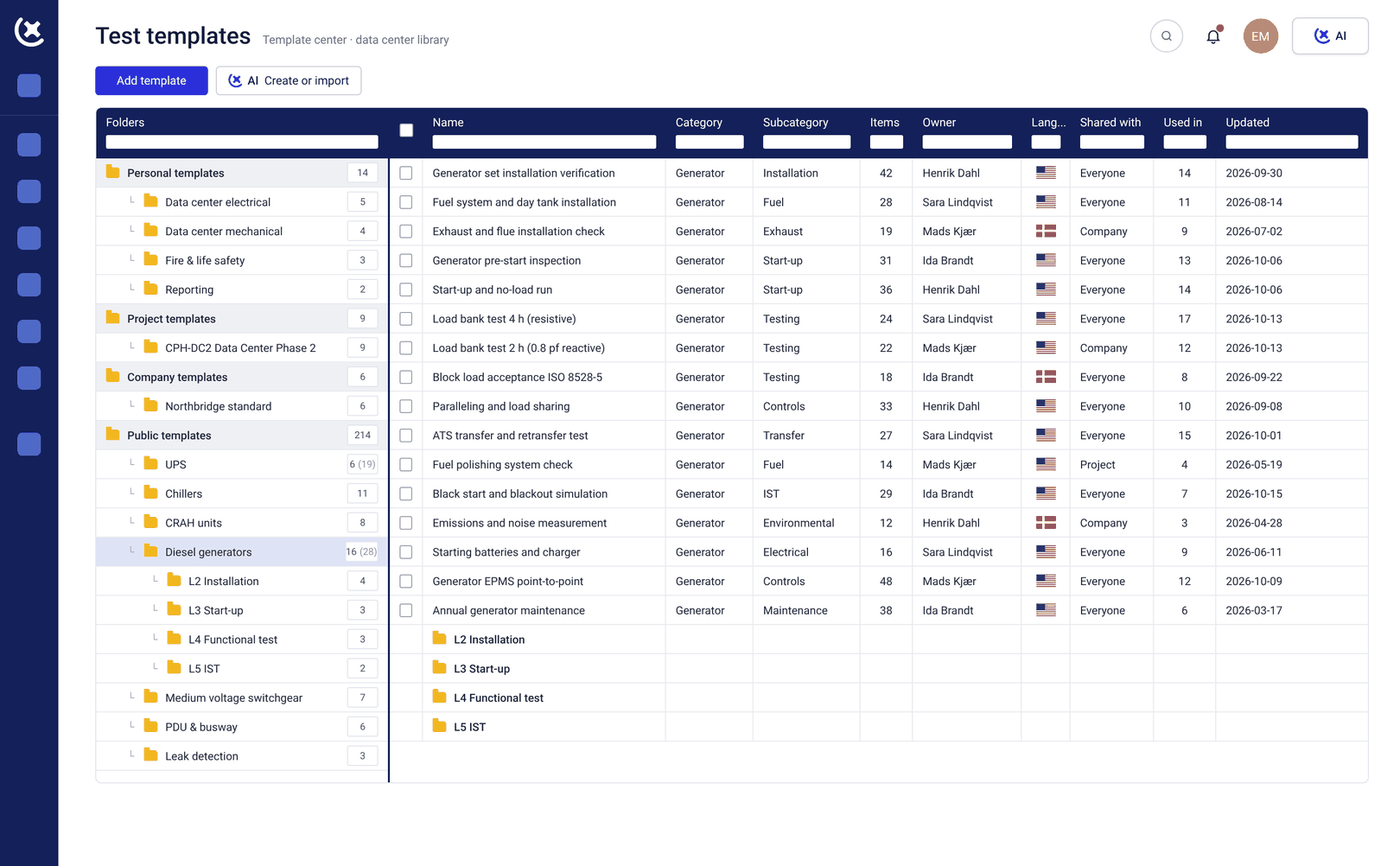
Templates from previous projects are available in the Template Center and ready to assign from the moment a new project opens. Subcontractors work directly in CxPlanner, to the documentation standard you set.
Submissions that do not meet the standard are rejected with comments, with no manual reformatting on your end.
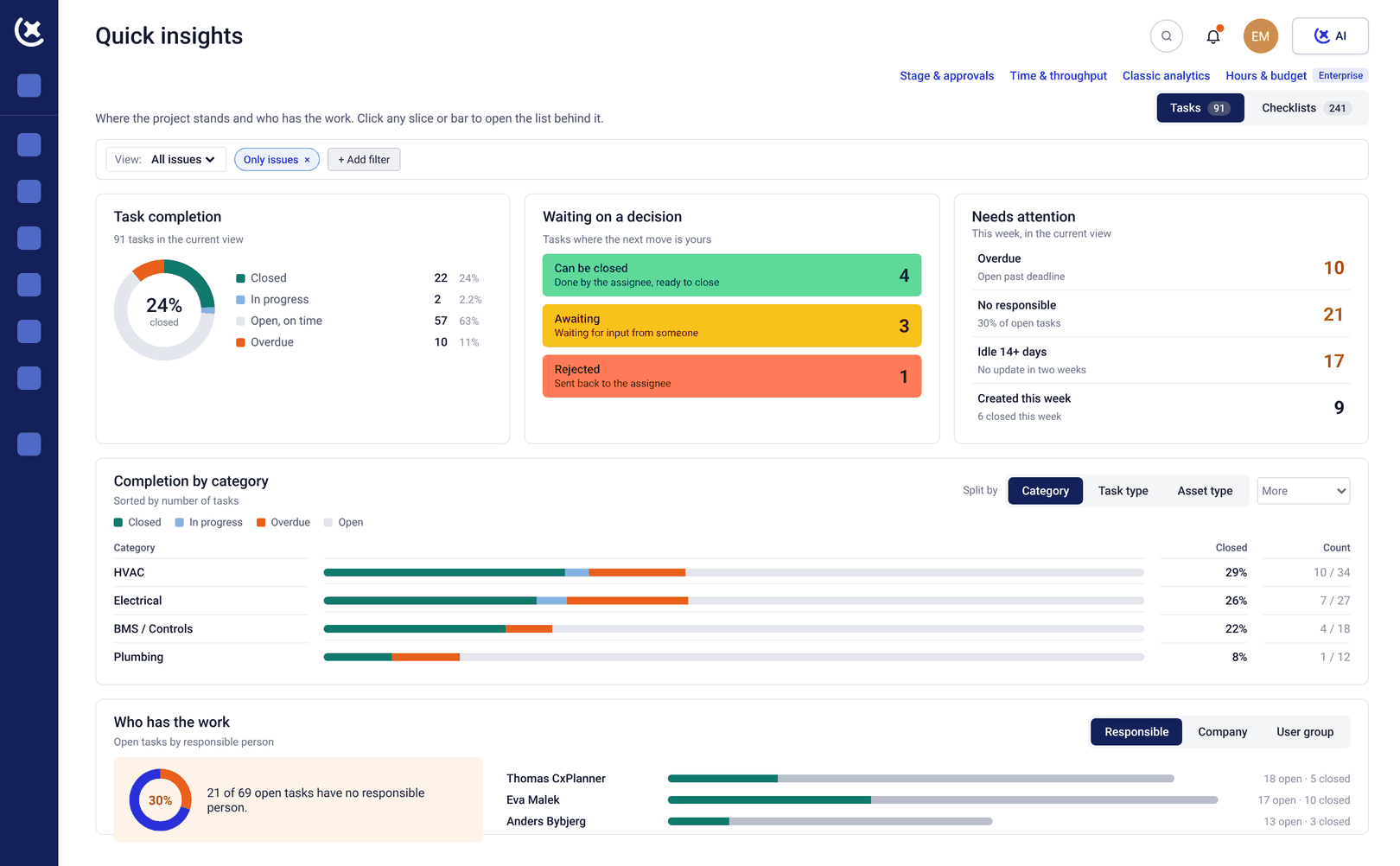
The owner gets direct dashboard access, so the weekly reporting conversation starts from live data rather than a document you compiled the night before.
What CxPlanner covers for the commissioning consultant on a data center project
From program setup to handover, in one platform built for the Level testing model.
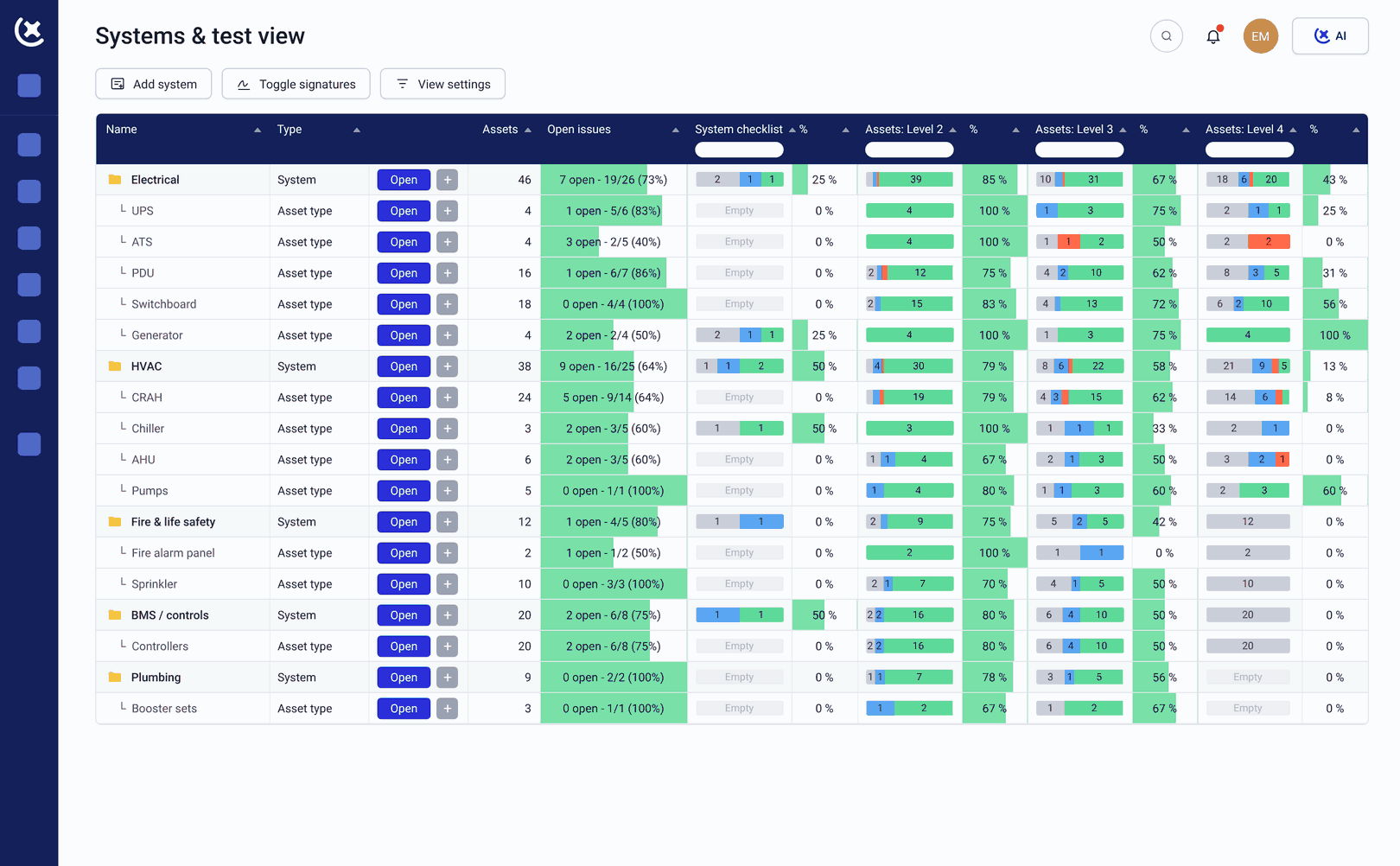
Program structure built on L1-L5 from day one
Assets, check-sheets, and test results are linked to their level from the start. Gate enforcement is built in - L4 cannot begin until L3 is signed off, without a separate tracking step.
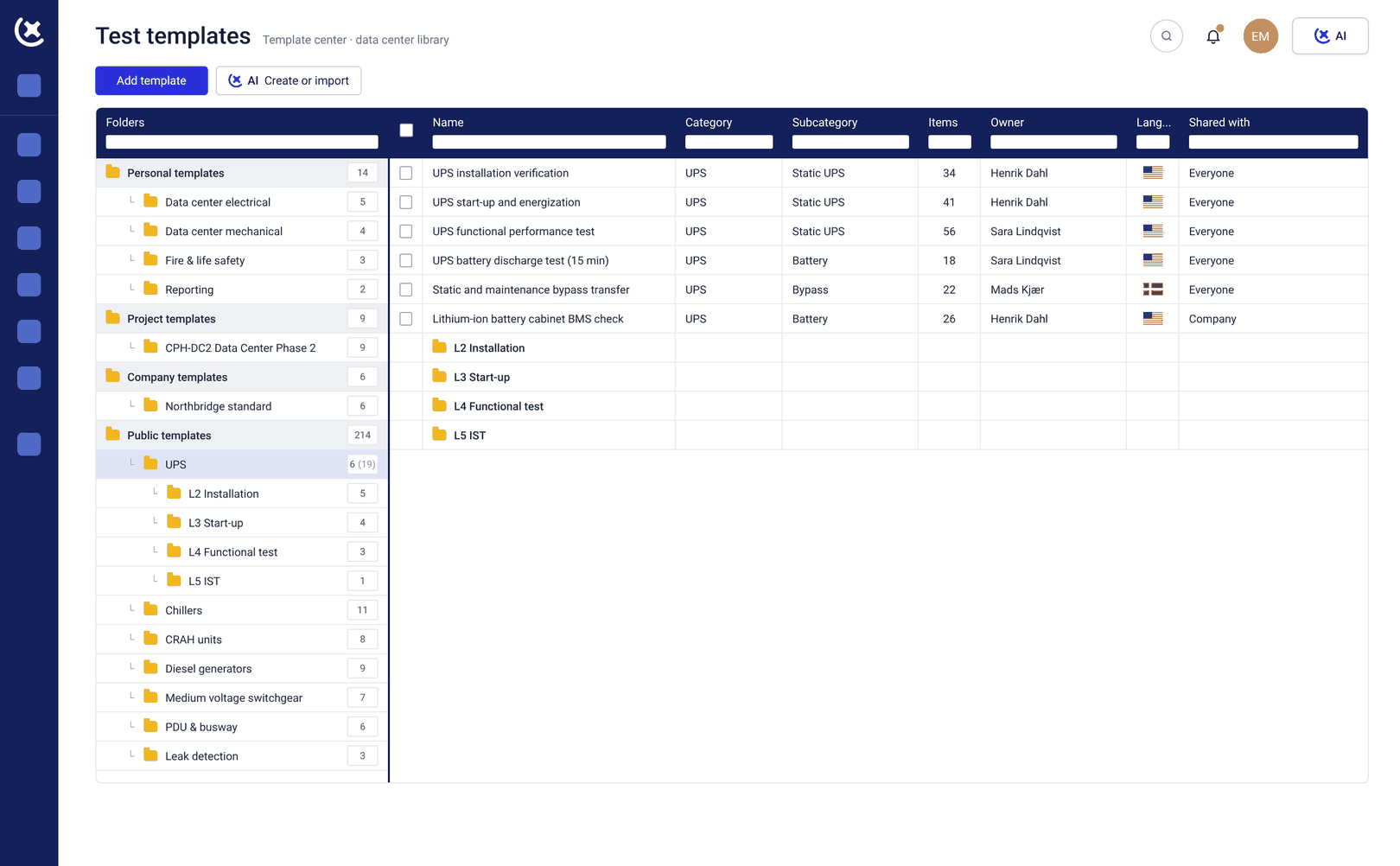
Template Center for reuse across projects
Check-sheet templates and test scripts from previous data center projects are available in the Template Center. As a data center consultant working across multiple builds, the library compounds - each project adds to what the next one starts with.
Subcontractor check-sheets to your standard
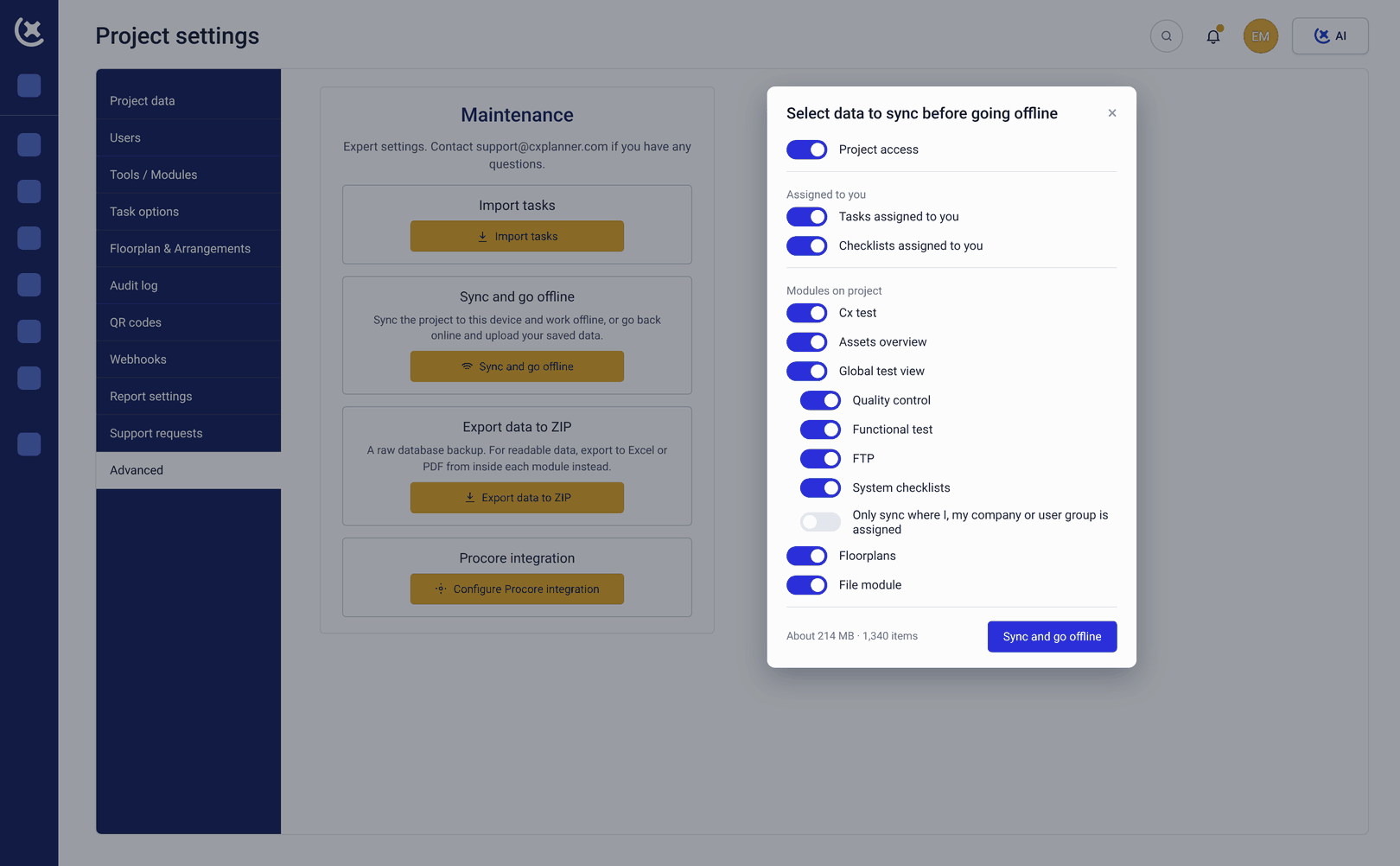
Electrical and mechanical subcontractors complete check-sheets in CxPlanner, in the format you require. Submissions that do not meet the standard are rejected with specific comments, and the subcontractor fixes the right thing and resubmits.
Live reporting for the owner
The owner gets direct dashboard access to the same live data you see. The weekly status report compiles itself, and the conversation starts from data rather than a document.
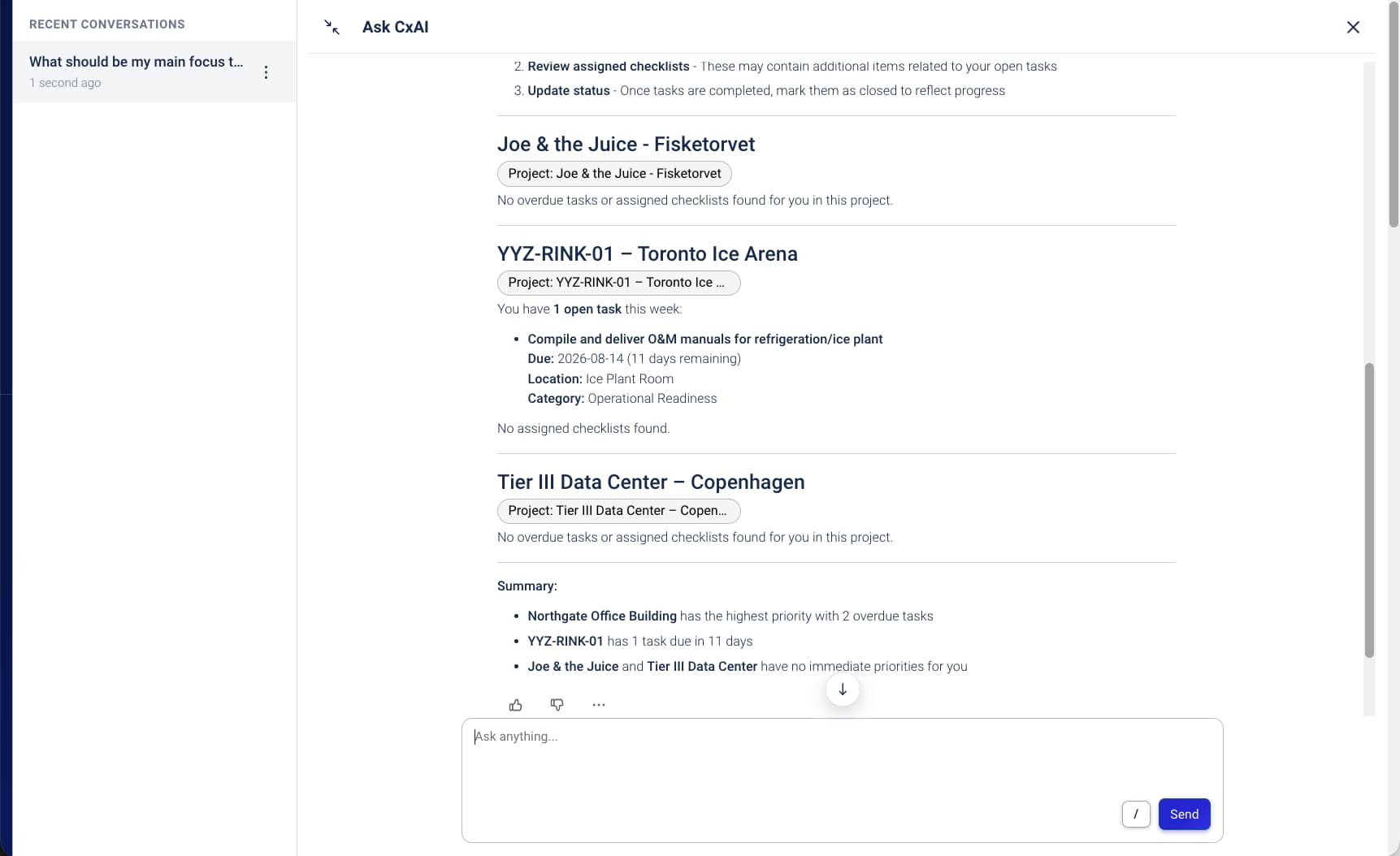
CxAI for program admin
CxAI generates test scripts from project documentation and scans nameplates at a reported 75% time saving on data capture. It also drafts status reports from live program data, so the admin at the edges of a consultant's day gets shorter.
What CxPlanner changes for the data center consultant
Less setup time on every project. Less time reporting. More time on the work that actually requires your expertise.
New project setup starts from a library.
The check-sheet templates and program structure from the last data center build are ready to reuse. A data center consultant working across multiple projects builds a library that makes every subsequent project faster to start.
Subcontractor documentation arrives in the right format.
When subcontractors complete check-sheets in CxPlanner, to the standard you set, first-submission rejection rates drop. The cycle of chase, reformat, reject, and resubmit gets shorter on every L2 and L3 cycle.
Owner reporting is a dashboard, not a Friday afternoon task.
The owner sees live program data directly. You stop spending hours producing a document that describes what you can both see in the platform.
Run your next data center commissioning program in CxPlanner
If you are currently building the program structure from scratch at the start of every project, book a walkthrough. We will show you how the Level testing model and Template Center work on a live data center build.
Request a walkthroughCommon questions from data center consultants about CxPlanner
Can I bring templates from previous projects into CxPlanner?
Yes. Existing check-sheets and test scripts in Excel or Word can be imported and converted into CxPlanner templates. The Template Center then makes them available across all your projects, not locked to the project they were built for.
How does CxPlanner handle subcontractors who have their own check-sheet formats?
Subcontractors complete check-sheets directly in CxPlanner, in the format you set as the data center consultant. If a submission does not meet the standard, it is rejected with comments, and the subcontractor resubmits without you reformatting their document manually.
Can the owner access the program directly, or only through reports I produce?
Directly. Owners can be given access to the same live dashboards you see. The reporting conversation starts from data both parties can see instead of a PDF compiled the night before.
Does CxPlanner work well for a consultant running multiple data center projects at once?
Yes. CxPlanner supports multiple active projects. The Template Center is shared across projects, so the program structure and check-sheet library from one project are available on the next.