Commissioning software built for modular data centers
A modular data centers programme runs in two places before it runs in one: the Factory Acceptance Test at the manufacturer's facility, and the Site Acceptance Test after the module ships, with a logistics gap in between where nothing about the record should get lost.
CxPlanner gives modular teams one platform for both events, and a template library that makes every deployment after the first faster than the one before.

The FAT happens at the factory, and the SAT has to pick up exactly where it left off
Modular data centers repeat the same module configuration site after site. The commissioning programme should get faster every time. Too often, it does not.
Book a demoFAT records get left behind when the module ships.
Factory Acceptance Testing happens before the module ever reaches site, often through a different team using a different system than the site team will use for the Site Acceptance Test. Without a shared record, the SAT team starts from a module they cannot fully verify was built to specification.
The same module gets commissioned from scratch, every time.
A module configuration deployed at ten sites should need its FAT and SAT checklists built once. When templates are not carried over, each deployment rebuilds a test procedure that already exists.
Multiple modules in transit or on site create a portfolio problem.
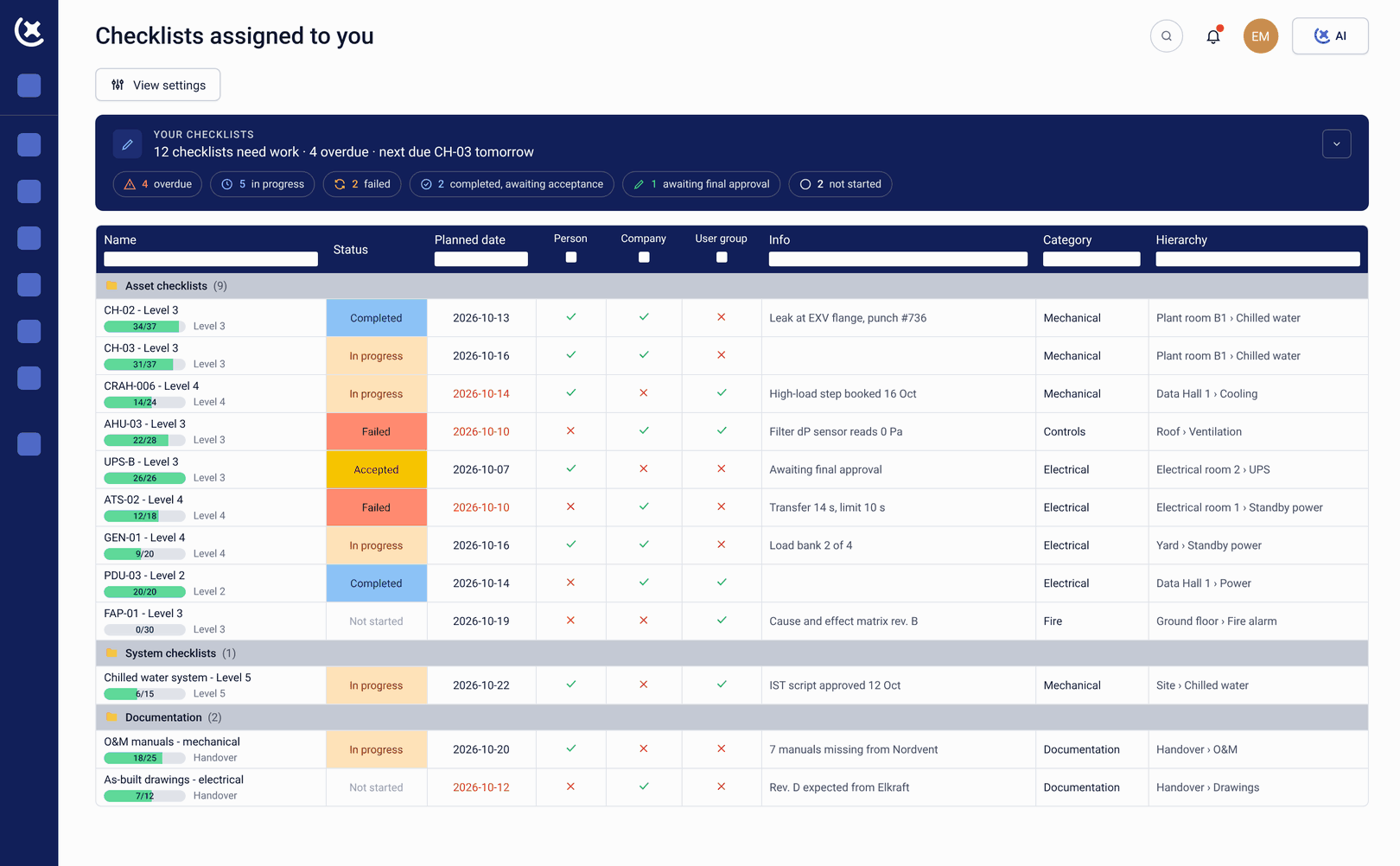
A rollout with modules at different stages, some in factory testing, some awaiting SAT, some already live, is difficult to track without a single view across all of them.
FAT and SAT in one system, and a proven template that gets reused, not rebuilt
CxPlanner tracks the Factory Acceptance Test and the Site Acceptance Test as one record for the module, so nothing gets lost in the gap between factory and site.
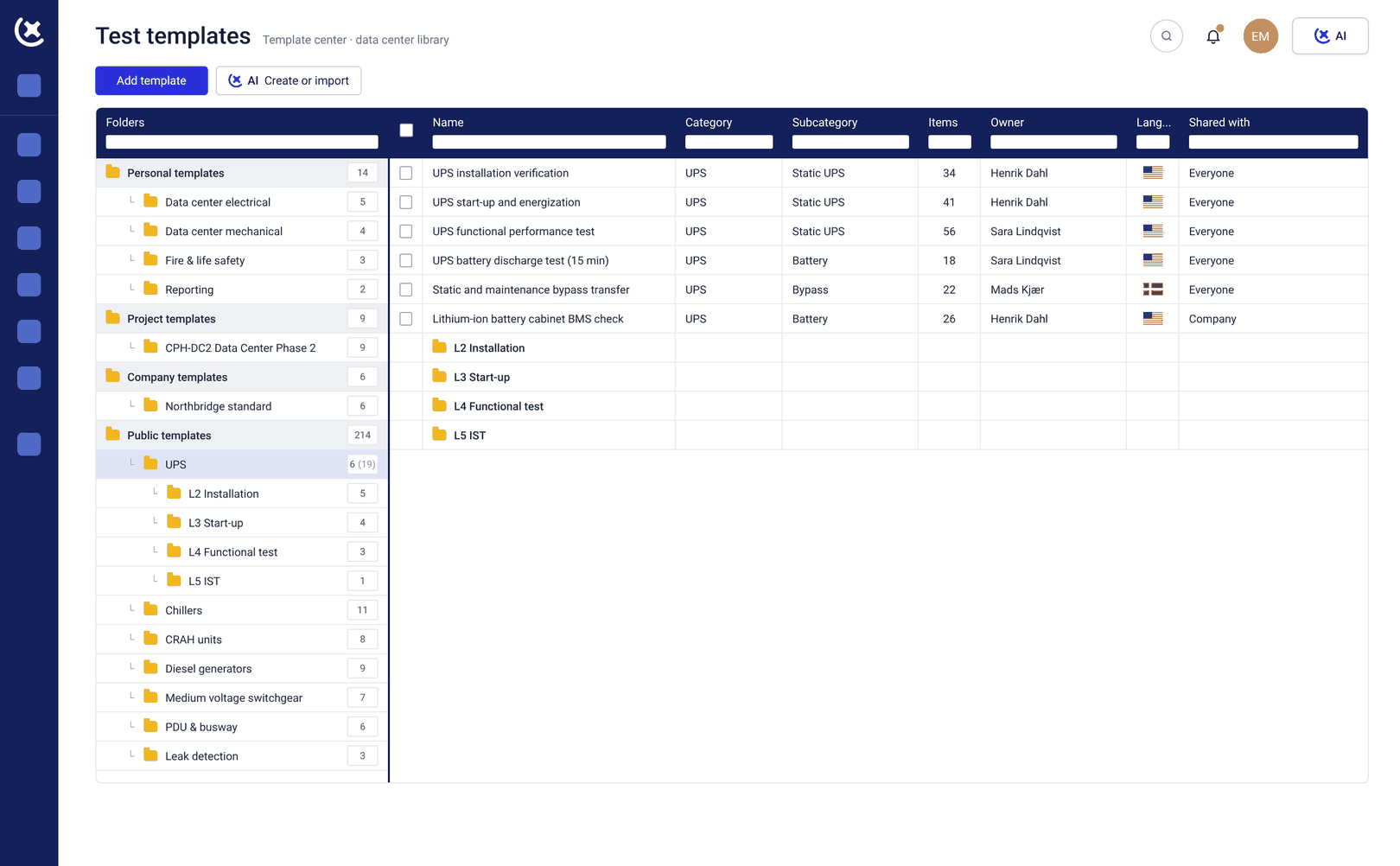
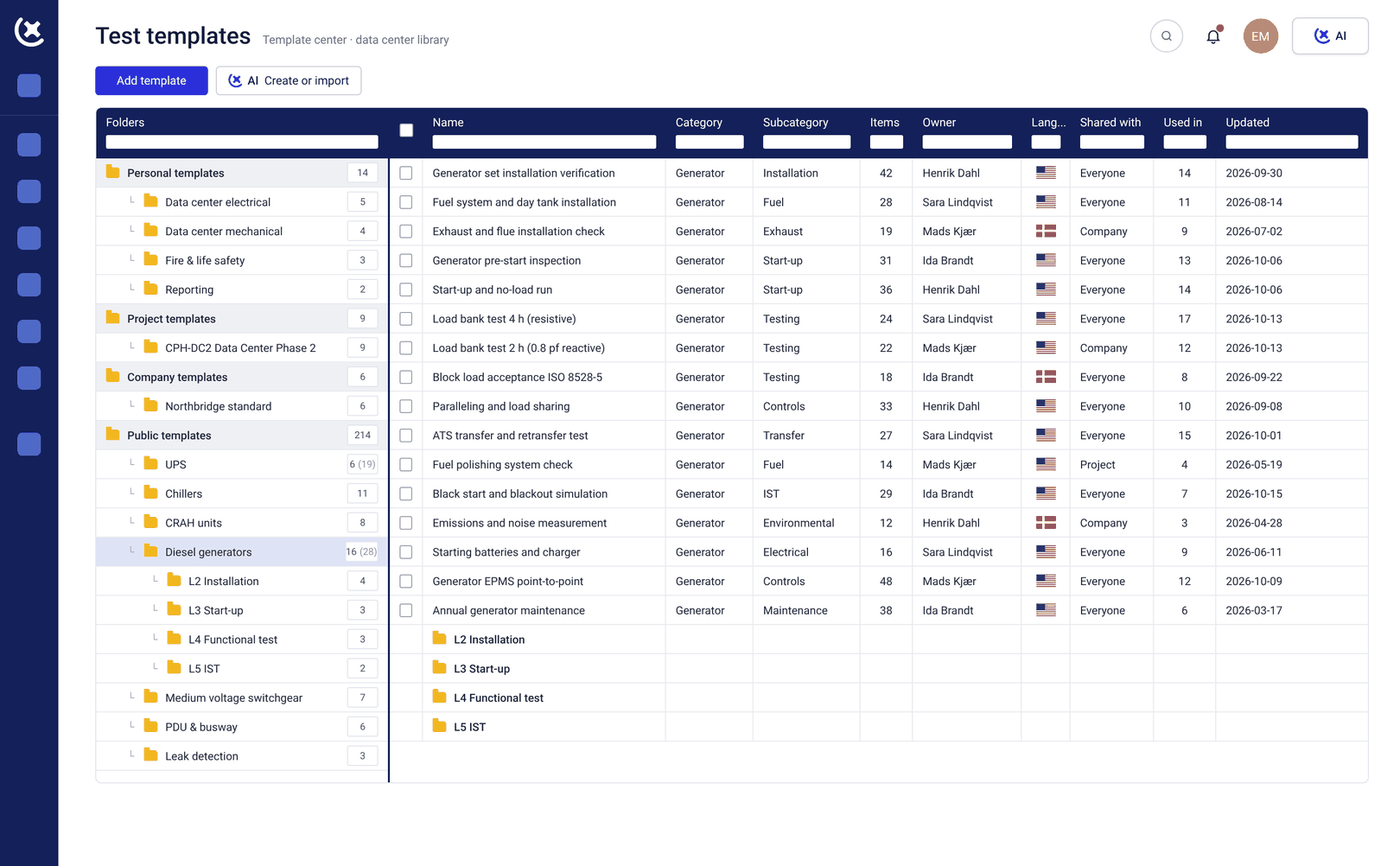
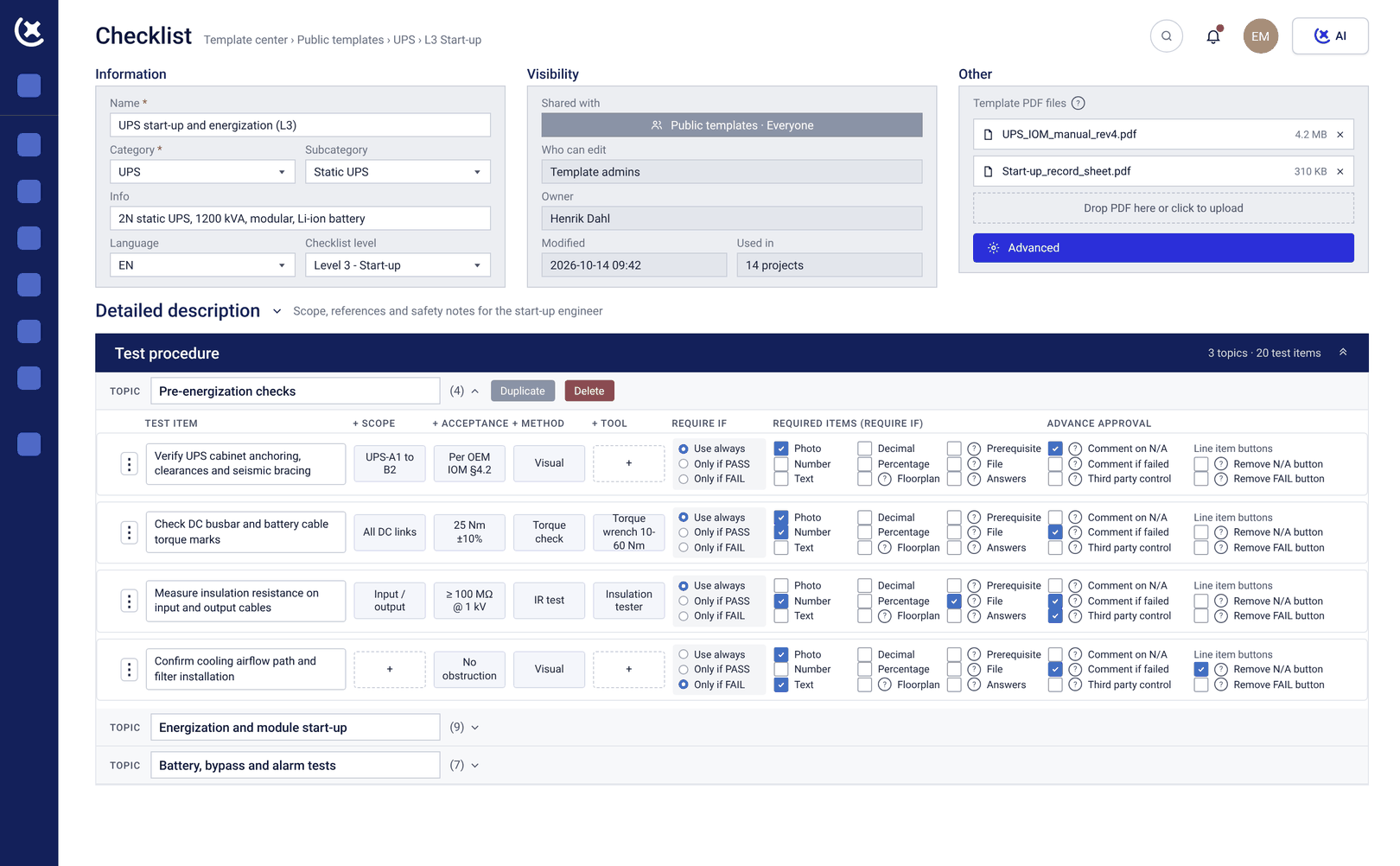
The FAT checklist built for a given module configuration is used on every subsequent deployment of that module, refined through the Template Center as it gets used. Assets, check-sheets, and test results carry over automatically.
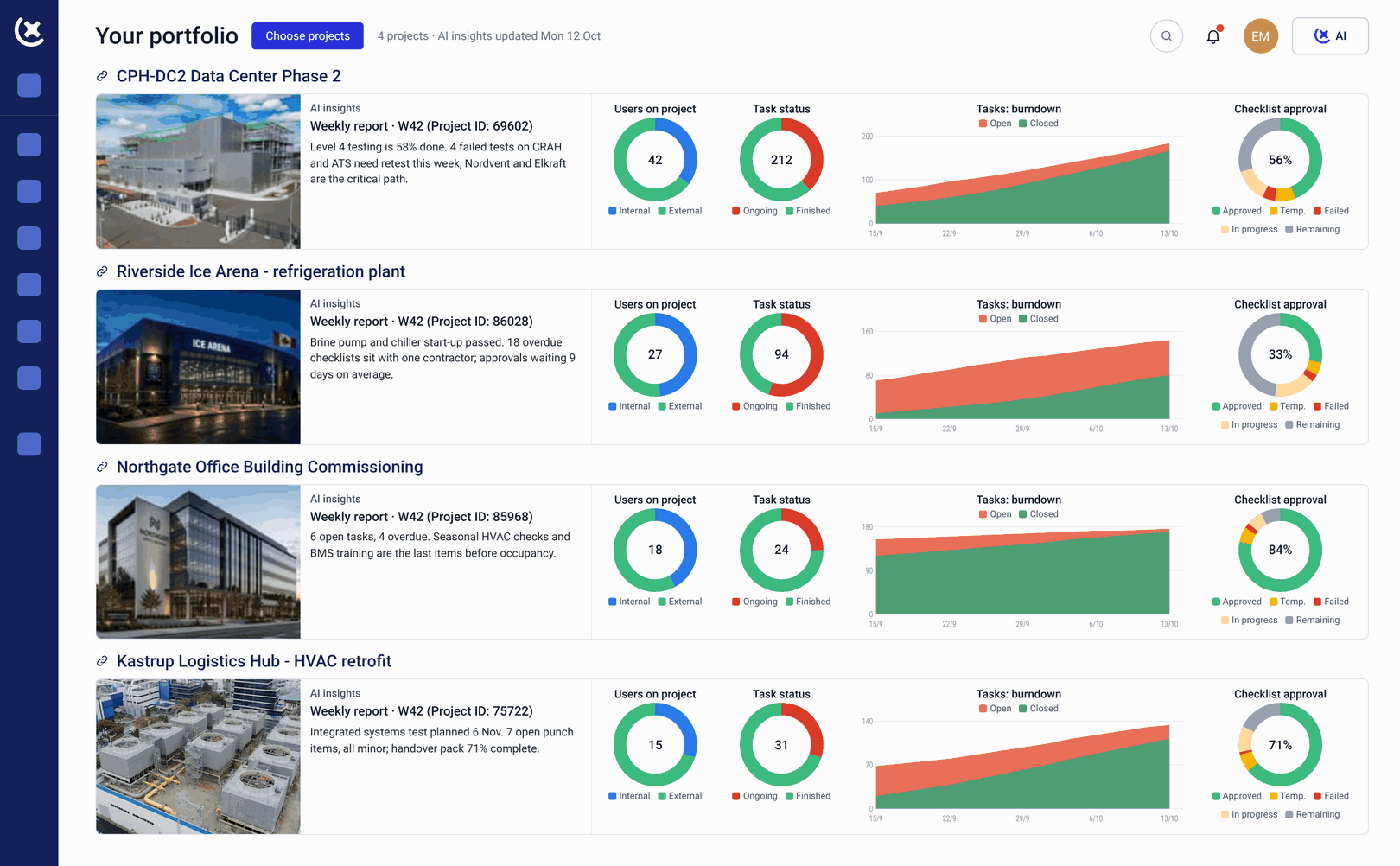
On a modular data centers rollout, the programme view shows every module, in factory testing, in transit, or awaiting SAT sign-off.
What CxPlanner covers for modular data centers
One commissioning record from factory to site, for modular data centers running one deployment or a hundred, with templates that carry over to every one.
FAT tracked at the factory
Factory Acceptance Testing is recorded in CxPlanner from the point of manufacture, to the standard the site team will need for the Site Acceptance Test, with no separate handoff when the module ships.
SAT verifies what shipped against what was tested
The Site Acceptance Test checks the module against its FAT record and confirms it survived transit and integrates with site infrastructure, using the same asset and test data the factory team captured.
Template Center for module configurations
A FAT and SAT template built for a configuration is saved to the Template Center and reused on every subsequent deployment, refined a little more each time.
Portfolio visibility across every deployment
Every module in the rollout is visible in one programme view, whether still in factory testing or already on site.
Handover documentation built from the full FAT-to-SAT record
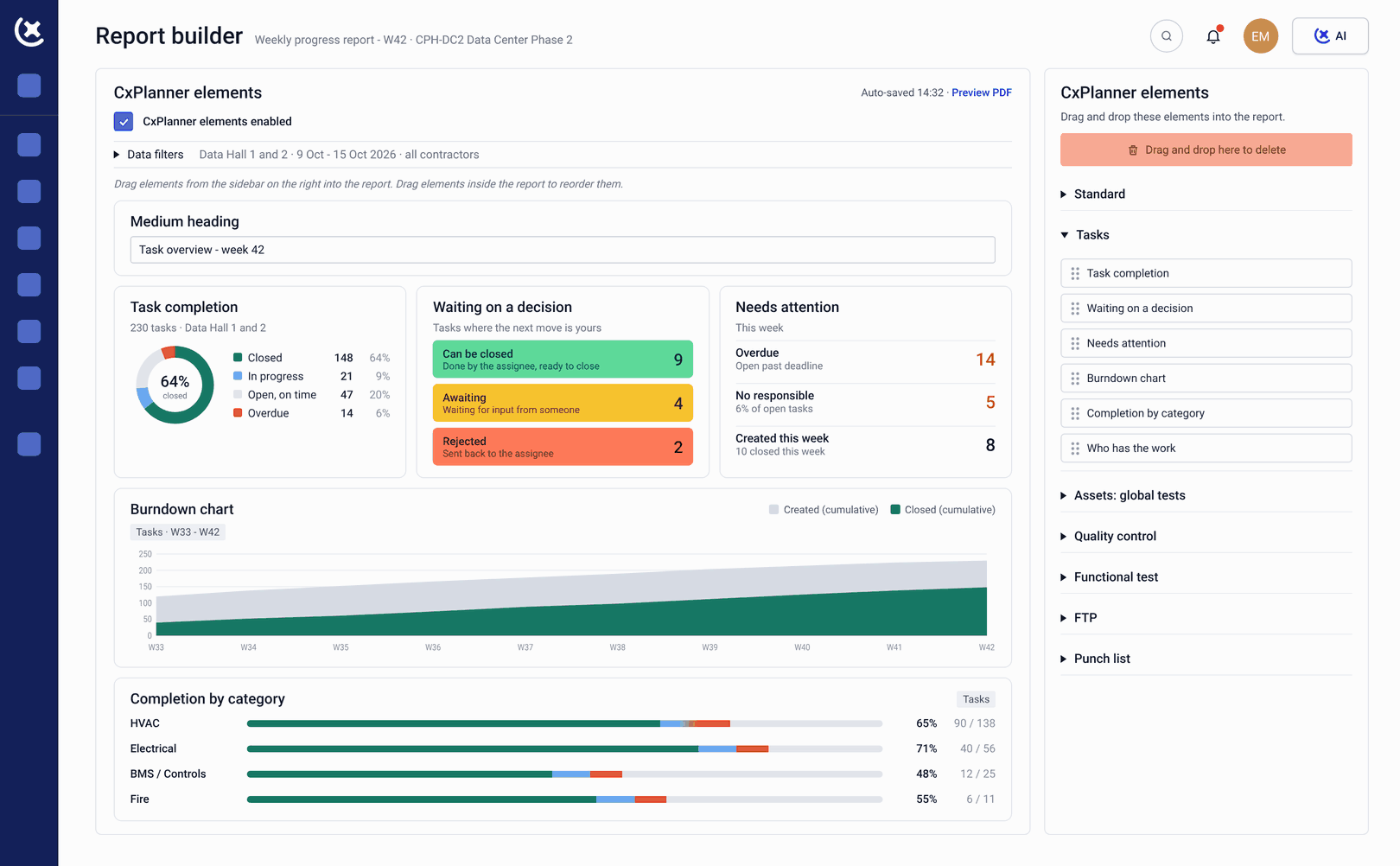
The handover package draws from both the factory and the site test records, so documentation for each deployment reflects the module's complete commissioning history, not just what happened on site.
What changes when modular commissioning runs in CxPlanner
Each deployment after the first should cost less time to set up than the one before, but only if the template actually gets reused.
Setup time drops with every deployment.
The FAT and SAT templates for a module configuration exist after the first deployment, so every site after that starts from a working template instead of a blank programme.
Nothing gets lost between factory and site.
The FAT record travels with the module into CxPlanner, so the SAT team verifies against real data rather than starting the commissioning record over on arrival.
A multi-site rollout is one programme, not a set of disconnected deployments.
Whatever stage each module is at, the rollout is visible as a single portfolio, and a delay at one site does not disappear into a separate spreadsheet.
Run your modular data center rollout in CxPlanner
If every new deployment across your portfolio still starts from a blank programme, book a walkthrough. We will show you how FAT, SAT, and the Template Center work together on a live rollout.
Request a walkthroughCommon questions about commissioning software for modular data centers
Does CxPlanner track Factory Acceptance Testing separately from Site Acceptance Testing?
Yes. FAT and SAT are tracked as one commissioning record for each module, so the SAT team has full visibility into what was tested at the factory before shipping.
Can the same FAT and SAT checklist be reused across multiple deployments of the same module?
Yes. The Template Center saves the checklist built for a module configuration, so every subsequent deployment starts from the same template rather than a blank programme.
Can CxPlanner show the status of multiple modules at different stages of a rollout?
Yes. Modules in factory testing, in transit, and awaiting SAT are all visible in one programme view, so a multi-site modular data centers rollout is tracked as a single portfolio.
Does the handover package include the factory testing record, or only what happened on site?
Both. The handover package for a modular deployment draws from the full FAT-to-SAT record, so documentation reflects the module's complete commissioning history.