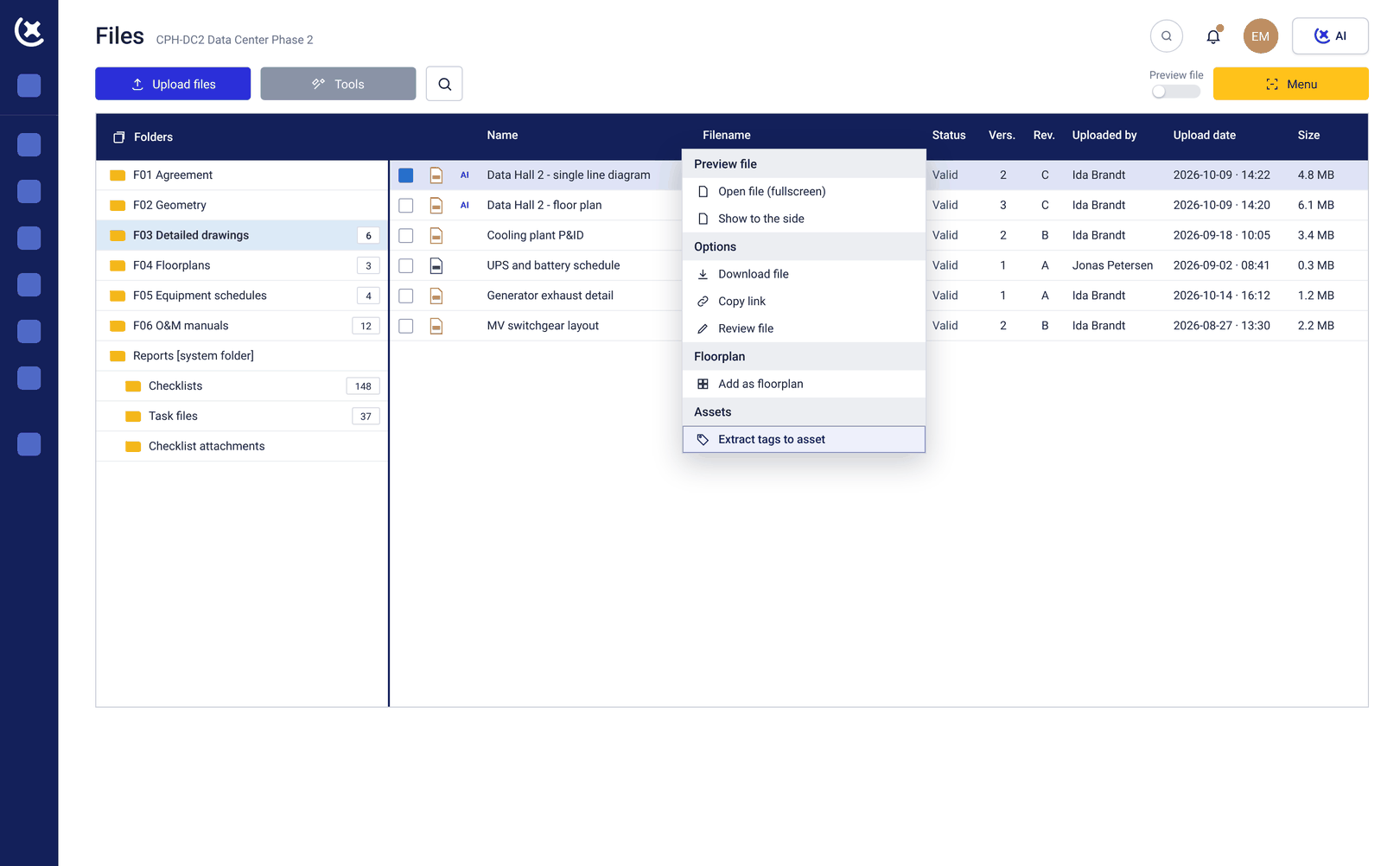
Auto-extract tags from P&ID
Stop manually copy-pasting from drawings and P&ID's.
Get just the tags you need - by system, color, or subsystem.
Only get tags that matter
No more reviewing entire P&IDs to find a handful of components.
Filter directly by system lines, colors, or defined scope.
Less admin. More commissioning. Focus only on what is relevant.
Query by system or subsystem
Ask for tags based on how your project is actually structured.
- Tags from specific system lines like red circuits
- Components within subsystem XR13
- Elements inside defined P&ID zones or bubbles
Go from drawing to filtered data in seconds.
Stop scanning drawings.
Start pulling data.
Get precise P&ID tags in seconds and keep your project moving.
Less time in drawings.
More time on real work.
Curious to see CxPlanner in action?