Data center commissioning checklists - built once, available on every project
Building a template from scratch for every system on every new data center project is not a good use of a commissioning engineer's time. CxPlanner's Template Center gives data center teams a library of prebuilt data center commissioning checklists for L1 through L5.
Every template is built to the documentation standard the Cx team requires, customisable for any system, and generated by CxAI when the library does not already cover what you need.
Book a demo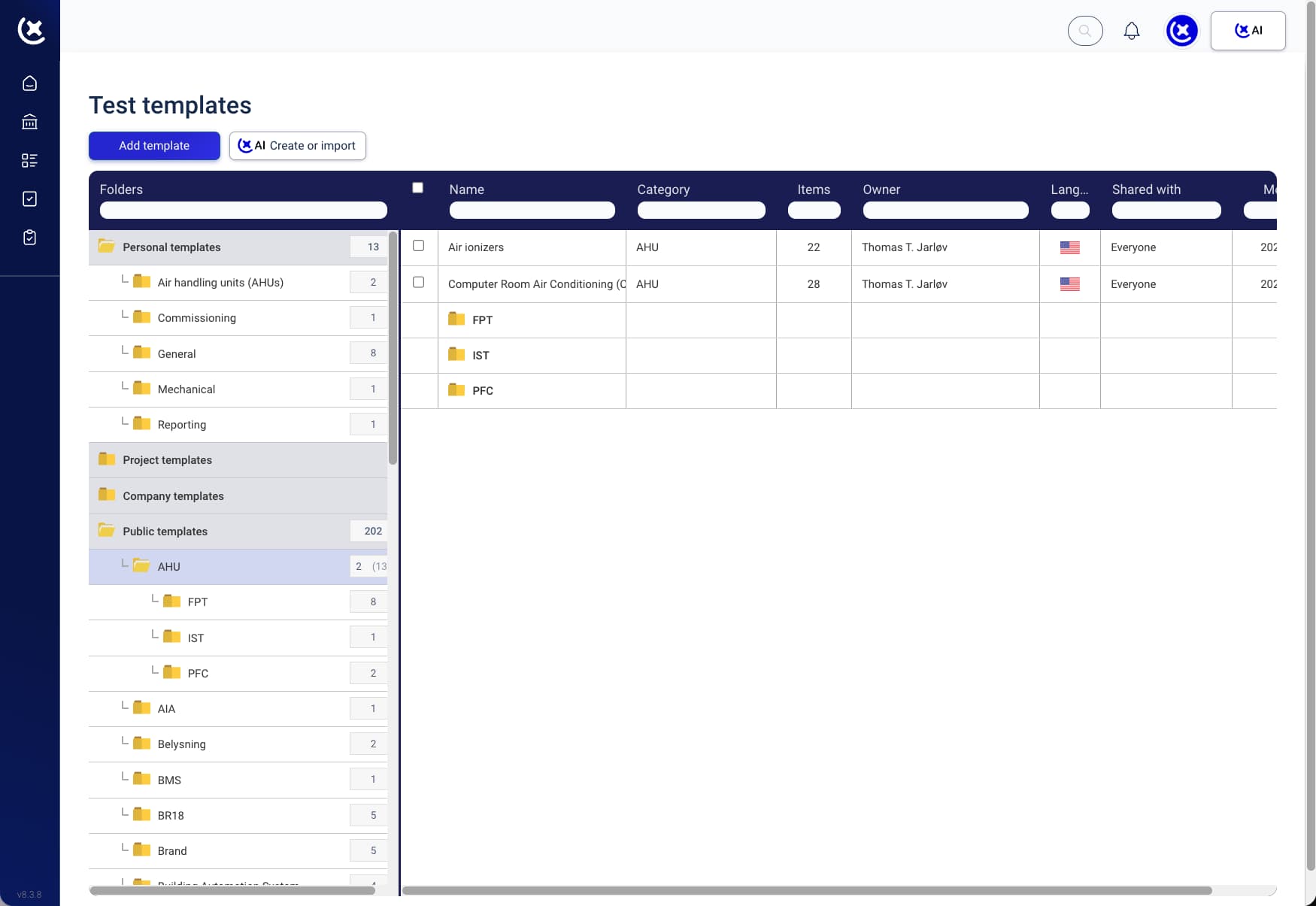
Building procedures and checklists from scratch takes months before real work starts
Every data center project needs a commissioning checklist. Most teams take months to build, review and approve these - often without proper control.
Templates built from scratch on every project.
The engineer who built the L3 FPT template for the last hyperscale build has moved on. The new project starts from a blank spreadsheet or a Word document from three years ago.
Trade contractors bring their own formats.
The electrical contractor has a check-sheet for UPS commissioning that does not match the data center commissioning checklist format the Cx team requires. The reformatting starts before the first test.
No version control across the team.
The checklist template gets updated mid-project. Some contractors have the new version. Others are completing the old one. By L4, the Cx team is reconciling two versions.
CxPlanner's proven templates give your team a head start before the project even begins
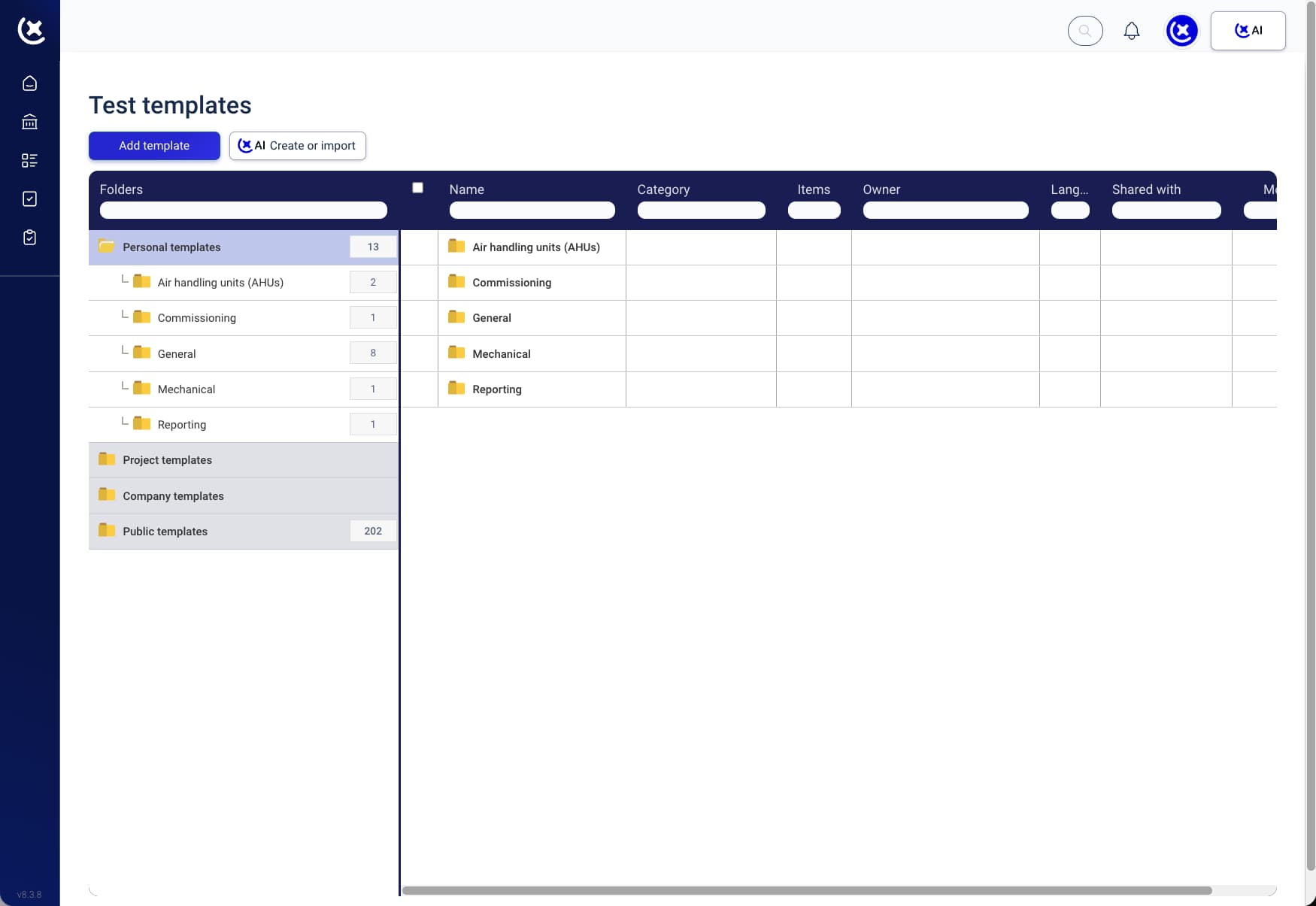
The Template Center is a shared library of commissioning checklist templates - version-controlled, accessible to the whole team, and built around the Level testing model. Every template is ready for a data center commissioning project, customisable for specific systems, and reusable across builds.
Here is how it works
Find or generate the right template
Search the library for a pre-built template for the system you are testing, or let CxAI generate one from project documentation.
Customise for the specific system
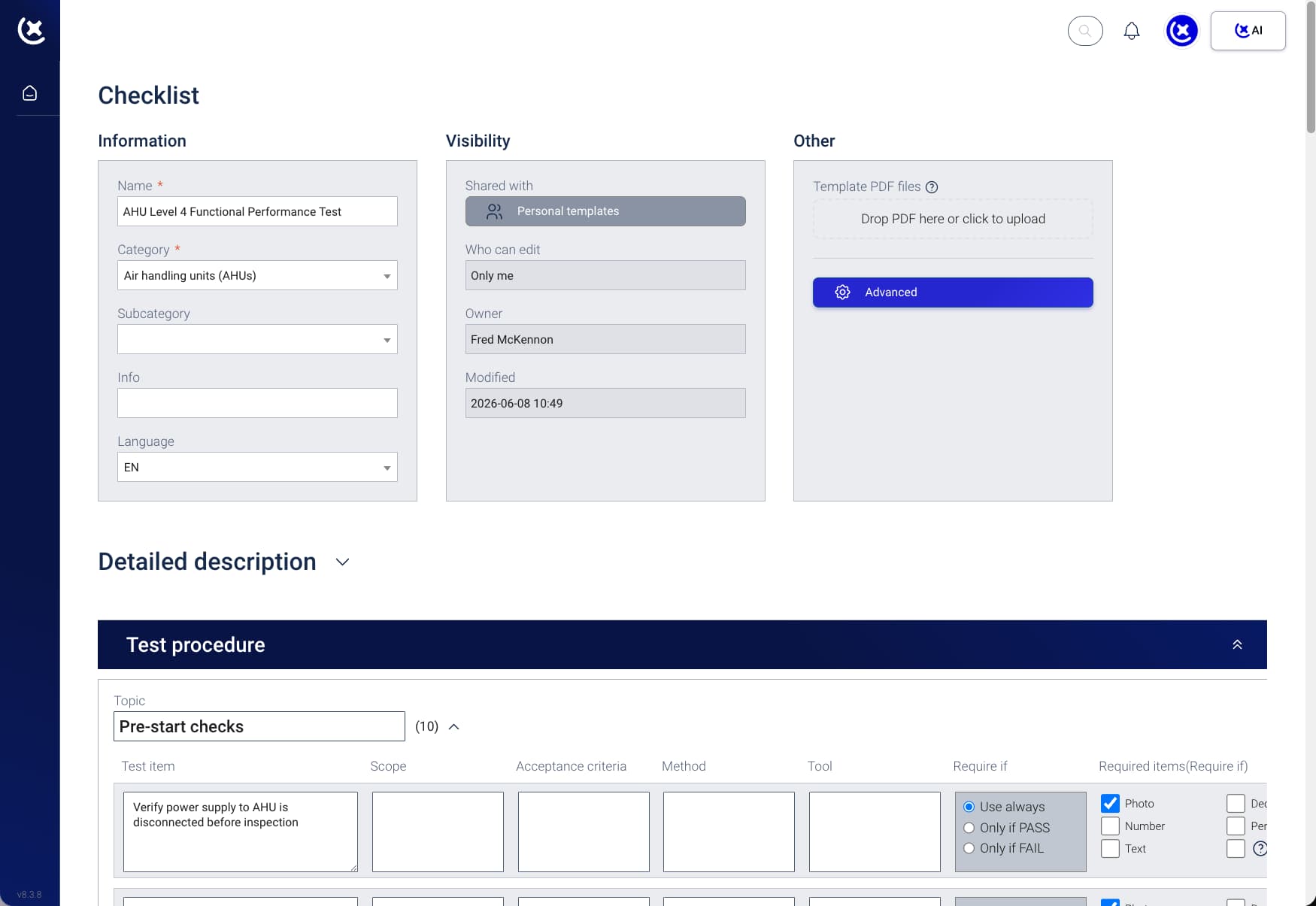
Every item in the template is editable - adjust for the equipment type, manufacturer, or testing requirements of the specific project.
Assign to trade contractors
The template is assigned directly in CxPlanner - the contractor receives the data center commissioning checklist on their device, ready to complete on site.
Rate and refine after use
After the project, team members can rate the template. Ratings feed back into the library - the template improves with every use.
Library grows across projects
Every new template added to the library is available to the whole organisation on the next project. The investment in the first build pays forward.
What the Template Center covers for data center teams
Pre-built L1-L5 commissioning checklist templates
Templates covering FAT, pre-functional checks, FPT, IST, and closeout - for UPS, switchboards, CRAH and CRAC units, PDUs, generators, BMS, and EPMS. Use as-is or customise for the specific system.
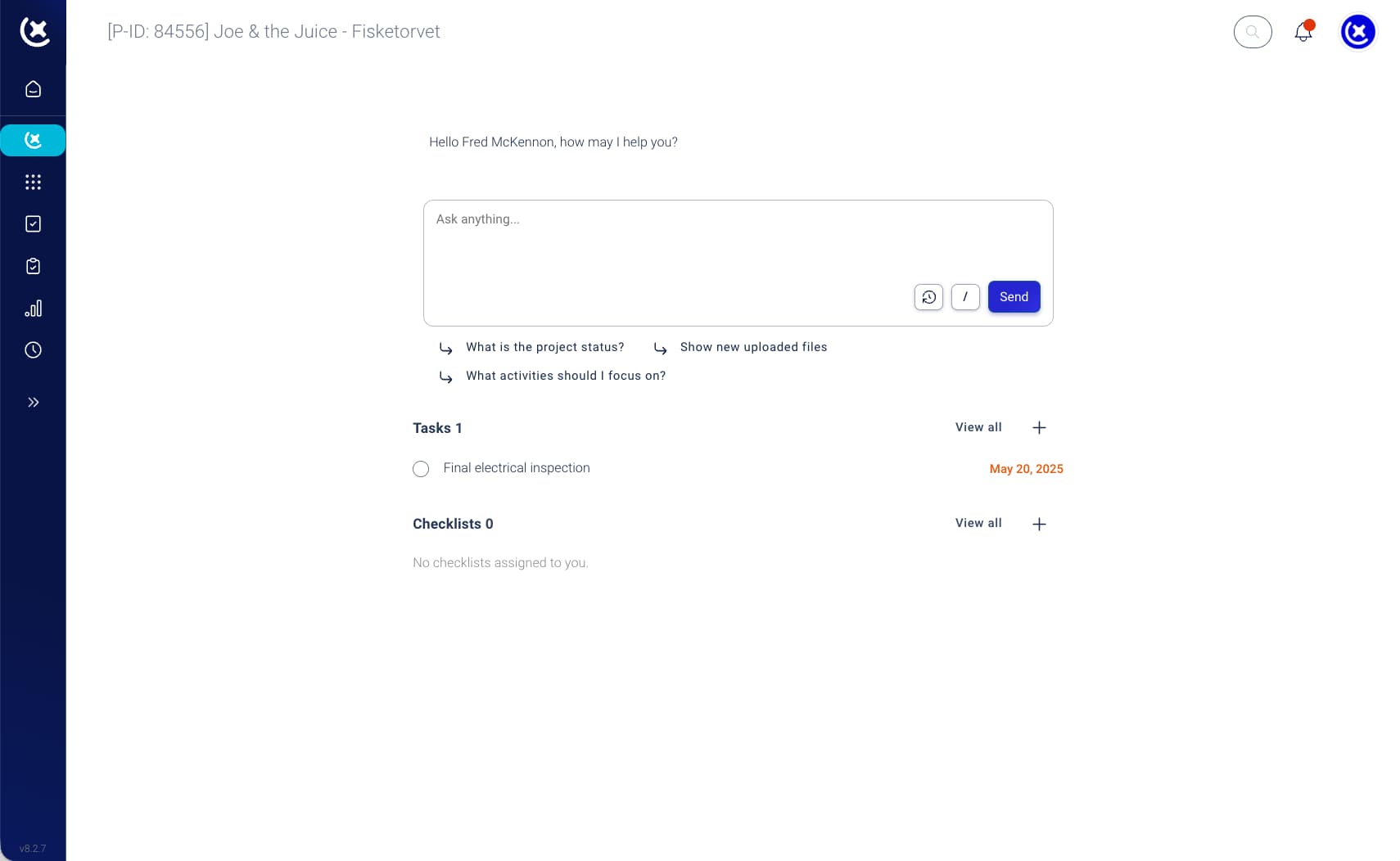
CxAI commissioning checklist generation
Upload a specification or equipment list - CxAI generates a complete data center commissioning checklist for the system being tested. Every item editable before assigning. No starting from scratch.
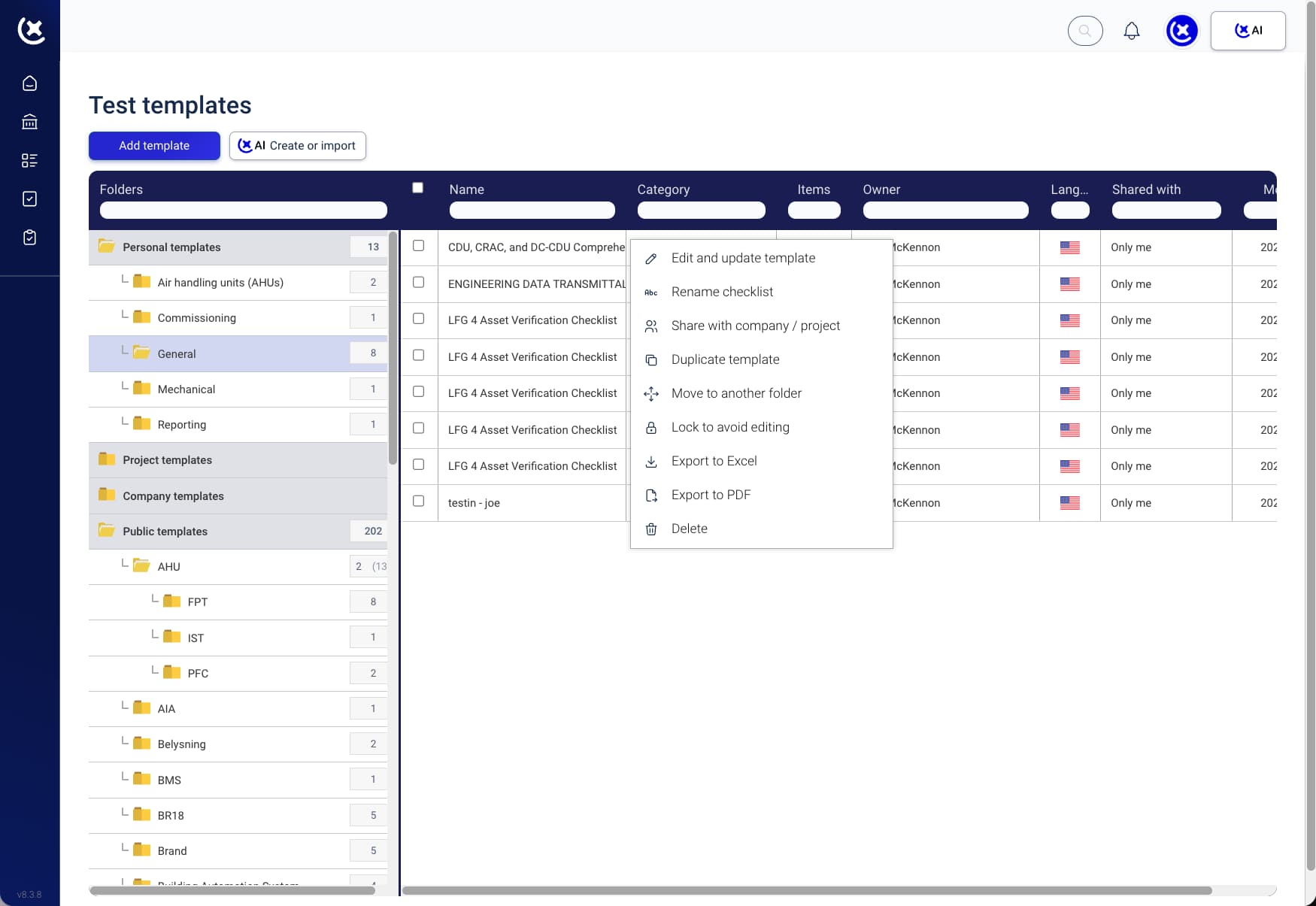
Team-wide template sharing and reuse
A template built for one project is available to every team member on the next. The library grows across the organisation, not just within a single project.
Import from Excel and existing documents
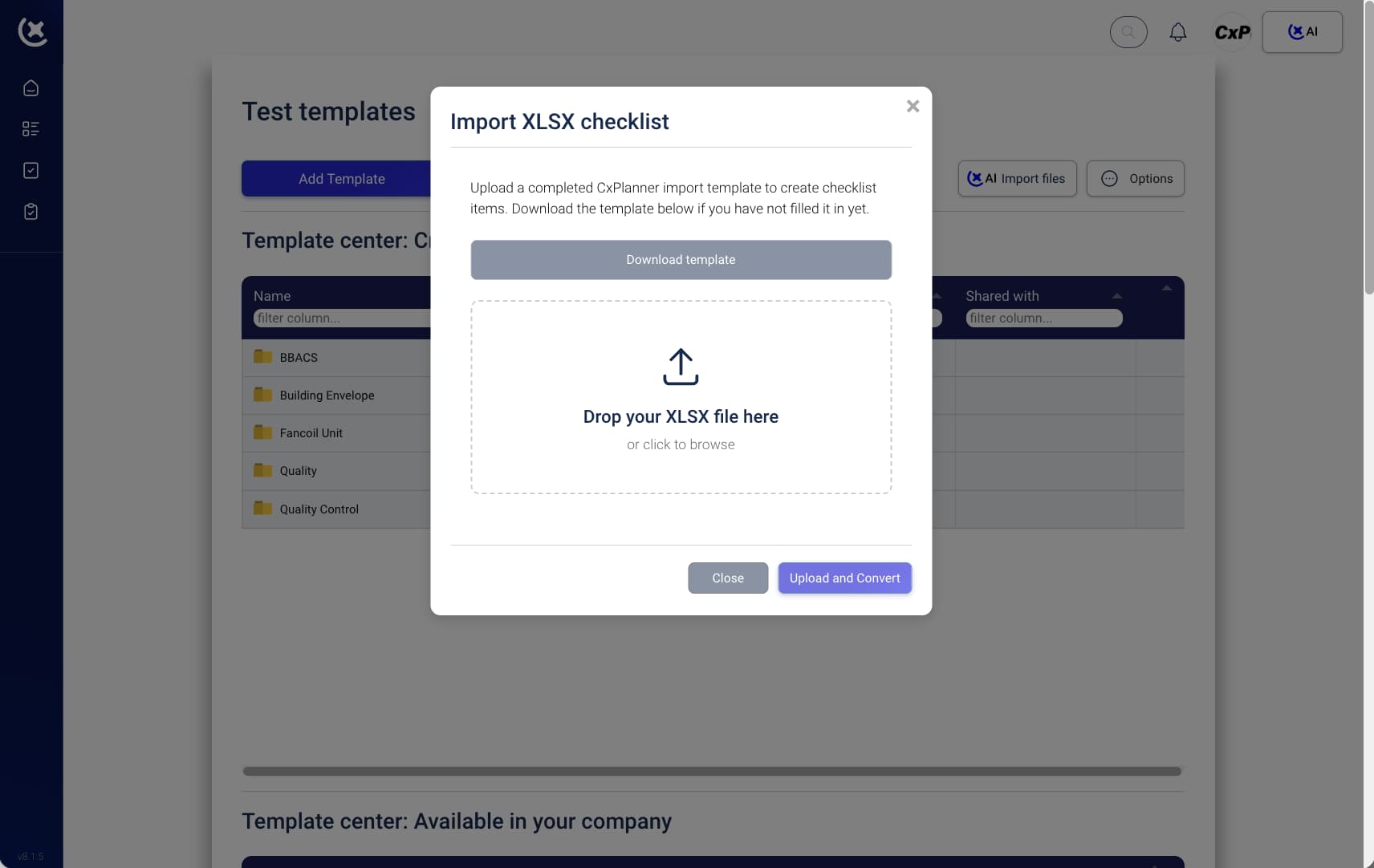
Existing check-sheets in Excel or Word can be imported and converted into CxPlanner templates. The format your team already uses becomes the starting point.
Key benefits from reusable data center commissioning checklist
The time invested in building the first template pays forward on every project that follows.
The first template cost is the only one.
A commissioning template built for a hyperscale UPS installation is ready for the next build. The team stops spending the first two weeks of every project rebuilding check-sheets.
Every trade contractor starts with the right format.
The data center commissioning checklist every contractor receives is the one the Cx team requires - not a format from the contractor's previous project. First-submission rejection rates drop.
The library compounds over time.
As templates are rated and refined, quality improves. A team using CxPlanner across multiple data center projects builds a commissioning template library that reflects real testing experience.
Stop rebuilding data center commissioning checklists from scratch
If your team starts from a blank spreadsheet at the beginning of every data center build, book a walkthrough. We will show you the Template Center and how CxAI generates data center commissioning checklists from your own project documentation.
Request a walkthroughCommon questions about CxPlanner's Template Center
Does the Template Center include templates for data center systems specifically?
Yes. The library includes templates for UPS, switchboards, CRAH and CRAC units, PDUs, generators, BMS, and EPMS - the systems that appear on data center projects. Each template is customisable and linked to its Level.
Can CxAI generate a template when the library does not have the right one?
Yes. Point CxAI at a specification, equipment list, or P&ID and it generates a complete checklist for that system. Every item is editable before the template is assigned or added to the library.
Can we import our existing check-sheets into the Template Center?
Yes. Existing check-sheets in Excel or Word can be imported and converted into CxPlanner commissioning templates. The format your team already uses becomes the starting point.
Are templates locked to a single project or shared across projects?
Templates are available across all projects within the organisation. A data center commissioning checklist built for one build is available to the whole team on the next - the library grows across projects.