One click.
Every overdue item followed up.
No more running through the punch list by hand.
No more checking who's behind.
CxAI finds what's overdue and drafts the email for you.
Chasing punch list status eats your week
Someone has to check what's overdue, work out who owns it, and write a follow-up - item by item, person by person.
It's the same admin every week, and it's rarely the reason anyone got into commissioning.
- Overdue and idle punch list items surfaced automatically
- CxAI identifies exactly who's behind
- Follow-up drafted before you'd have finished checking the list
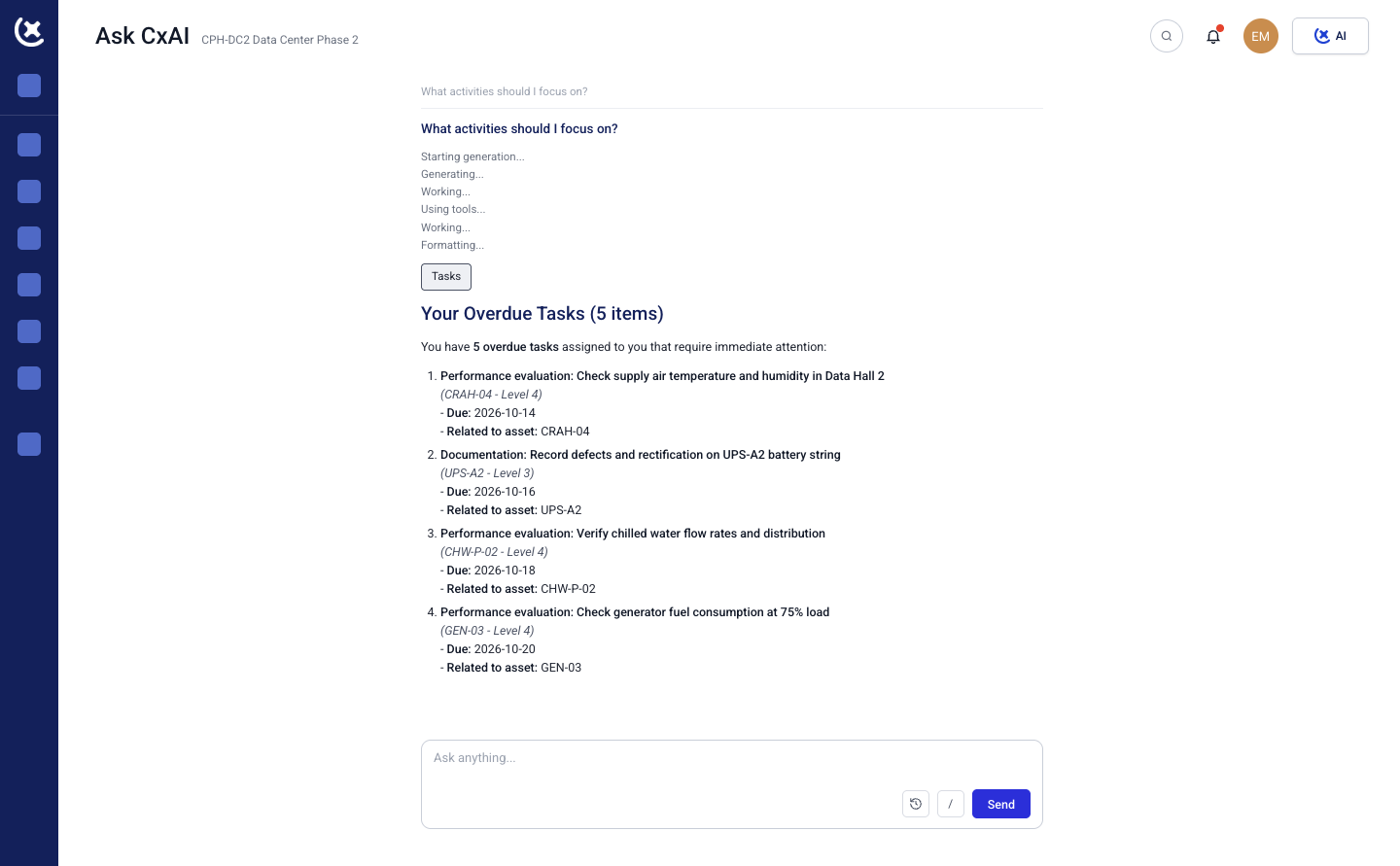
One click finds what's stale
CxAI scans the punch list and identifies which items are overdue, which have gone idle, and how long each one has been waiting - without you opening a single task manually.
- Stale and overdue items identified in one pass
- Idle time calculated per item, not estimated
- Nothing falls through because no one checked
A real email, not a generic reminder
Each follow-up is written for the person receiving it - naming exactly which items are theirs, how long they've been waiting, and what's needed to close them.
- Personalized to the responsible party, not a mass blast
- Lists the specific items, not a vague nudge
- Reads like it was written by someone who checked
Generate, review, send - three clicks total
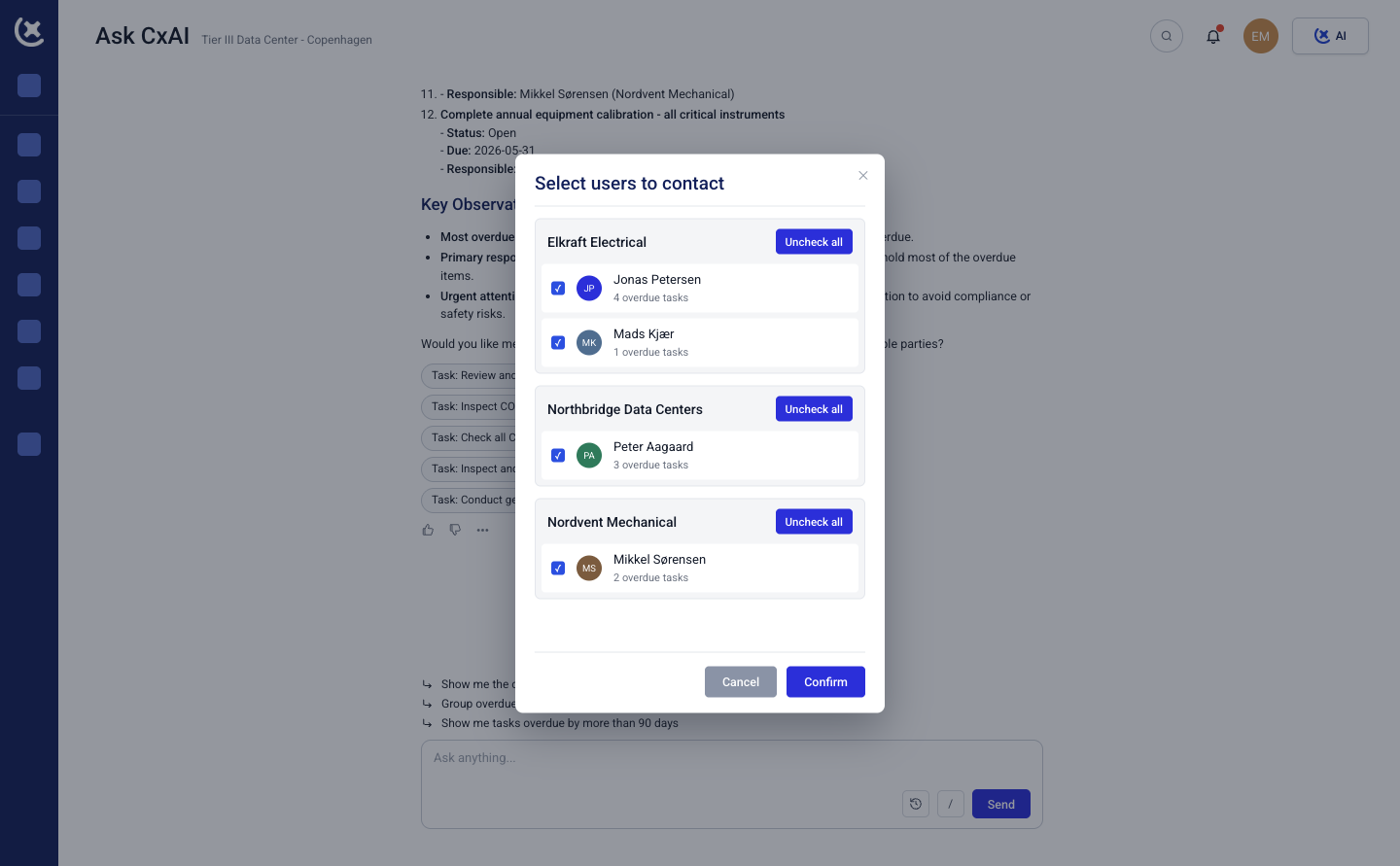
Hit generate and CxAI drafts a follow-up email for every responsible party with open items. Review what it wrote, edit anything that needs your judgment, then hit send.
No blank email to write. No list to compile first. The whole round of follow-ups goes out in the time it used to take to write one.
- One click to generate every email
- Full review before anything goes out
- One click to send once you're happy with it
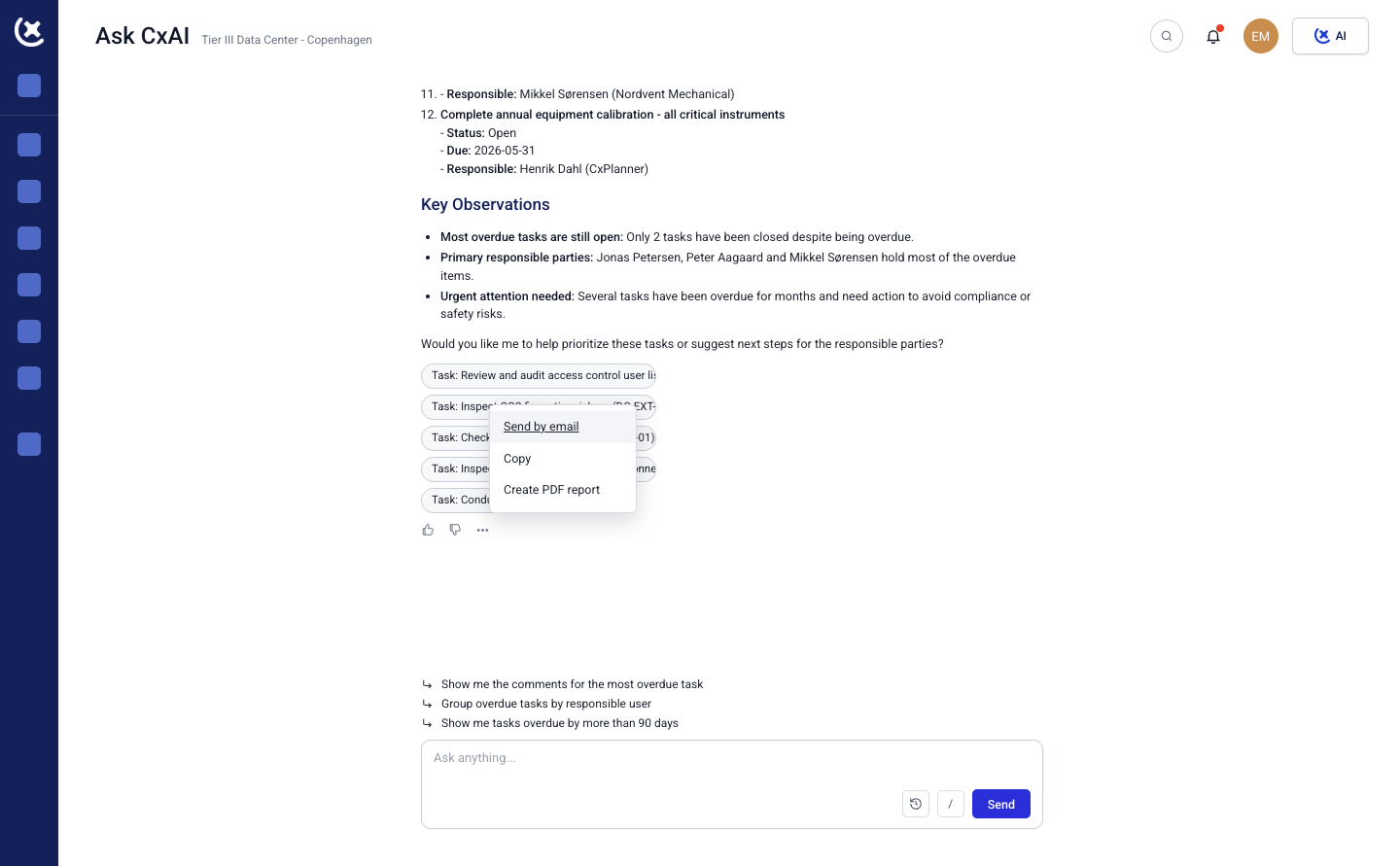
Nothing sends
without you seeing it first
CxAI drafts the email. You decide whether to send it as-is, edit the tone, or hold it back for a specific item.
Every draft is queued for your review - never sent automatically behind the scenes.- Every email reviewable before it sends
- Edit tone or content on any draft
- You control who gets contacted and when
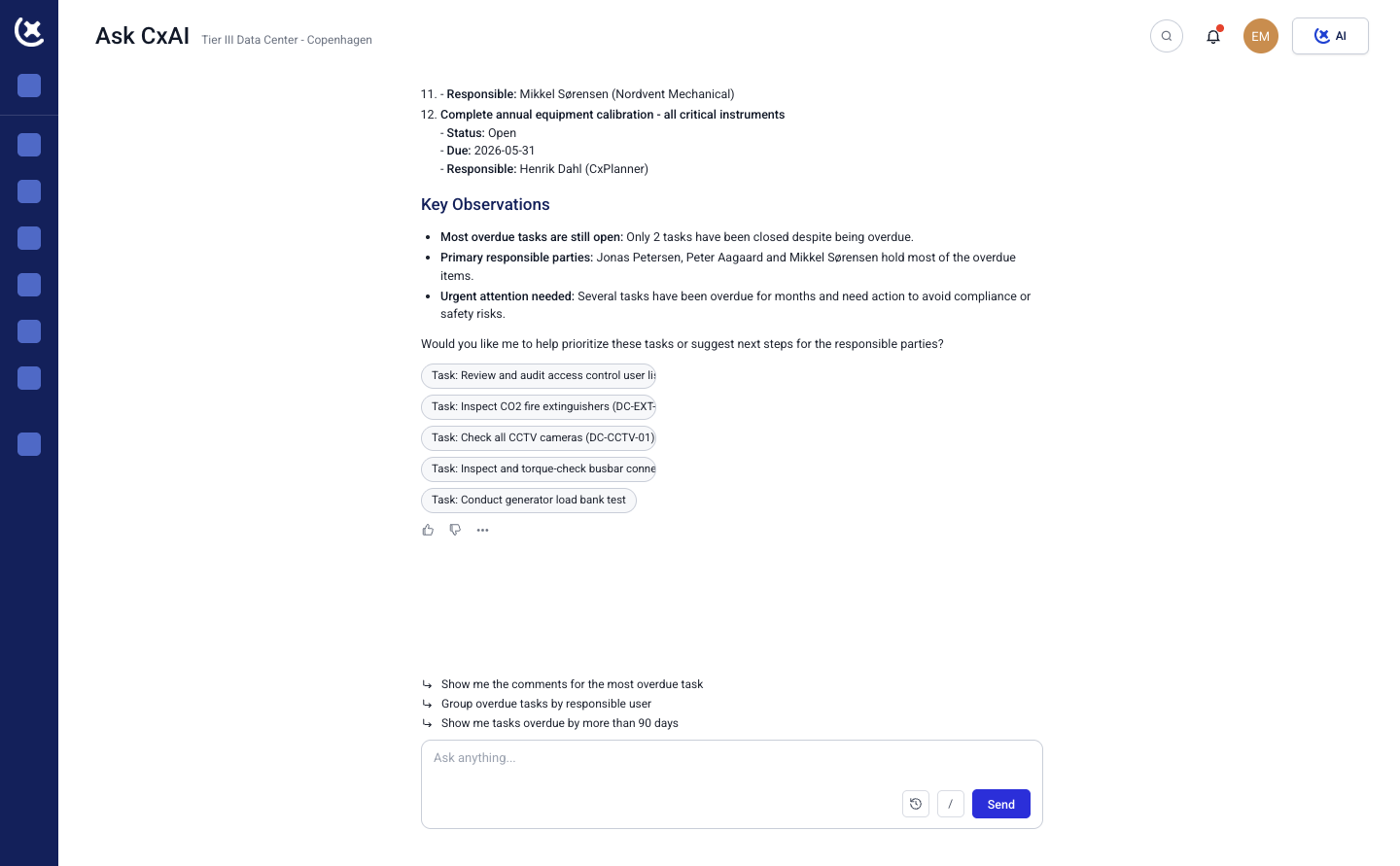
Live punch list data.
Not last week's overdue count.
CxAI checks the punch list as it stands right now, so a follow-up never chases an item that's already closed or misses one that just went overdue.
Run it weekly, before a client call, or the moment you notice things slipping - the follow-up is always based on where the project actually is.
- Reads the live punch list, not a stale export
- Run it as often as your project needs
- Works on desktop, tablet, and mobile
Stop chasing punch list
status by hand
One click to generate the follow-ups. One click to send them.
Curious to see CxPlanner in action?