Ask CxAI.
Get the answer.
Keep moving.
Stop jumping between pages, lists, filters, and old notes.
With CxAI, you ask one question, expand when you need more space,
and return to previous conversations when work continues.
Find answers without the hunt
Need status, assignments, summaries, or follow-ups? Just ask.
No more clicking through modules to piece together the full picture. CxAI brings the answer to you in one place.
The fastest way to get from question to action.
Less admin. More commissioning.
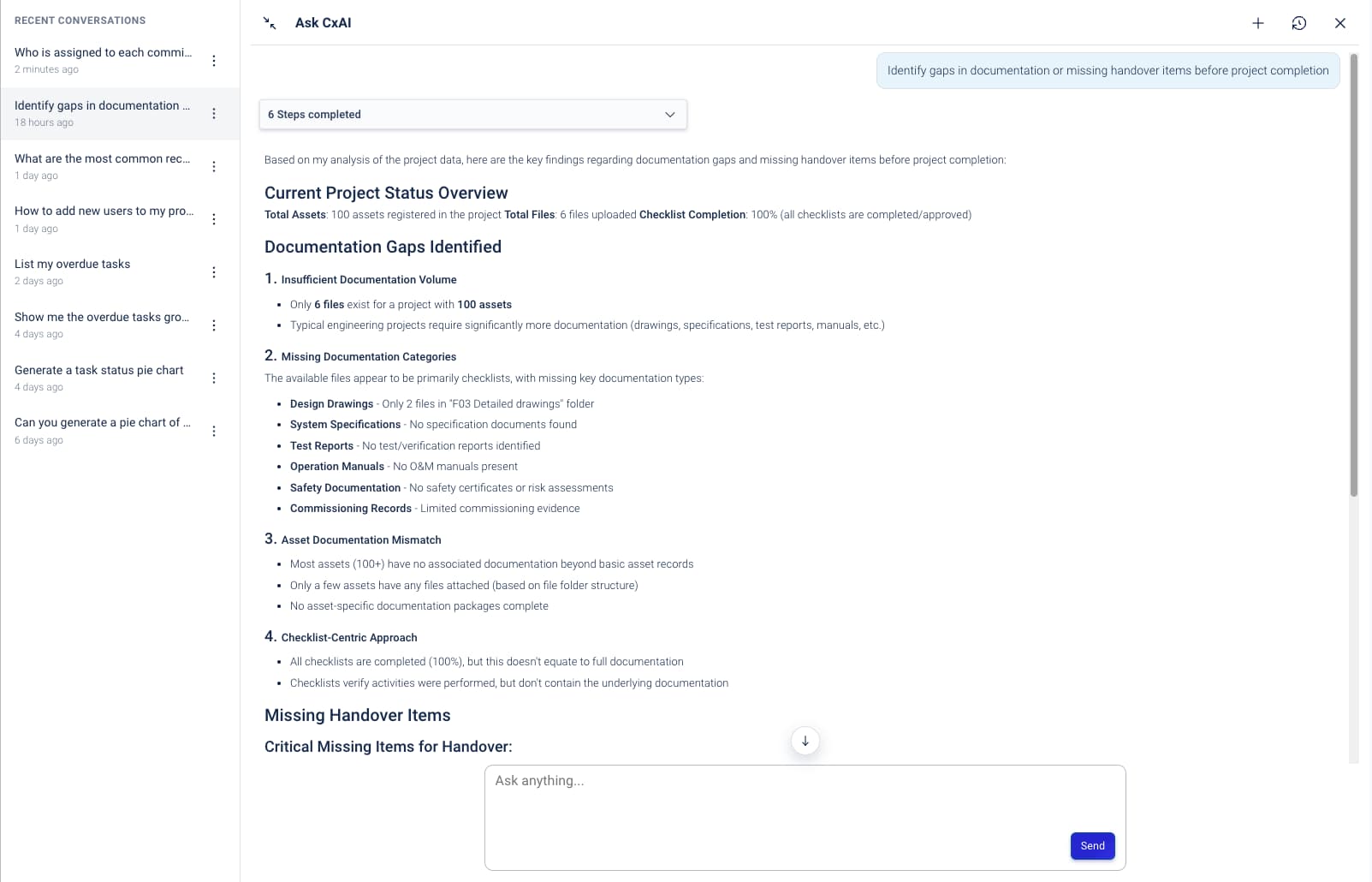
Turn project data into instant clarity
Ask CxAI to break down assigned tasks, surface open issues, or generate a bar chart from live project data.
- "Show me a breakdown of tasks assigned to my team"
- "List everything assigned to me"
- "Give me a quick summary of open issues"
Work in full screen when you need more space
Some questions need more room.
Expand Ask CxAI to full screen and work with a clearer view of your conversation, project data, charts, summaries, and follow-up actions.
Less cramped. Easier to review. Better for real work.
Pick up where you left off
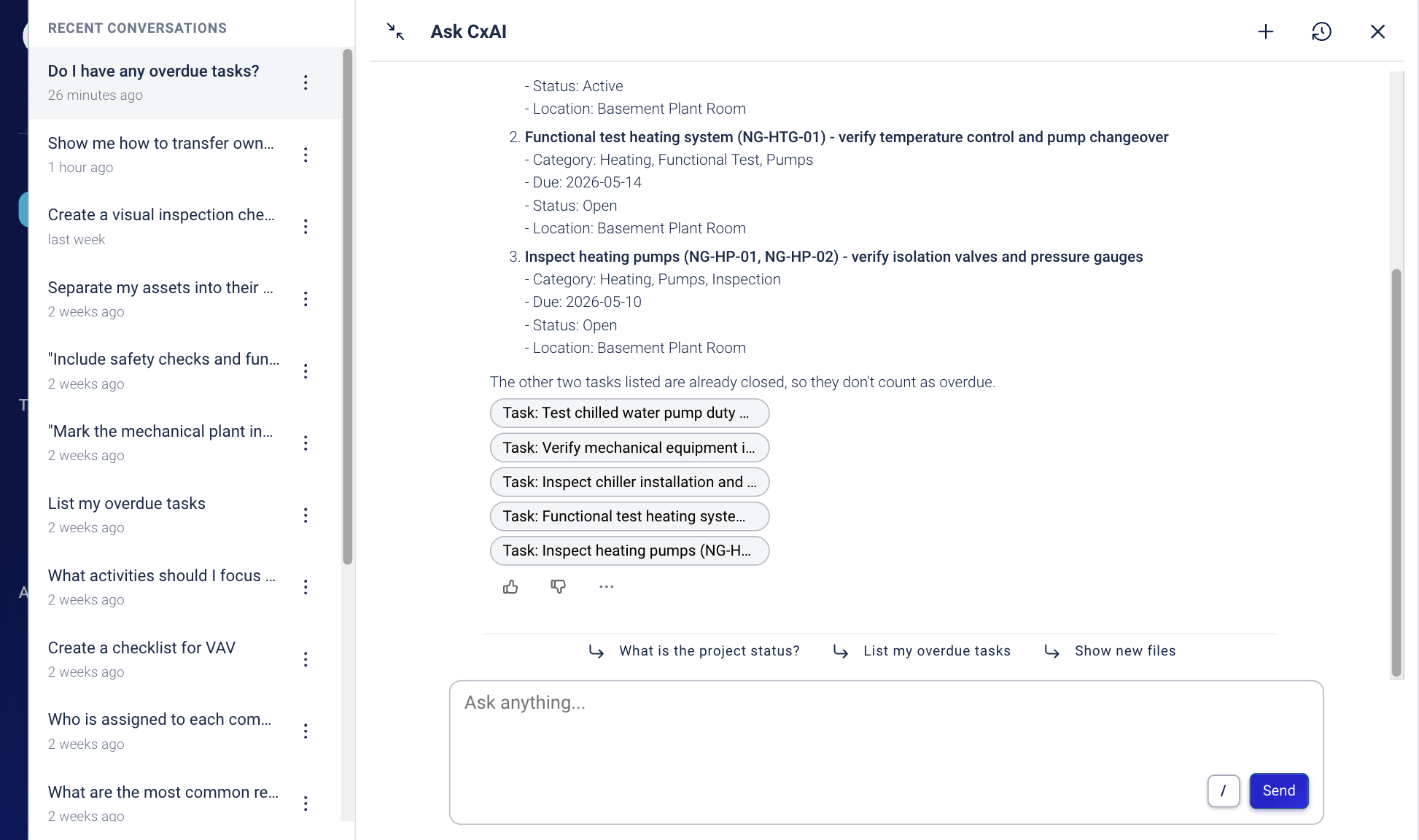
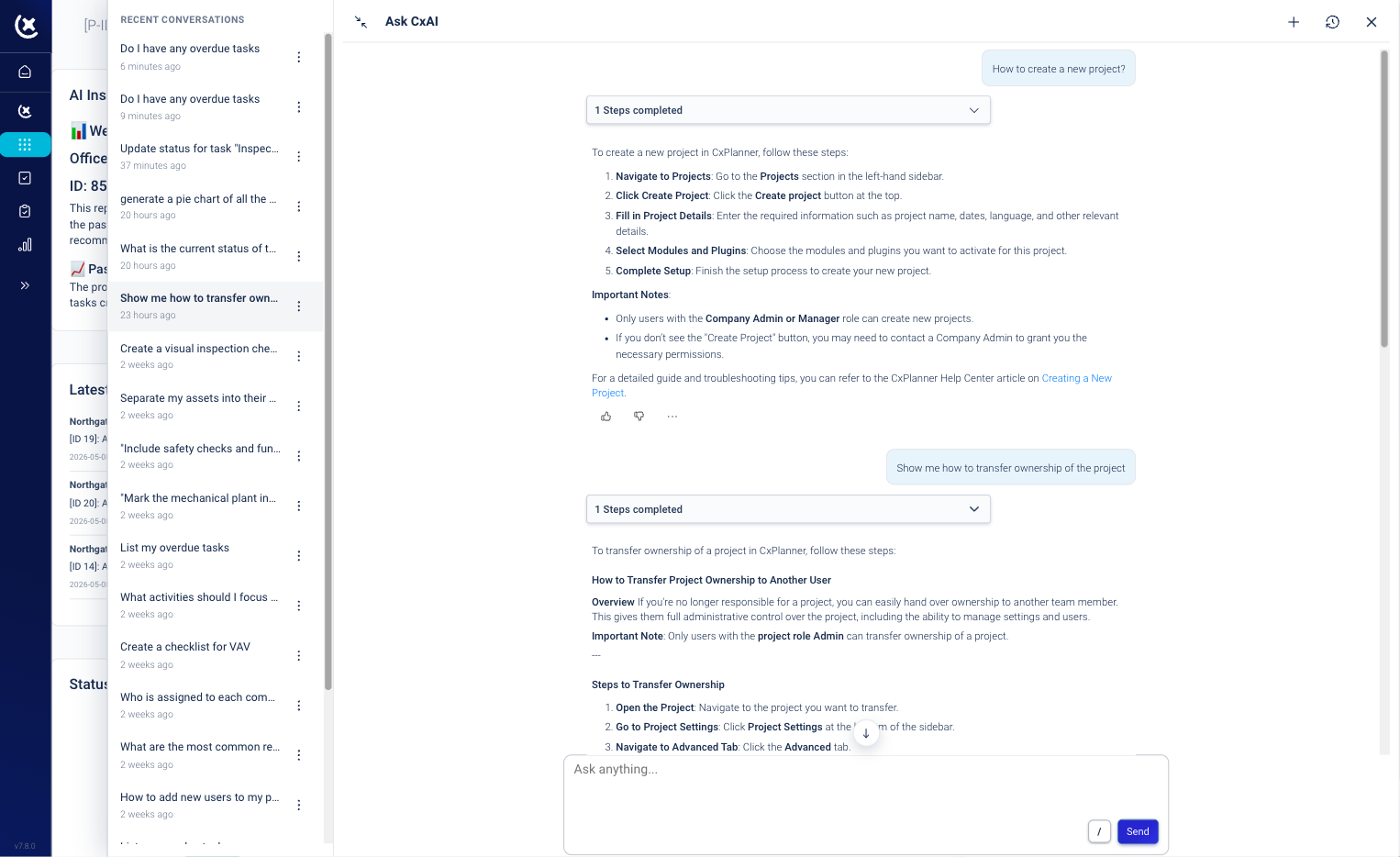
Ask CxAI keeps a history of your previous conversations.
Go back to earlier questions, revisit answers, and continue the same thread without starting over.
Useful when you are checking recurring issues, following up on assignments, or returning to a project after a meeting.
From question to action in one chat
Ask. Review. Act. That is the workflow.
Instead of searching across pages, exporting lists, and writing updates manually, your team works directly from the assistant.
That means faster decisions, faster follow-up, and a platform that helps you finish work - not create more of it.
Let the assistant handle the follow-up work
It is Friday afternoon. You have 200 open issues. You should not have to review every single one by hand.
Ask CxAI to run through them, identify what needs attention, and generate follow-up emails in seconds.
No more copy-paste. No more repetitive admin. Just faster next steps when time is tight.
See CxAI in action!
If you want to understand it - don’t read more. See it in action.
Curious to see CxPlanner in action?