Procore API integration - Operational readiness platform that fits your stack
Most owner organisations already have a stack: Procore, scheduling tools, CMMS, BI. You need a platform for operational readiness. You also need it to fit what you already use. CxPlanner connects to your stack instead of replacing it.
The Procore API integration your enterprise owners ask for first. The standards your maintenance teams need at handover. An open API for everything else.
Book a demo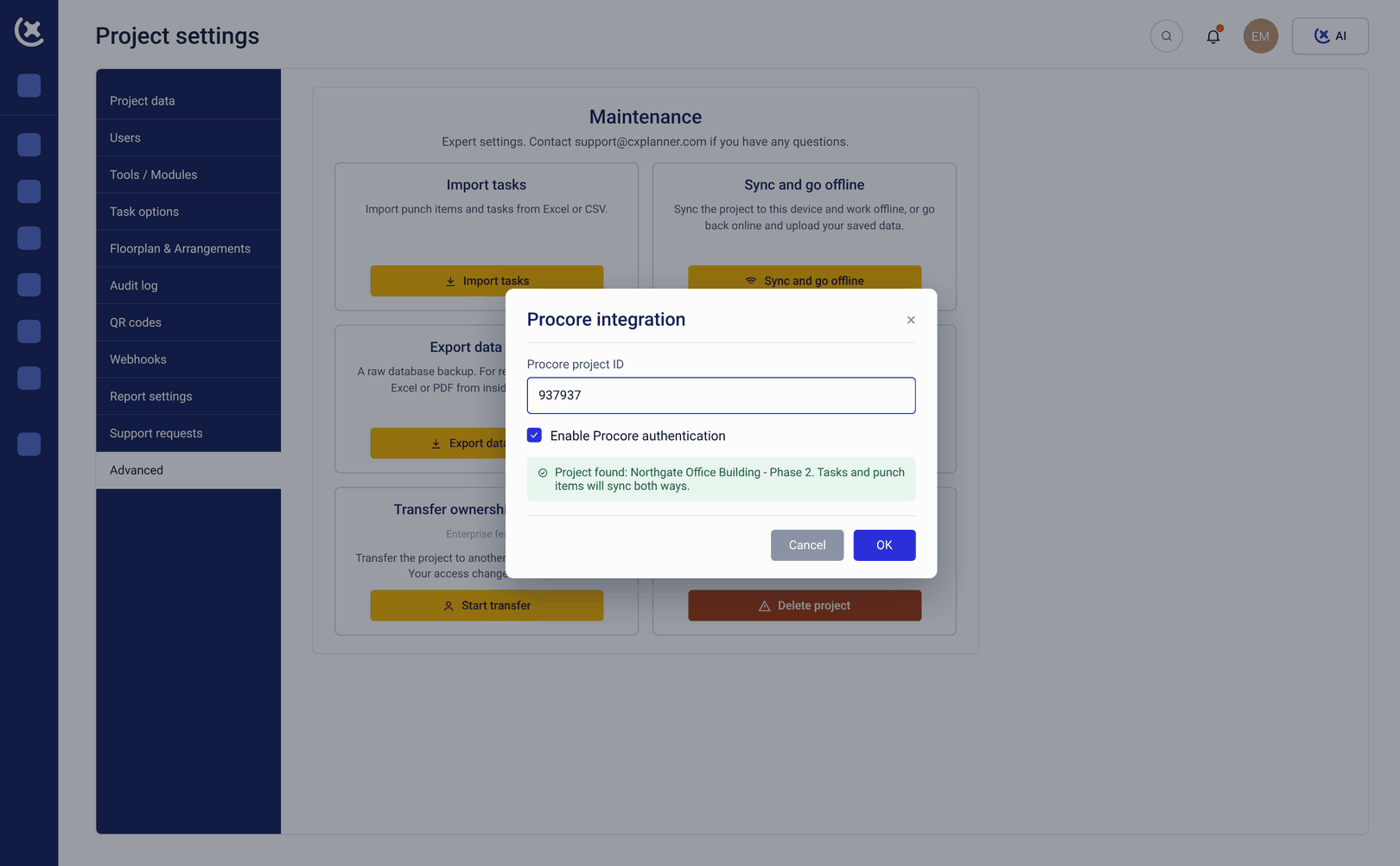
The OR programme generates data for 18 months. Most of it does not survive handover.
The tools owner organisations use before, during, and after a project were not built to talk to each other. The data gets built. The transfer is manual.
18 months of OR data. Day 1 in a blank CMMS.
The asset records, maintenance baselines, and spare parts data built throughout the OR programme sit in CxPlanner. The operator starts in a CMMS with nothing in it. Without a clean export path, the maintenance team re-enters by hand what the project already captured - duplicating weeks of work.
Procore and the OR programme never talk to each other.
Work packages slip in Procore. Readiness gates in CxPlanner do not reflect it until someone manually reconciles the two. Before every gate review, that reconciliation happens - inconsistently, under time pressure, and always after the window to act has closed.
Without the right integrations, every data transfer is manual.
OR data in CxPlanner. Asset records needed in Maximo. Gate status needed in Procore. Training records needed in the operator's HR system. Without a Procore API integration and standards-based exports, the programme closes and the transfer is manual - every time.
With Procore integration and an open API, CxPlanner fits into your existing stack
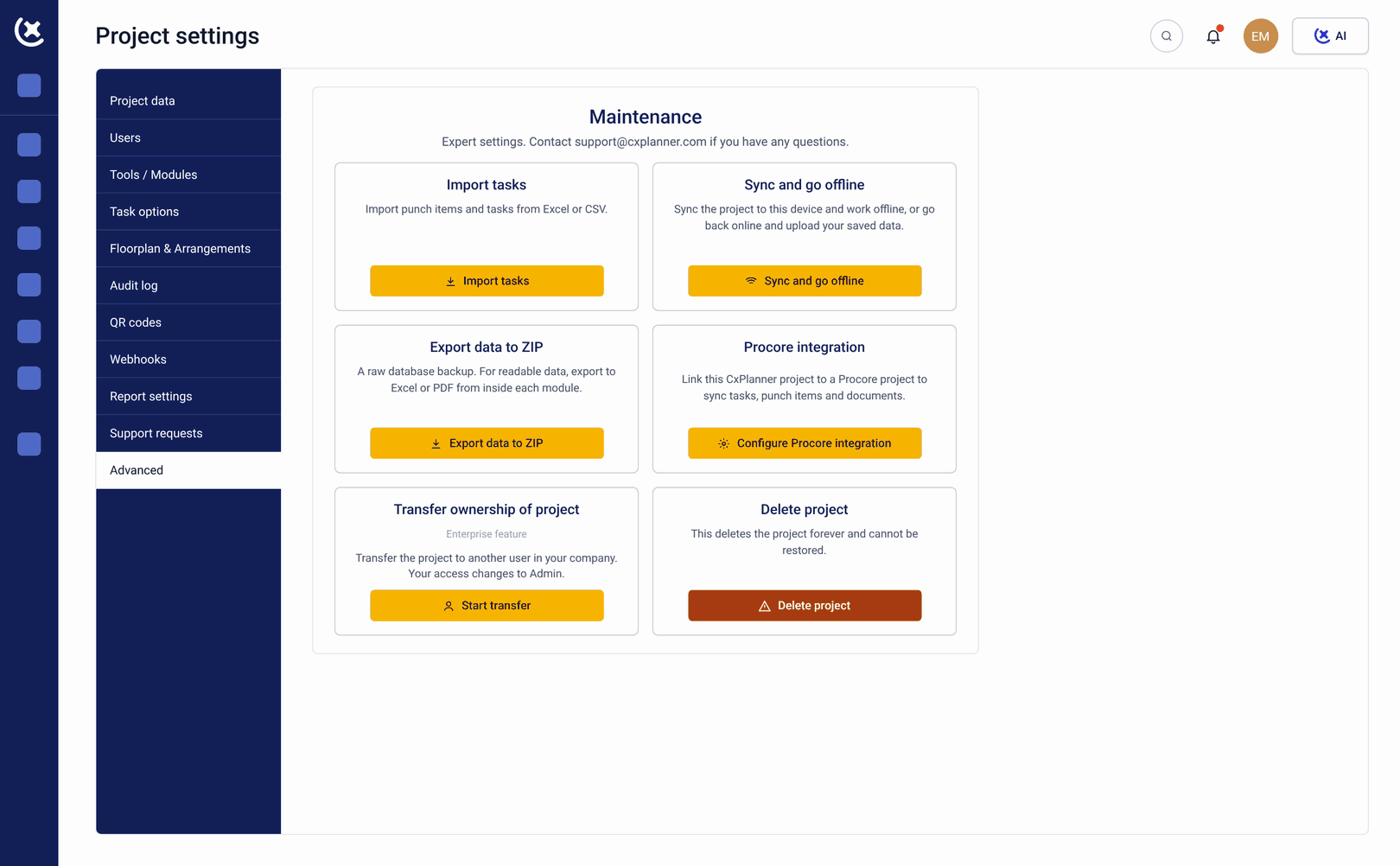
CxPlanner connects to the tools your organisation already uses without requiring anyone to change how they work. The Procore API integration is built first because it is the most-requested integration by enterprise owners. See the full operational readiness platform overview for how integrations fit the rest of the programme.
Here's how it works
Procore API integration
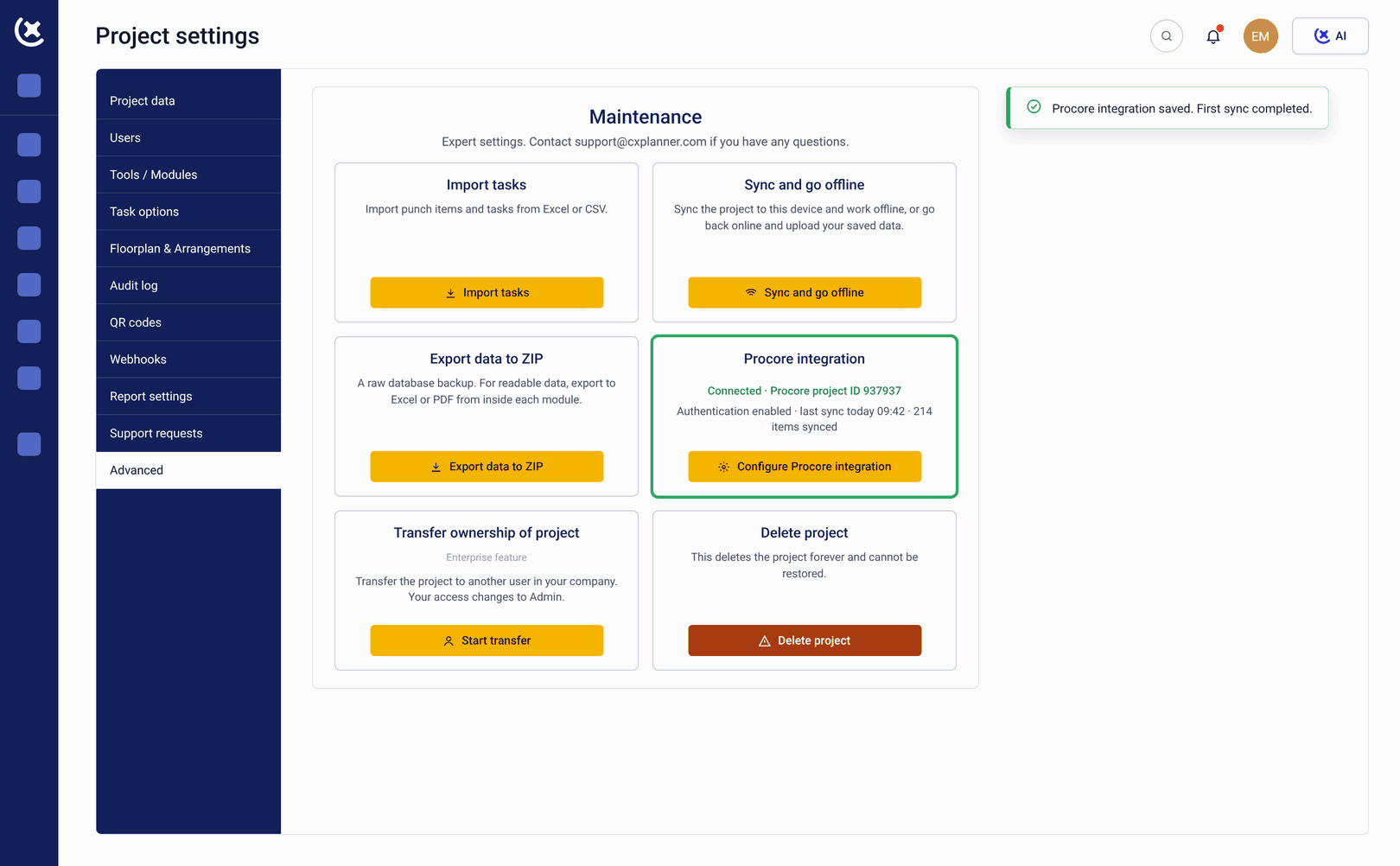
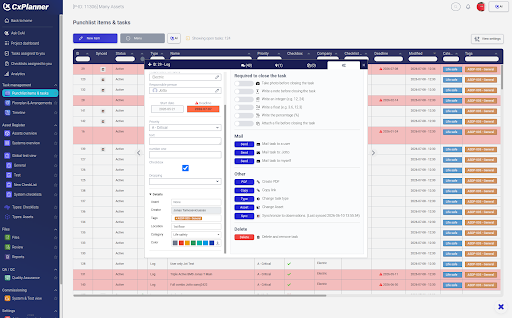
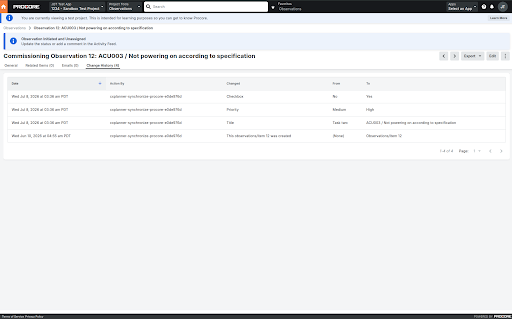
Work packages, tasks, and documents stay in sync between Procore and CxPlanner in real time. When scope slips in Procore, the readiness programme reflects it automatically.
Autodesk Construction Cloud
Two-way sync keeps ACC and CxPlanner aligned through commissioning and handover.
ISO 14224-aligned export
Asset records transfer into Maximo, SAP, or Infor at handover without custom mapping.
Open API
Build any integration your team needs.
How CxPlanner covers integrations and system connectivity
Every connection your OR programme needs, without asking your team to change tools.
Two-way sync for work packages, tasks, and documents
Two-way sync for work packages, tasks, and documents between Procore and CxPlanner. When scope moves in Procore, the OR programme reflects it. When a gate closes in CxPlanner, it is visible in the GC's Procore workflow. Built first because enterprise owners asked for it first.
ACC and CxPlanner aligned through commissioning and handover
Two-way sync to keep ACC and CxPlanner aligned through commissioning and handover. Owner organisations running programmes across Autodesk and CxPlanner stop updating two systems separately.
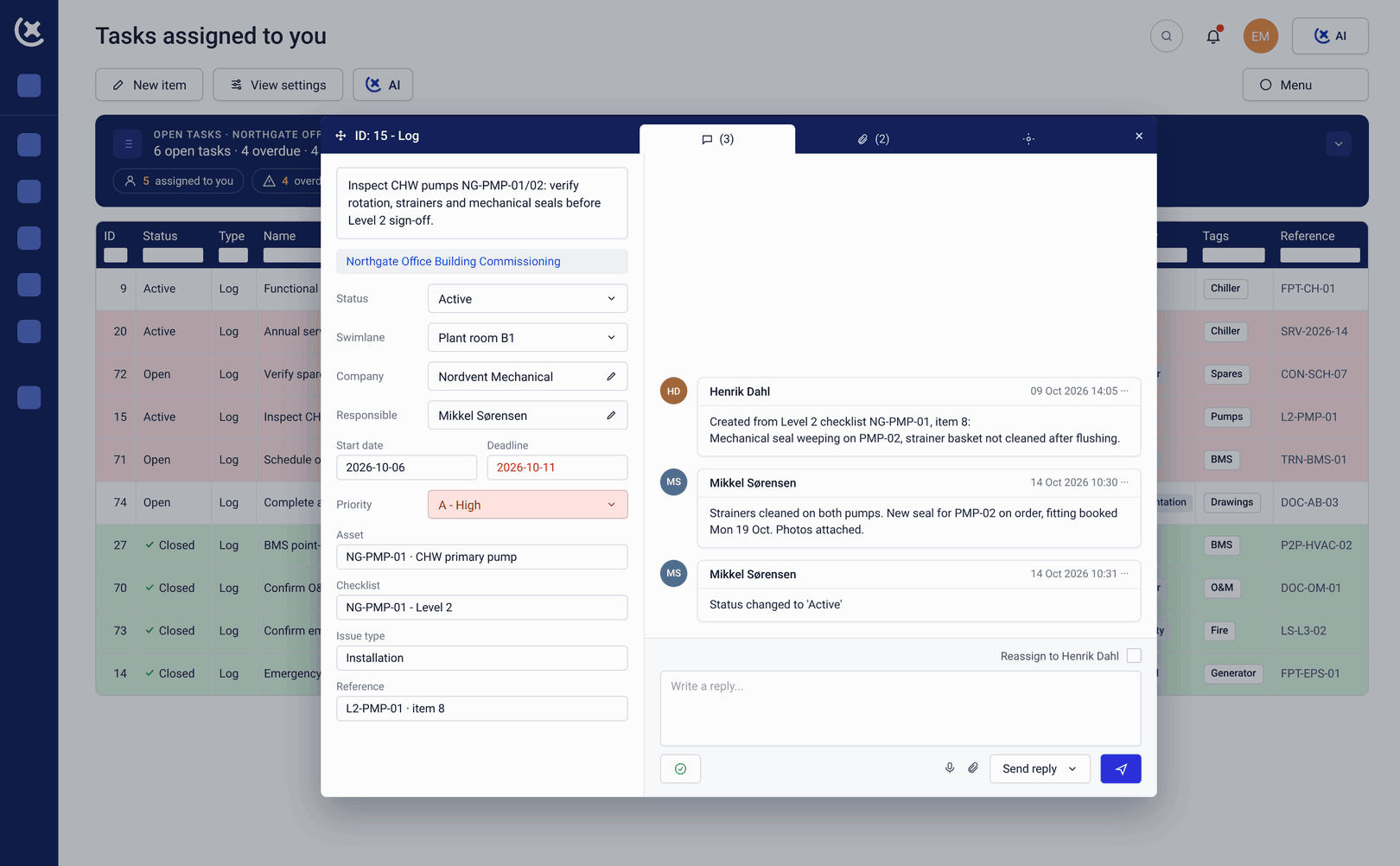
Build any integration the team needs
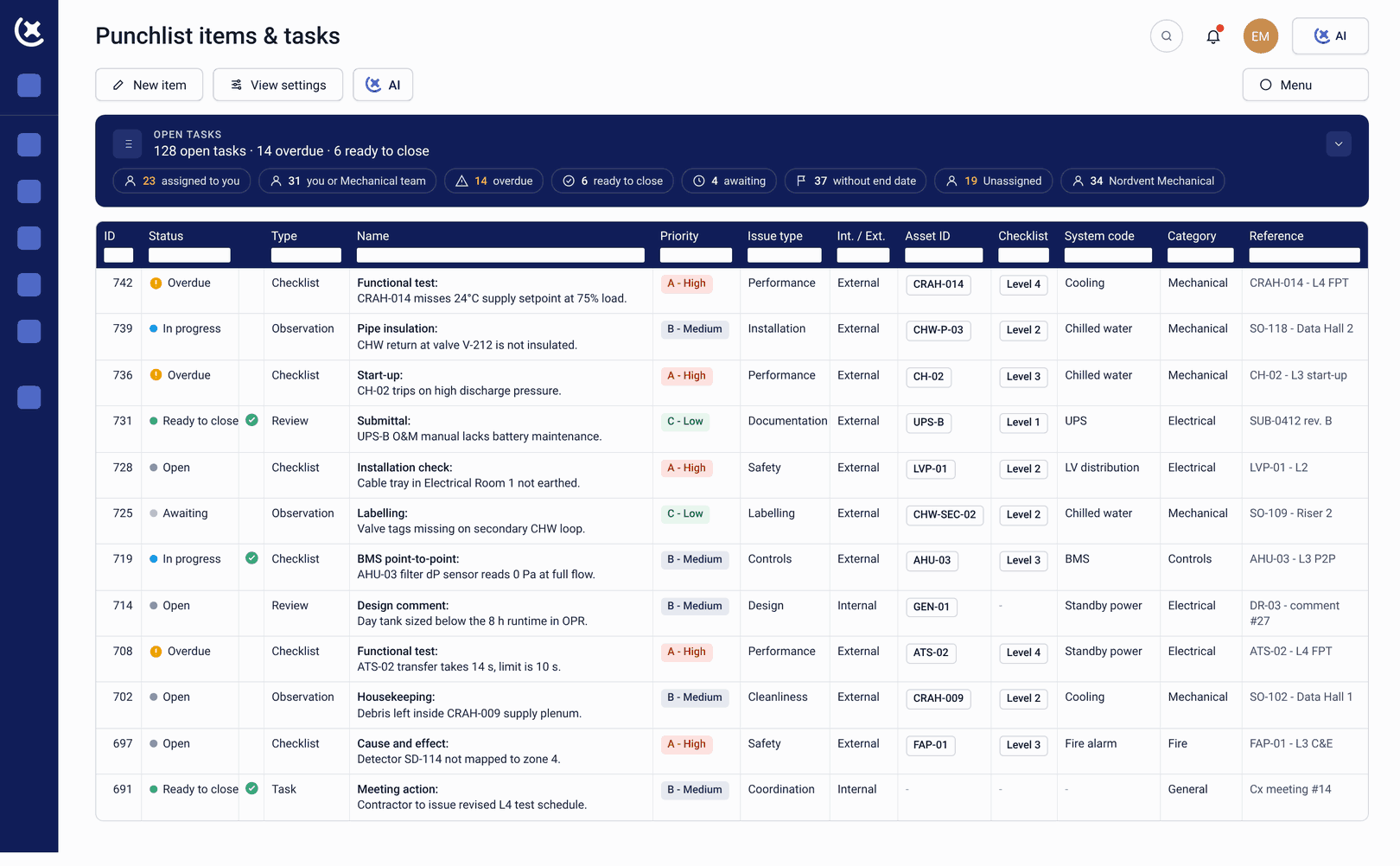
Build any integration the team needs - schedule tools, ERPs, BI dashboards, custom workflows. Enterprise connectors for specific CMMS systems available for enterprise contracts.
Structured export for CAFM and CMMS
Industry-standard export format for reliability and maintenance data. Output ready for Maximo, SAP, and Infor without custom mapping. The maintenance team inherits structured asset data at handover - not a 40 GB folder to re-enter.
Connect any LLM to your OR programme data
CxPlanner exposes an MCP server via the Model Context Protocol standard. Connect Claude, OpenAI, Gemini, or any LLM to OR programme data. Webhooks available for event-driven workflows. Build custom AI on top of the readiness data you already have.
What is coming
More project management integrations on the roadmap. CMMS-specific connectors for Maximo, SAP Plant Maintenance, and Infor EAM for enterprise customers. Do not see your tool? Talk to us - enterprise integrations are part of the roadmap.
What changes when the OR programme connects to your existing stack
The CMMS is populated at Day 1
Asset records, maintenance baselines, and spare parts data transfer from CxPlanner into the CMMS via ISO 14224-aligned export at handover. The maintenance team starts with structured data. The weeks typically spent re-entering project data into operational systems are recovered.
Procore and the OR programme stay in sync without manual reconciliation.
The Procore API integration keeps work packages, tasks, and documents aligned in real time. Before gate reviews, both systems already reflect the same state. The reconciliation overhead disappears.
IT and procurement get the answers they need before they ask.
"Can we get data out?" - yes, via ISO 14224-aligned export and open API. "Can you talk to Procore?" - yes, via Procore API integration launching imminently. The questions that block operational readiness procurement have documented answers.
See how CxPlanner fits your existing stack with Procore API integration
If your operator currently re-enters project data after handover, or your Procore programme and Operational readiness platform stay out of sync, book a walkthrough. We will show you how the Procore API integration and export standards work in CxPlanner.
Book a demoTalk to us about your stackCommon questions about CxPlanner and Procore API integrations
Which integrations are live today?
Open API is live today. ISO 14224-aligned export for CAFM and CMMS systems is live. MCP server for bring-your-own-AI is live. Procore API integration is launching imminently. Autodesk Construction Cloud is launching soon.
How does the Procore API integration work?
Two-way sync for work packages, tasks, and documents between Procore and CxPlanner. When scope moves in Procore, the OR programme reflects it automatically. When a readiness gate closes in CxPlanner, it is visible in the GC's Procore workflow. No manual reconciliation before gate reviews.
Can CxPlanner export asset data to Maximo or SAP?
Yes, via ISO 14224-aligned export. The output format is ready for Maximo, SAP, and Infor without custom mapping. For enterprise contracts requiring direct CMMS connectors, these are available as part of the enterprise offering.
What is the MCP server for?
CxPlanner exposes an MCP server via the Model Context Protocol standard. Connect Claude, OpenAI, Gemini, or any LLM to OR programme data - so teams can query readiness status, generate reports, and build custom AI workflows using the tools they already use.
We use a tool that is not on the list. Can CxPlanner connect to it?
Probably yes, via the open API - live today. Build any integration your team needs. Enterprise CMMS connectors for specific systems are part of the roadmap. Talk to us about your stack - enterprise integrations are scoped per customer requirement.