One QR code.
See everything.
Report anything.
From commissioning execution to operations, CxPlanner QR codes give your team instant access to asset data, checklists, and issue reporting - on any phone.
See how it works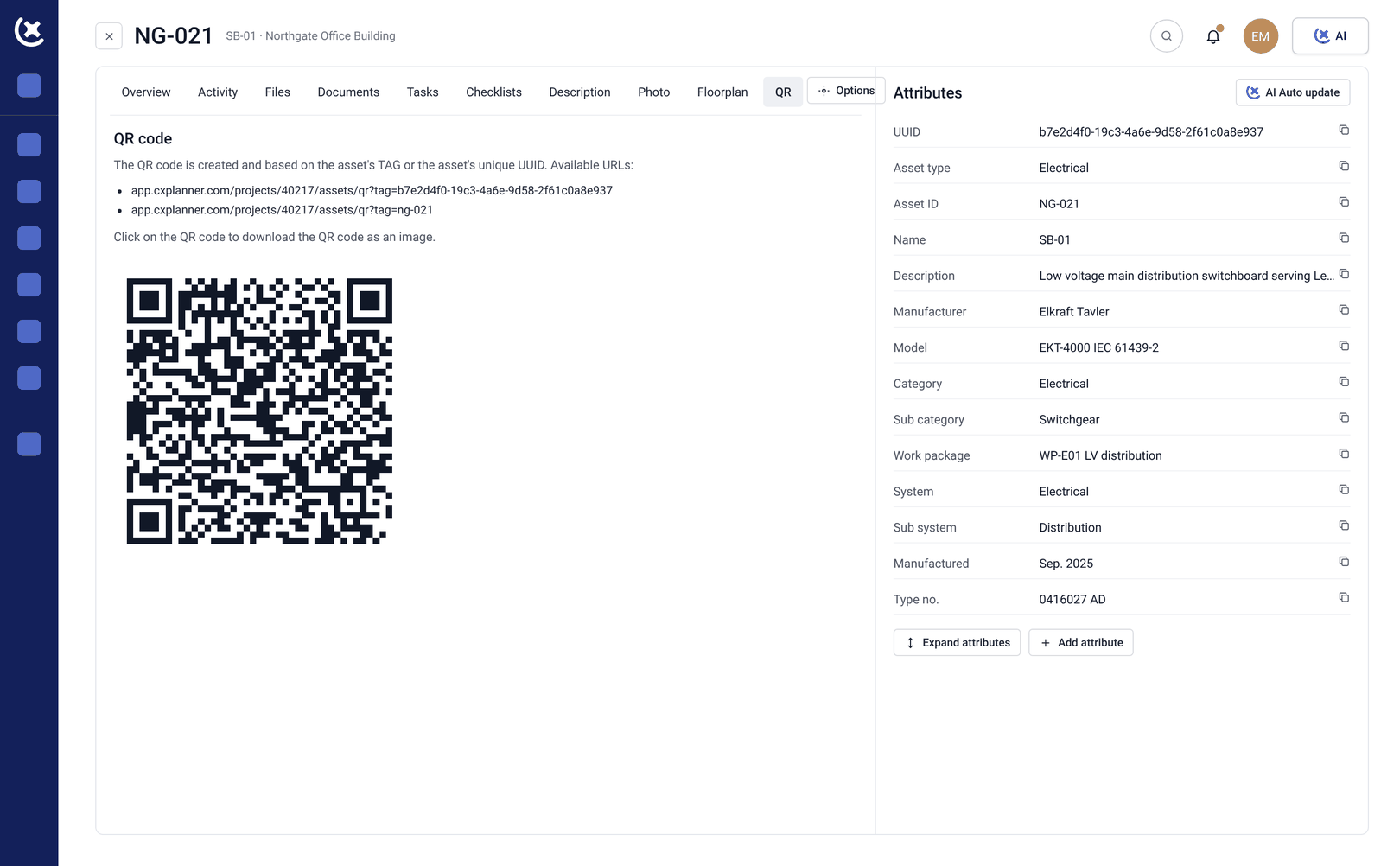

Stop chasing documents.
Start scanning.
One scan, full picture
Checklist progress, open issues, approvals, and full asset data - right there when you point your phone at it.
Works for everyone on site
No CxPlanner account needed to scan. No training. Any phone, any browser.
Always the latest data
No printouts to chase, no version confusion. The QR code always points to live information.

Construction execution
Built for the site, not the office
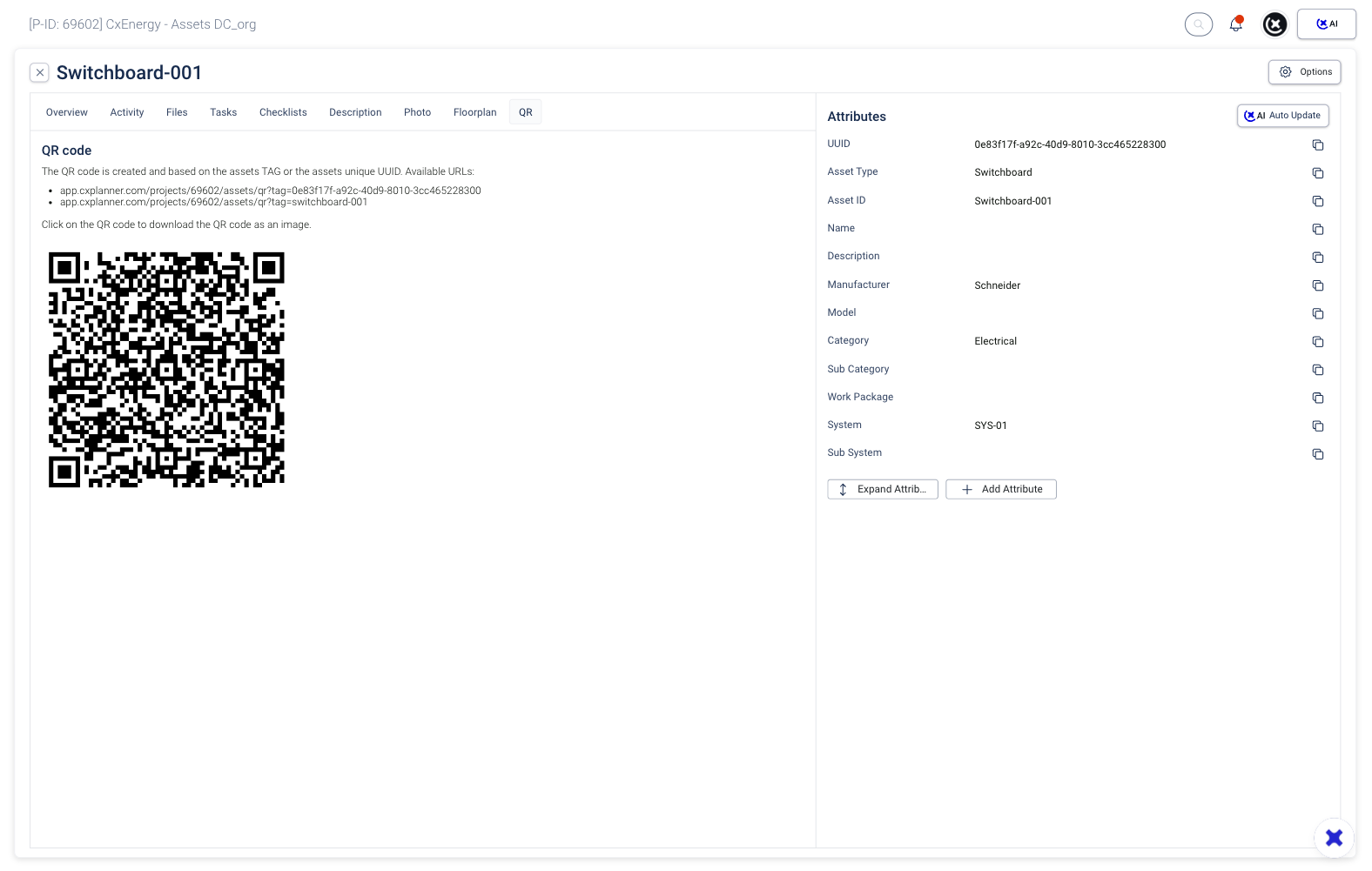
Attach QR code asset tags to any piece of equipment and contractors can pull up its commissioning checklists, documentation, and issue log on the spot.
No log-in. No searching. Useful on the first day and just as useful six months in.
Print QR codes in bulk and export them in one go - ready to label a full floor, a mechanical room, or an entire building before your team arrives.
From site to system
Every scan connects on-site work directly to your project.
Nothing gets lost at handover - data follows the asset automatically.

Operations and maintenance
Handover isn't the finish line
A maintenance technician can scan the pump, pull up the commissioning handover documentation, and know exactly what was tested, what was found, and when. No calls to the Cx team. No digging through folders.

Site Reporter
Anyone on site can report a problem
Print a QR code and stick it on a door, a wall, or a piece of equipment. Anyone who scans it - with or without a CxPlanner account - can submit a construction site issue report directly into your project.
You control the form. Set the welcome message, define required fields, assign issues automatically, and configure deadlines from the moment a report comes in. Issues land in CxPlanner, assigned and ready to act on.
No email chains. No sticky notes. No issues that fall through the cracks between the person who spotted it and the person responsible for fixing it.
"I built CxPlanner to help Cx professionals work faster, with tools that actually hold up in the field."
- Thomas T. Jarloev
Founder & CEO of CxPlanner, QCxP, CxM, CxA
15+ years in commissioning · CxAP · CxM · QCxP · First in the EU to hold both CxM and CxAP · Author of commissioning books + guidelines
Curious to see CxPlanner in action?
Book a demo with Thomas